


Creating a Wedding Website
In this article
- Choose a Wedding Template
- Personalize Your Site
- Add Your Event Details
- Link to Your Gift Registries
- Get Your Own Wedding Domain
- Invite Your Guests
- After the Wedding
- Additional Features
With Wix, you can easily create a stunning website for your big day! We have all the tools you need to make your special day last a lifetime. Follow our guide below to get started.
Choose a Wedding Template
We have tons of
wedding website templates for you to choose from. Pick your favorite and start customizing.

Personalize Your Site
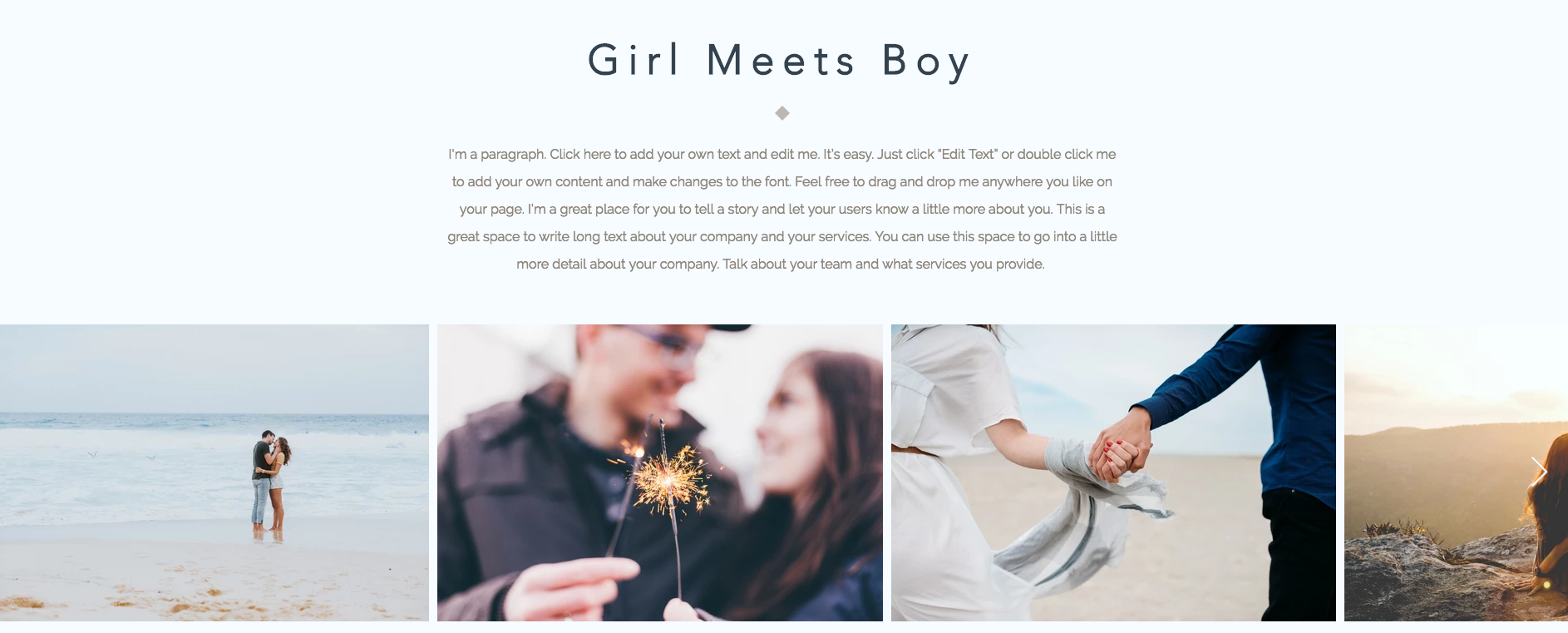
Share your love story with your guests. A great idea is to have a section on your site about you and your other half. Tell the story of how you met and the unique interests you share as a couple.
Give guests a peek into some of the special moments you’ve shared throughout your relationship. Its a lovely idea to add photos and videos of your favorite memories in a stunning multimedia gallery.
Give guests a peek into some of the special moments you’ve shared throughout your relationship. Its a lovely idea to add photos and videos of your favorite memories in a stunning multimedia gallery.
Add Your Event Details
Let everyone know when and where your celebration is going to be by adding your wedding details and a
map with your venue’s location.
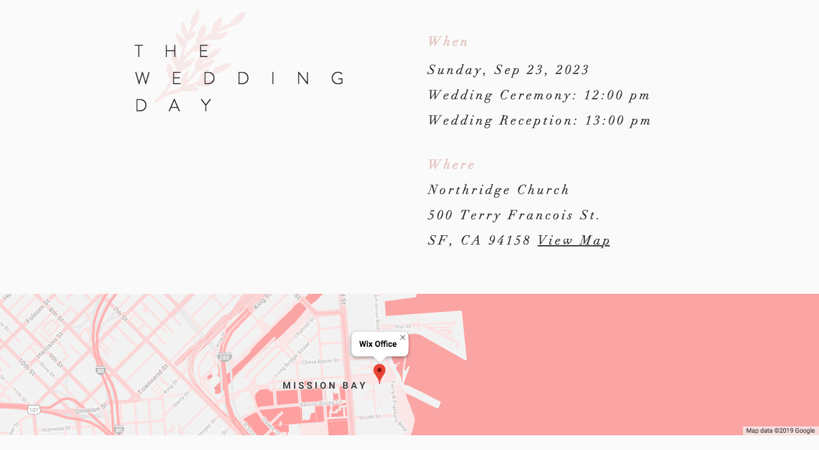
Help your visiting guests find the venue and accommodations by giving them the travel details. You can also share contact information for local hotels, and recommend transportation options.
Link to Your Gift Registries
Add buttons to your wedding website that direct guests to your gift registries so that they can buy you the perfect presents for your big day.
Learn How

Get Your Own Wedding Domain
When your site is ready, personalize it with a
custom domain that guests can use to easily find your website online. For example, use your first names like kevin-alice.com.

To get your own domain you must
purchase a Premium Plan.
Invite Your Guests
With
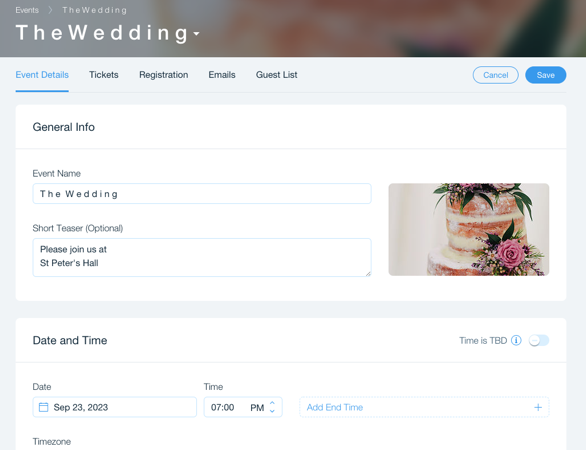
Wix Events, you can send out beautiful invitations, and easily track and
manage your online guest list. Receive automatic email notifications for all of your RSVPs and let your friends and family add plus-ones and pick their meal choices so you can prepare ahead of time.
Use
password protection on your site to keep your personal information and wedding details private. Create a unique password and share it with friends and family so only they can see your website.
After the Wedding
With Wix you can keep all of your photos in one place. After the wedding you can
add a gallery to upload all of your photos and share them with your loved ones so that they have lasting memories.

You can also send out personal thank you emails with
Wix Email Marketing to let your guests know how much you appreciated celebrating with them!
Additional Features
Here are some ideas for other awesome features you can add to your wedding website:
- Add a countdown timer to your site to build anticipation for your special day.
- Design your own logo with Wix Logo Maker that captures your personality as a couple. You can use the logo all of your printed materials such as invitations, table plan and thank you cards.
- Add your wedding playlist to set the vibe for your wedding celebration.
- Add a custom calendar showing the dates of your bachelor/bachelorette parties, wedding shower, rehearsal dinner and wedding.
- Create a wedding day hashtag everyone can use to tag photos during your event. For example, you can create one like #CartersSayIDo and share the Instagram stream of everyone’s photos on your site.
Want to know more?
