Wix Media: Uploading Media
8 min
In this article
- Uploading your media
- FAQs
Upload your own media files to the Media Manager to use across your site whenever you need them. You can upload images, videos, vector art, fonts, and more directly from your computer, other sites in your Wix account, your social media accounts, or by pasting a URL.
Which media file types and sizes are supported?
Your Wix site supports a variety of media file types and sizes. Learn more about the file types you can upload
Uploading your media
Upload your media to your site from a variety of locations via the Media Manager.
Wix Editor
Studio Editor
Harmony Editor
- Go to the editor.
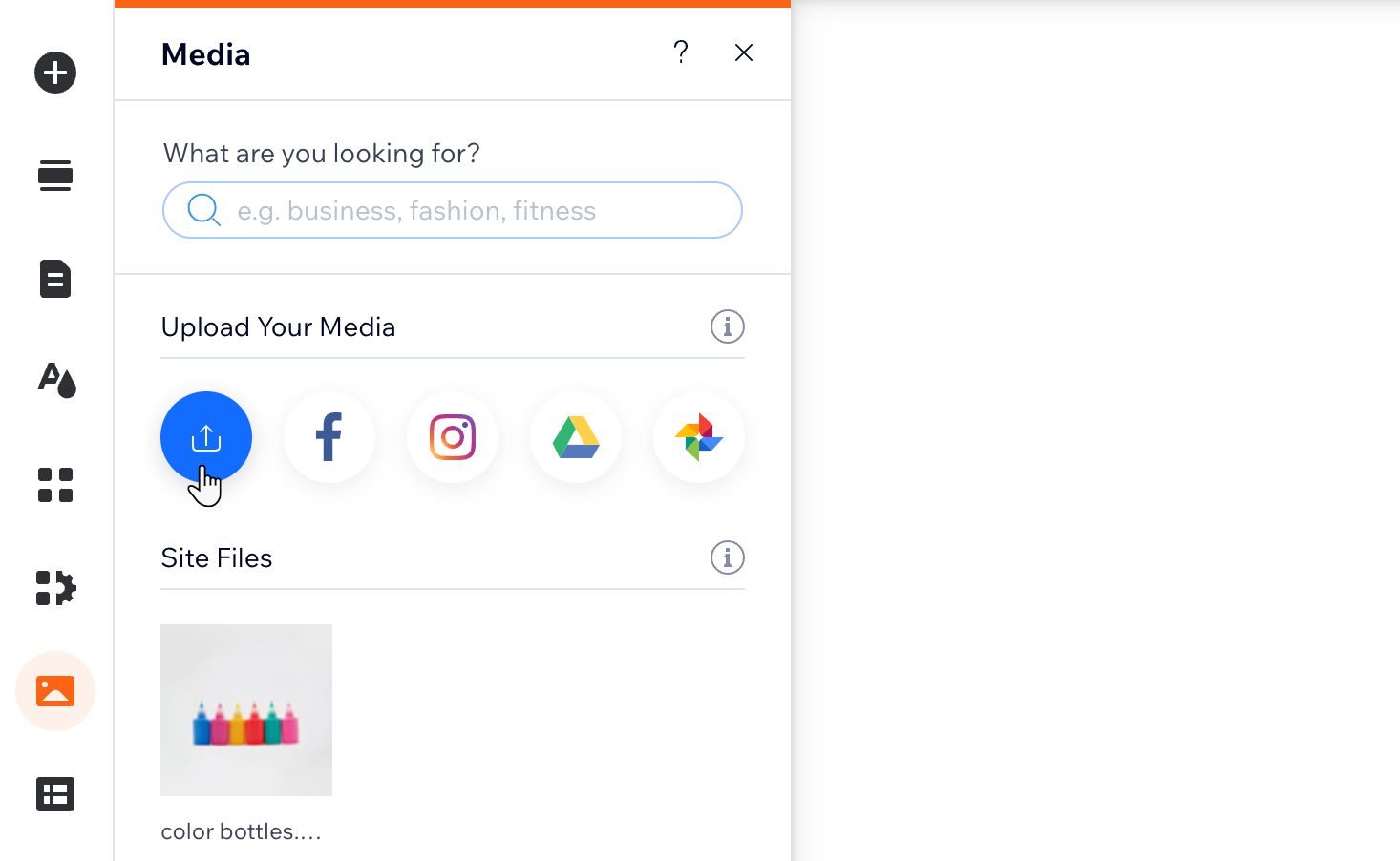
- Click Media
 on the left side of the editor.
 - Click the Upload Media icon
 .
.
- Drag and drop your files or choose an option on the left to upload media.
Your computer
Your other Wix sites
Social networks
A URL
 on the left side.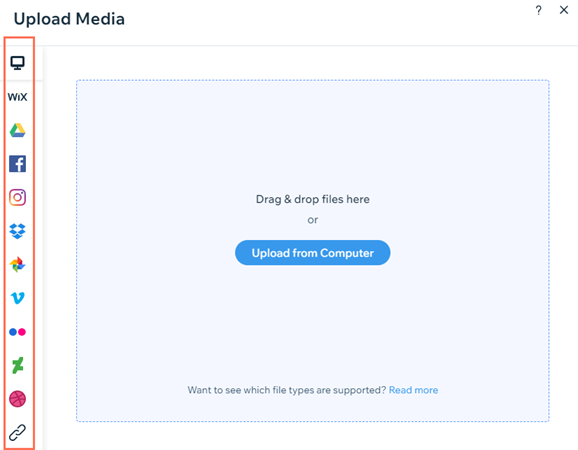
Tip:
Upload your own fonts so that you can use them in text elements and anywhere else you can choose a font (buttons, contact forms, menu, etc).
FAQs
Click a question below to learn more about uploading to the Media Manager:
Can I upload an SVG file created from the Wix Logo Maker?
Will my upload be interrupted if I close the Media Manager?
Where does the media I upload to the Wix app go?
How can I tell how much storage space I have left?
I don't have a Premium plan. Is there a limit on the length of videos I can upload?
Which Google Drive files can I import to the Media Manager?
Can I import Instagram Live videos?
Can I import posts with multiple images from Instagram?
Can I connect my Media Manager to a Business Facebook account?
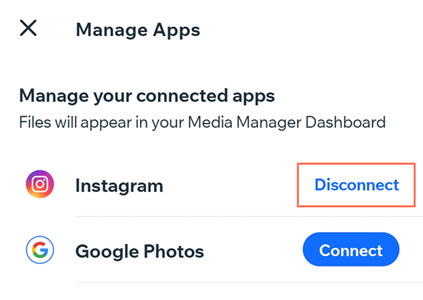
How do I disconnect a social media account?

 at the bottom.
 at the top right.