Wix Stores: About Your Basic Site Info
3 min
To make sure all aspects of your store are working smoothly, you need to fill in your site settings. This includes information such as your site's name, language, and region.
Show me how to access my site settings

Add your website settings
From
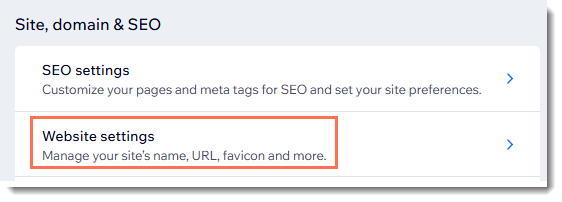
Website settings, you can enter basic information such as your site name. This is the name that appears in your site's dashboard, the My Sites page, and in search results.
Tip:
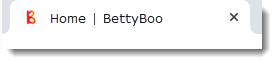
To give your site a more professional look, make sure you upload a 16 x 16 pixel
favicon - the symbol that appears on browser tabs.
Enter your business info
In the
Business Info section, you can enter your business details, including your location and contact information. If your business has multiple locations, you can add them all here. Additionally, if you use
Wix POS Register, you can
manage inventory separately for each location.
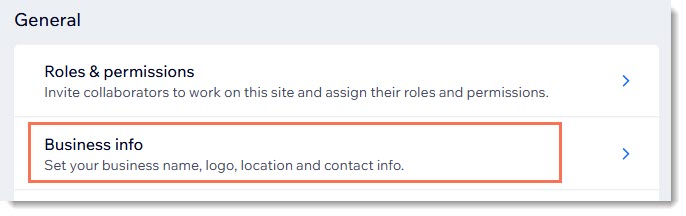
While much of the business info is important for your site in general, some has a direct impact on your store. For example, if you upload a logo, it can be displayed at the top of your Checkout page instead of your site name. The recommended logo image ratio is 1:1.
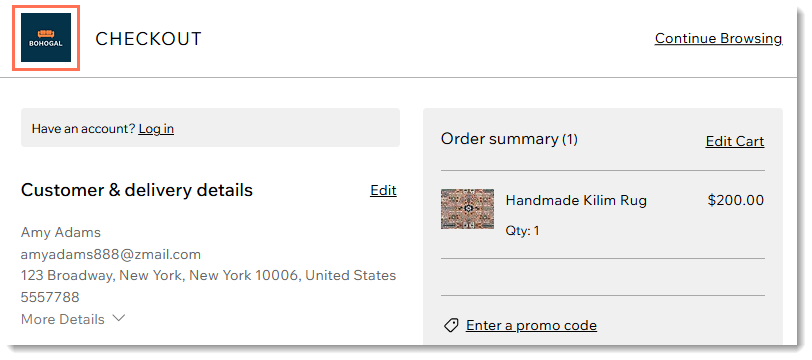
In addition, the email address you enter here is the one that notifications are sent to when you make a sale.
Learn more about:
Purchase or connect a domain
From
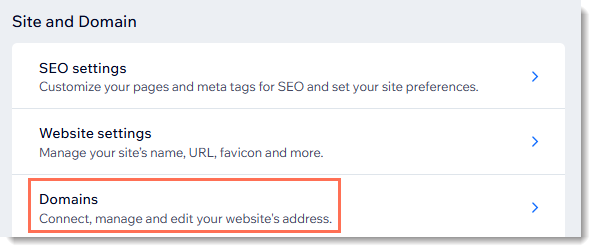
Domains, you can manage your site domain which is an important part of building a professional brand. You can either purchase a new domain or connect one you already own.
Learn more about
purchasing or
connecting a domain.
Set up your language & region
From
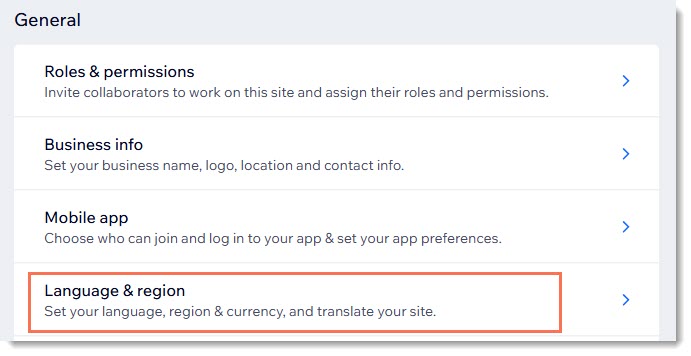
Language & region, you can choose the language your customers see, your store's currency, as well as how dates, numbers, and measurements (metric or imperial) are displayed.
Learn more about
updating your language & region settings.
Tip:
Your site language (the language customers see) can be different from your account language (the language of your dashboard, editor and Wix communications).
Assign roles & permissions
If you have other people working on your site, go to
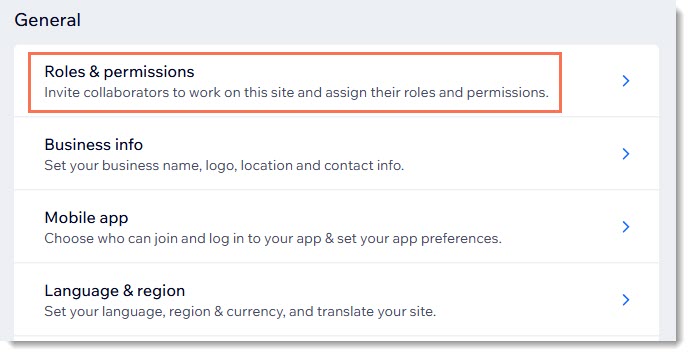
Roles & permissions to give them permission to access certain site data. You have control over what parts of your site they have access to. Possible roles include:
- Admin (Co-Owner): Gives access to almost all parts of your site.
- Store Manager: Gives access to all parts of your store.
- Custom role: Create your own role with the specific permissions you want to allow.
Learn more about
assigning roles and permissions.