Wix Site Members: Adding and Managing the Member Authentication App
- Adding the Member Authentication app
- Managing the Member Authentication app
- Deleting the Member Authentication app
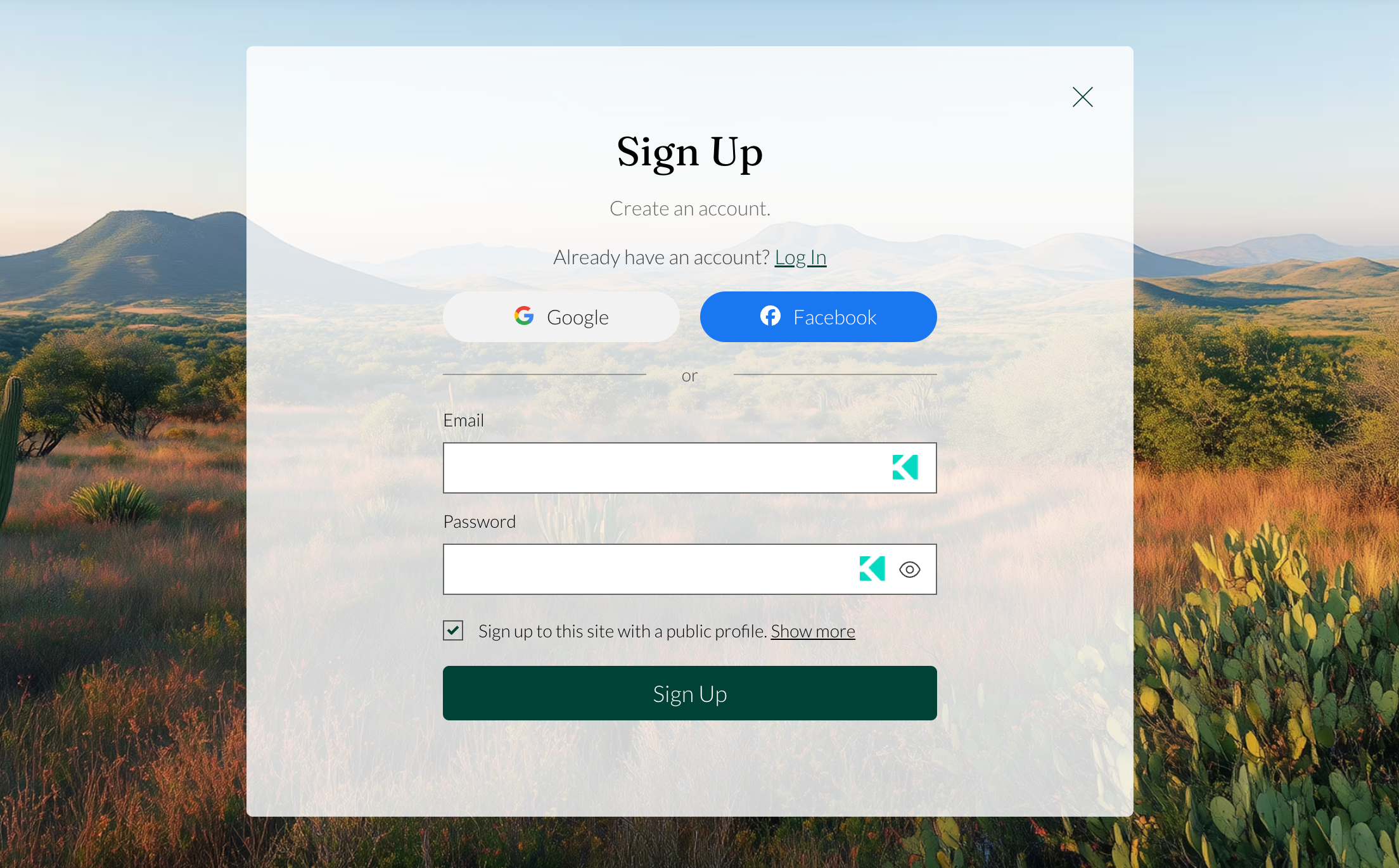
The signup and login forms are part of the Member Authentication app. Add the app to your site to upgrade your member experience, then customize each form to match your design and control what members see.
This article refers to the new version of the member signup and login forms.
Adding the Member Authentication app
If your Wix editor or Studio site uses the old experience (default or custom signup and login forms), you can add the Member Authentication app to access new customizable member screens, including the reset password and access-restricted popups.
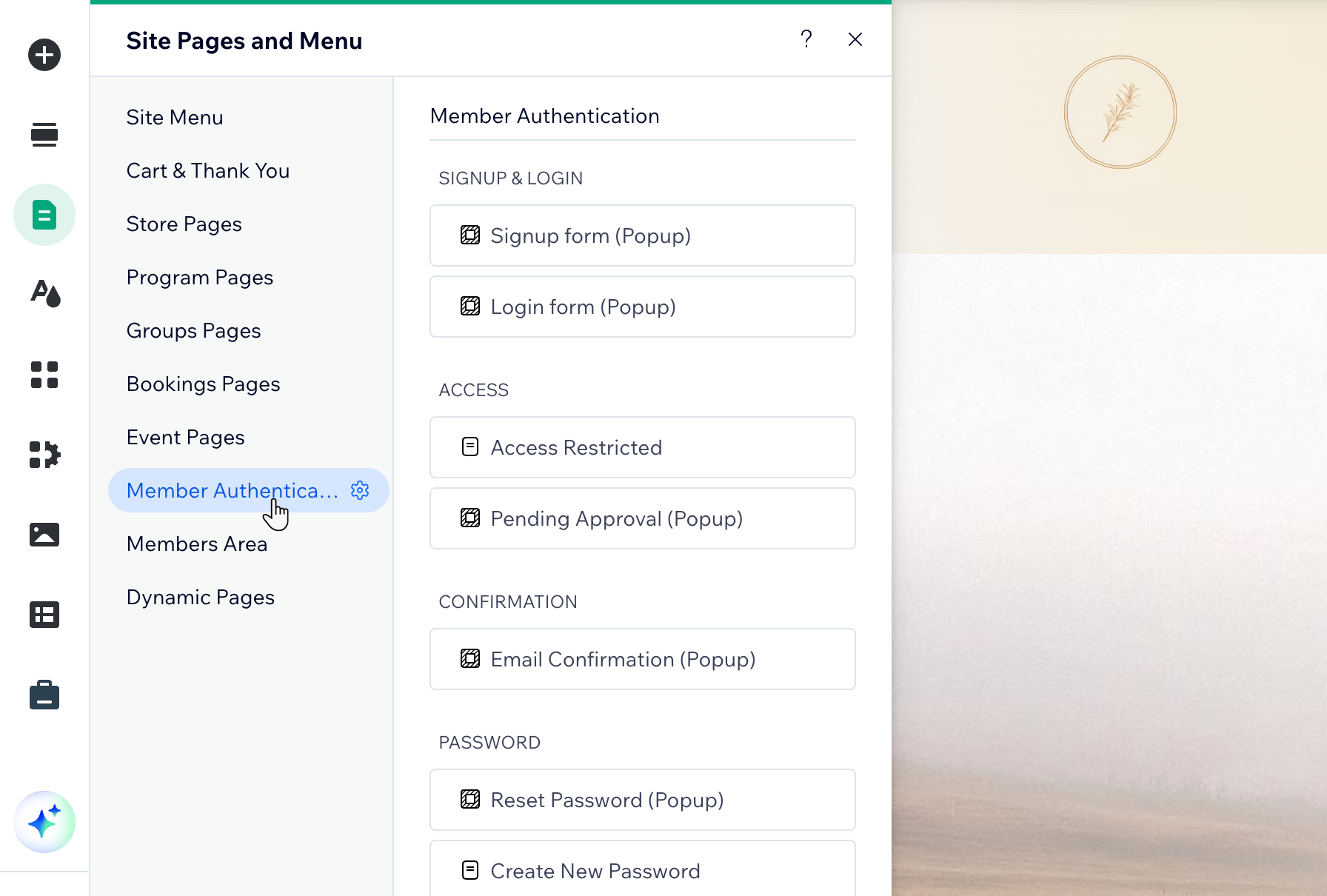
The Member Authentication app includes these screens: Signup form, Login form, Access Restricted, Pending Approval, Email Confirmation, Reset Password, Create New Password, Expired Reset Link.
Choose what you want to do next:
 .
.Managing the Member Authentication app
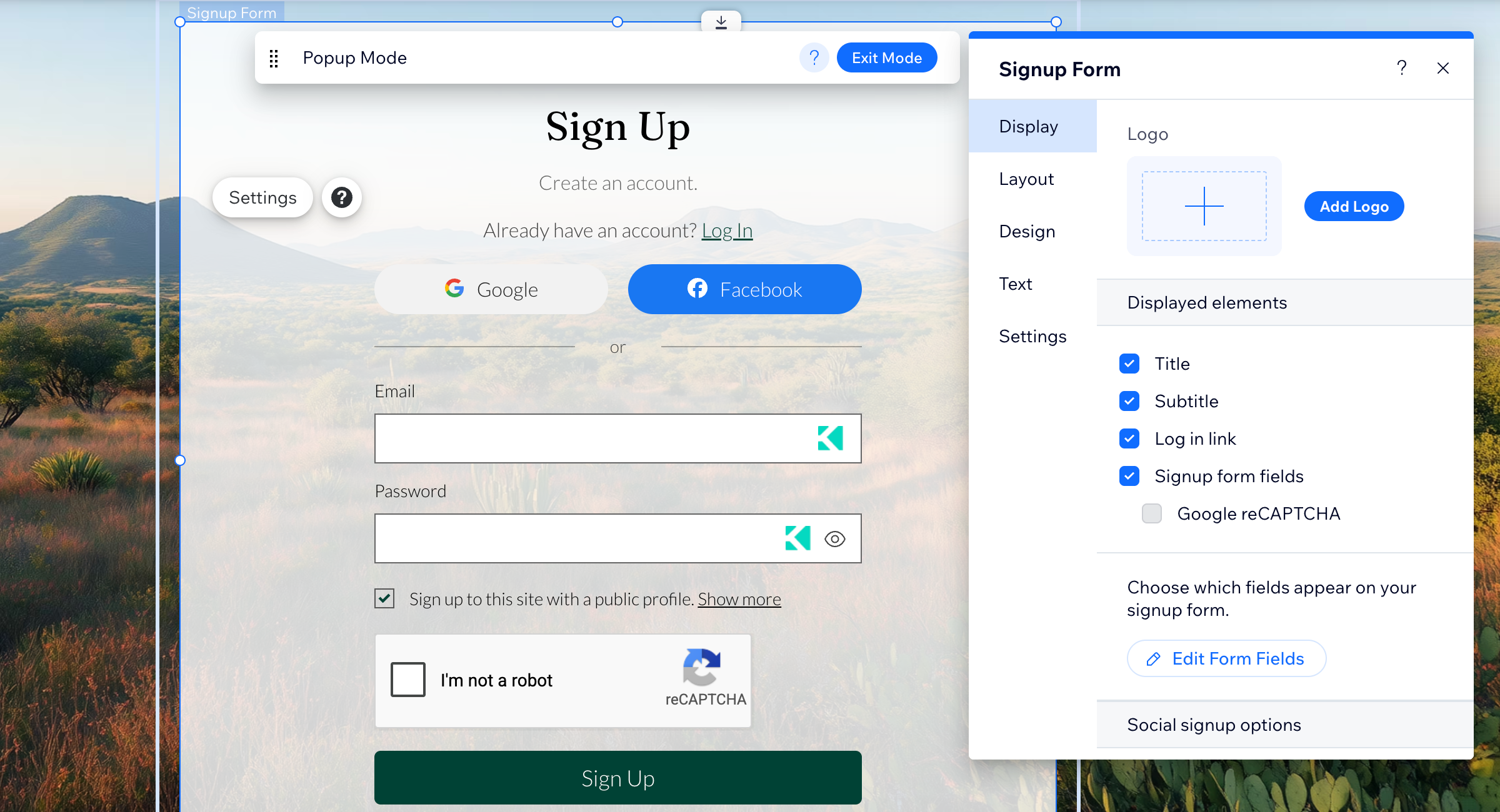
Manage the content and settings of your signup and login forms from the form’s settings panel in your editor. You can show or hide form elements, update signup fields, manage social login options, and access your site’s member settings and security tools.
- Go to your editor.
- Click Pages & Menu
 on the left side of the editor.
 - Click Member Authentication on the side panel.
- Select the relevant form.
- Click the form element on the page.
- Click Settings.
- Choose what you want to do next:
Deleting the Member Authentication app
Delete Member Authentication if you no longer need the signup and login experience it provides on your site. Once you delete the Member Authentication app, your site switches back to the default signup and login forms. You can always add the Member Authentication app again.
You can delete the Member Authentication app after member access is no longer needed on your site. To do this, first remove any connected member features, including Wix Members Area, pages set to 'Members only', and any feature that asks visitors to sign up or log in. Learn more about uninstalling an app on your site.
To delete the Member Authentication app:
- Go to your editor.
- Click Pages & Menu on the left side of the editor.
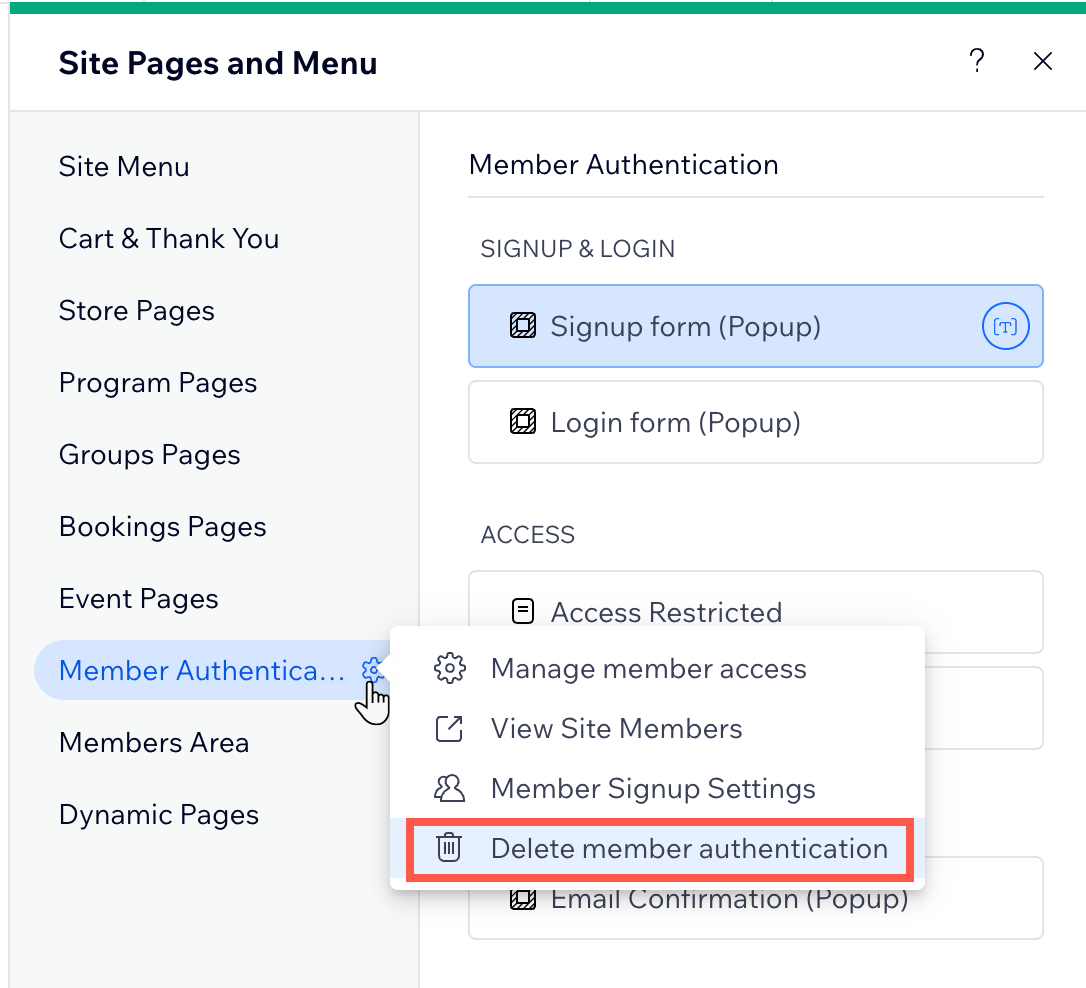
- Click the Settings icon
 next to Member Authentication.
 - Click Delete Member Authentication.
- Confirm that you want to delete it.