


Site Members: About the Pages in Your Members Area
In this article
- Private pages
- Public pages
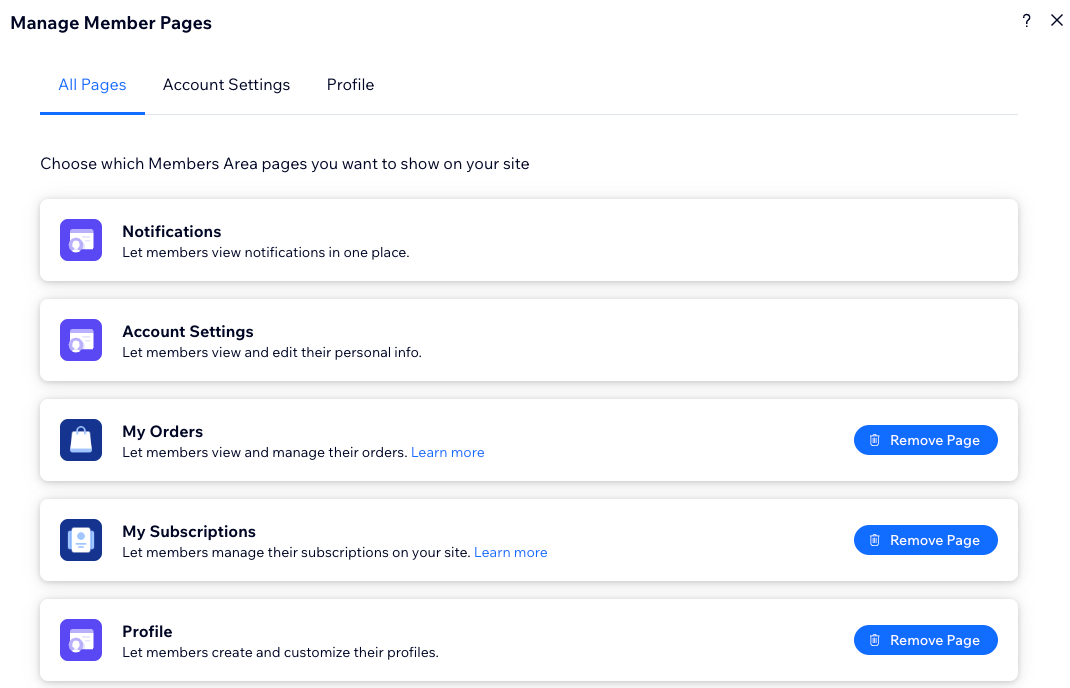
Your site's Members Area can include different kinds of pages, depending on what you want members to do. Some pages are added automatically based on the apps you use, such as a My Orders page for Wix Stores. Other pages are available for you to add, like a public profile page. You can also create your own private member pages with custom content.
Private pages
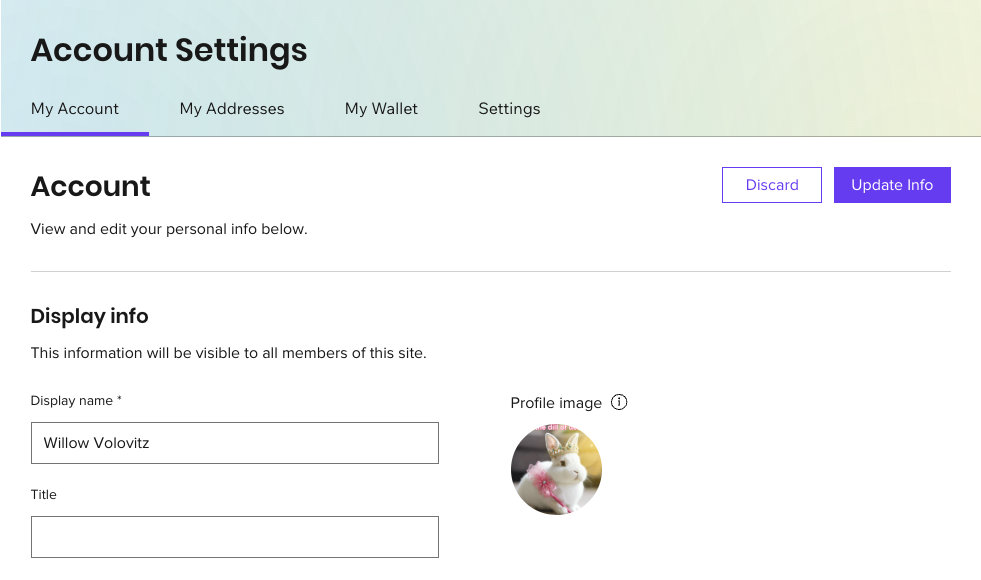
Private pages usually show each member's personal information. Only the member who is signed in can see their private pages, and other members cannot view them. These pages are automatically added to the
Login Bar Menu for easy access.
By default, members get a private Account Settings page where they can manage their profile and update their personal details. Some Wix apps also add private pages where members can manage their activity securely. For example, if you add Wix Online Programs, members see a My Programs page where they can view a list of programs they're enrolled into. This is a private page, so each member only sees their own programs.
Tip:
Create your own private pages with exclusive content for members.
Public pages
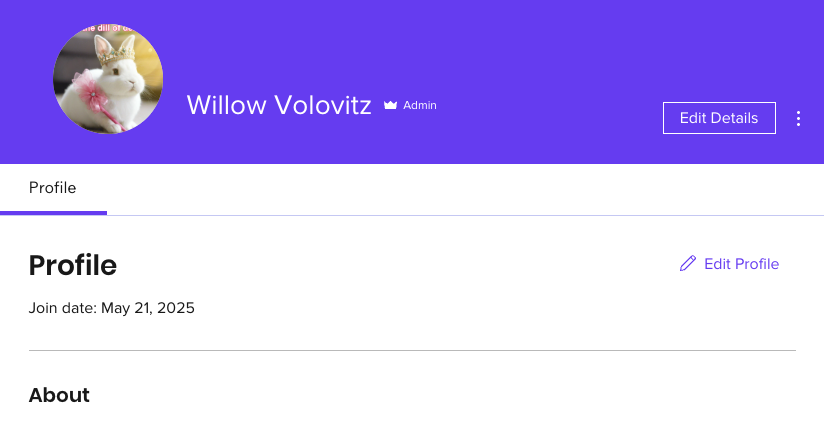
Public pages are visible to all site members. Each member has their own version of the page, but other members can view it as well. This is a good way to grow your community and encourage members to interact with each other.
Some Wix apps include public pages where members can see each other's activity. For example, if you add a social app like Wix Blog, every member gets a Profile page where they can share details about themselves and get to know other members.
Good to know:
You can
add the profile page to your Members Area even if you don't have any social apps on your site.
Next step: