


AI Tools: About Wix's AI Agents
In this article
- Manage your site with Aria
- Boost your marketing efforts with Kleo
- Answer every call with Alfred
- FAQs
Wix's AI agents are designed to make managing your site and business easier and more efficient. By using these agents, you can automate various tasks, gain valuable insights, and improve your overall site management. Here’s an overview of the main AI agents available to you in your dashboard.
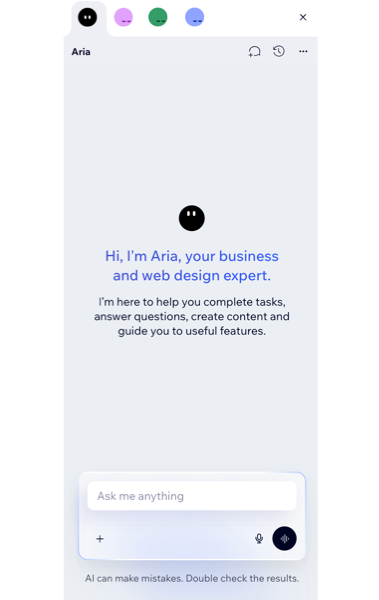
Chat with the AI agents:
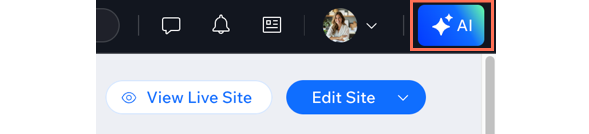
Click the
AI Agents button at the top right of your dashboard to open the AI Agents chat panel. From there, you can switch between the different agents you added to ask questions and work on different tasks. AI agents will be shown there only once they are set up on your site.
Manage your site with Aria
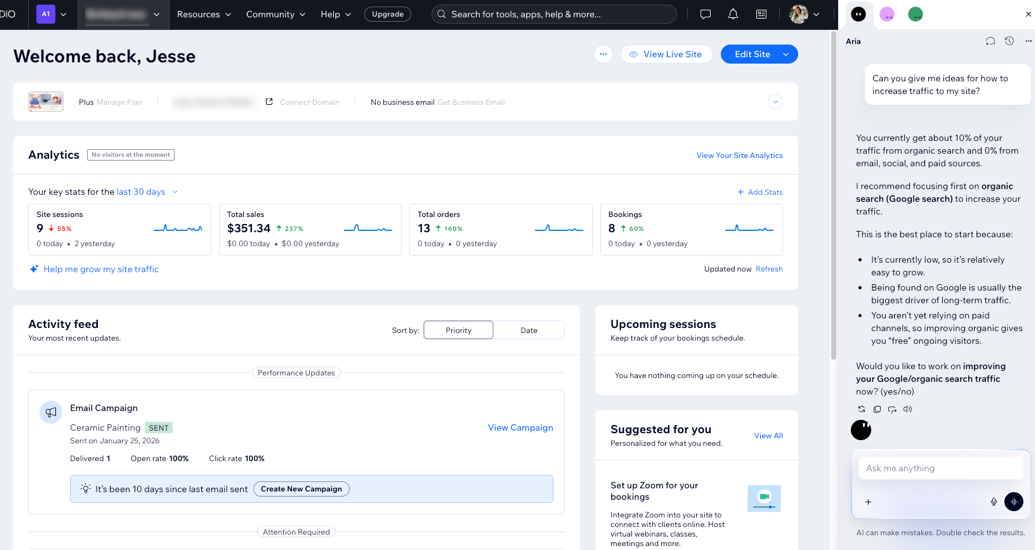
Aria is your AI partner for building and managing your Wix site. She's there to help you with site setup, business management, and growth strategies. She can answer questions, complete tasks, assist with analytics, and provide guidance on how to manage and grow your business.
Using Wix Harmony?
In the Wix Harmony Editor, Aria can also help you design and customize your site. Learn more about working with Aria.
Boost your marketing efforts with Kleo
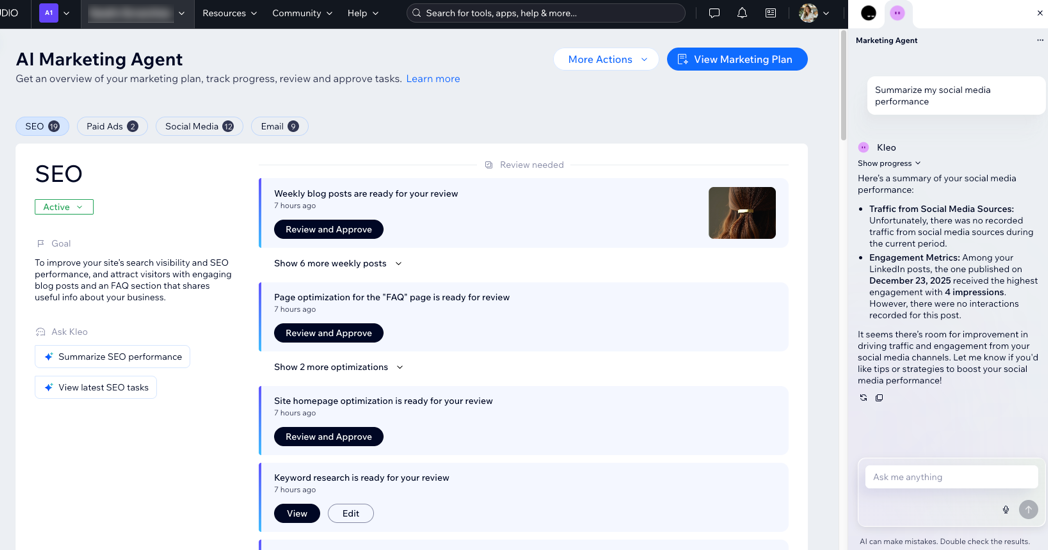
The Marketing Agent, Kleo, helps you manage and optimize your marketing efforts to attract more traffic. Kleo uses various Wix services to enhance your marketing capabilities (e.g. SEO, email marketing, social media marketing, and paid ads) and creates a customized marketing plan tailored to your needs.
Answer every call with Alfred
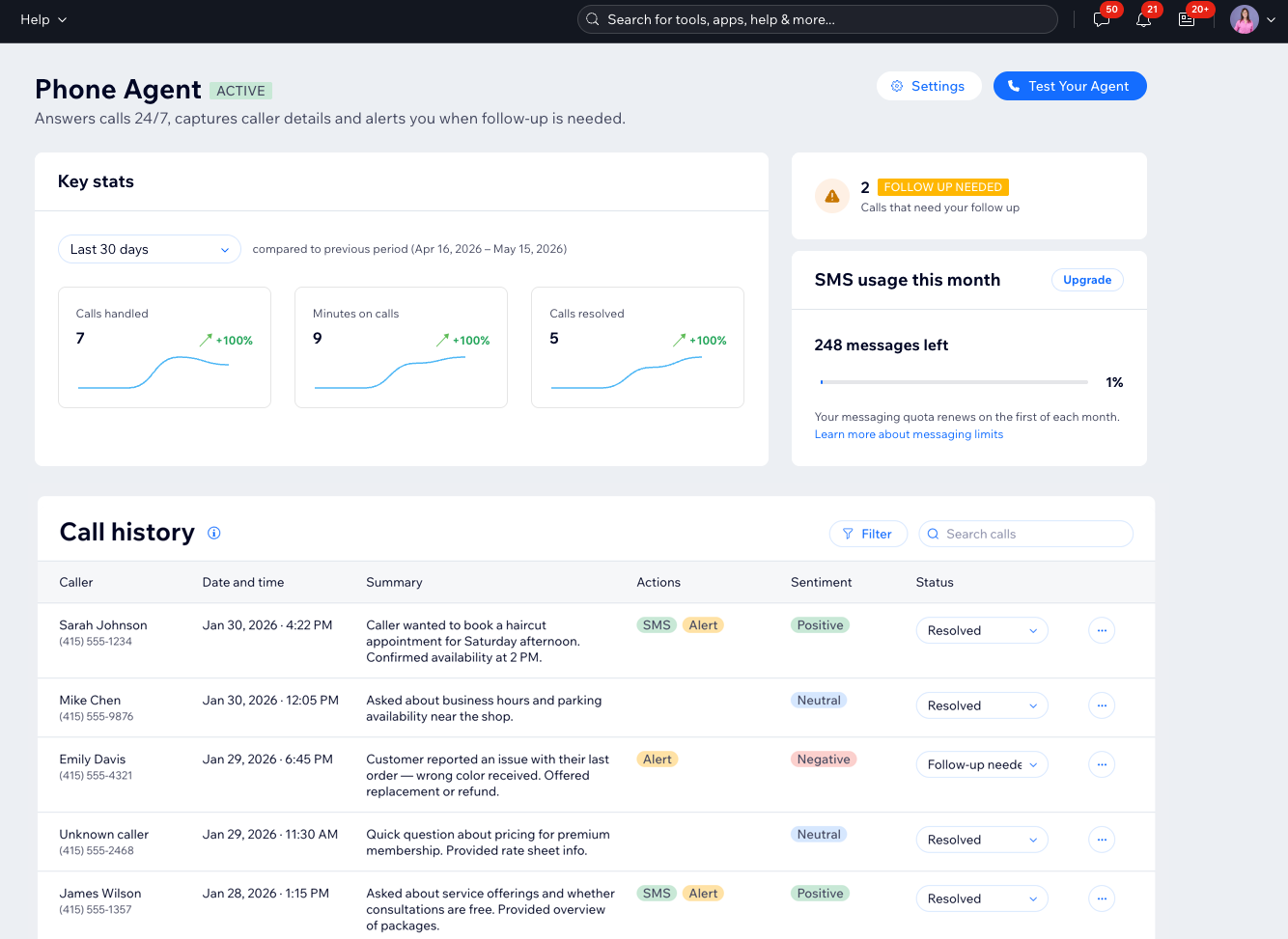
Alfred, your AI Phone Agent, answers calls for your business 24/7 and lets you know when a caller needs follow-up. It can take messages, send SMS links after calls, and notify you when a caller mentions something important. After each call, Alfred creates a summary, sentiment tag, and transcript so you can review conversations quickly.
FAQs
Click a question to learn more.
What kinds of tasks are best for each agent?
What's the difference between using the chat panel and the dashboard?
 at the top right of the chat and click Go to Dashboard.
 How do I use the chat with Aria?
 to voice your message.
 to start a conversation on a different topic.
 icon to view your past chats.
 to have a natural conversation with Aria.
Why can't I see an AI agent in the chat panel?
Who can view my AI chat history?
Can I talk to the AI agents instead of typing?
Can I use the agents on the Wix app & Wix Studio app?
Does using the AI agents cost money?
