


Wix Meetings: About Wix Meetings
5 min
In this article
- Key benefits of Wix Meetings
- Getting started with Wix Meetings
- FAQs
Wix Meetings makes it simple to schedule and manage consultations, interviews, or any type of meeting, online or in person. You don't need to set up a Wix website to schedule meetings. Share your scheduling link so clients can book a time that works for them.
Sync your calendar to avoid double-bookings, and send automatic reminders to help prevent missed appointments. You can also accept payments, set your availability, and manage everything from your dashboard.
Important:
- Currently, Wix Meetings is only available to site owners, co-owners, and back-office manager roles. Learn more about roles and permissions.
- Sites on the Basic Studio plan, Light Premium plan, or a free plan can host up to 3 free meetings per site. Upgrade your site to schedule unlimited meetings.
Key benefits of Wix Meetings
Wix Meetings lets you share scheduling links with anyone, even if you don't have a Wix website. Other key benefits include:
- Personalize every meeting: Customize scheduling links with your meeting name, duration, location, policies, forms, and if you want to charge for a meeting or offer it free.
- Stay in control of your availability: Sync your calendar (Google, Apple/iCal, or Outlook) so clients only see open times, reducing double-bookings.
- Distribute meetings across your team: Use Round Robin scheduling to automatically assign incoming meetings to available team members, so no one person gets overbooked.
- Make scheduling easy: Share your meeting link via URL, WhatsApp, email, or QR code.
- Keep clients informed: Send automatic email and SMS notifications so clients stay updated and don't miss meetings.
- Give clients flexibility: Let clients cancel or reschedule directly from notification links, no login required.
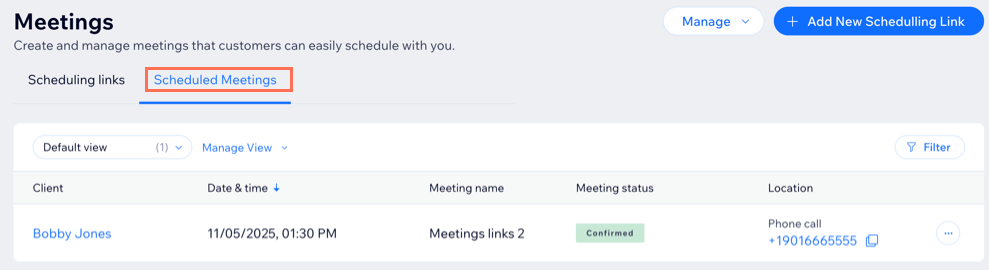
- Manage everything in one place: Approve, decline, reschedule, or cancel meetings from your Wix dashboard.
- Meet anywhere: Host meetings online, by phone, or at a physical location.
Getting started with Wix Meetings
You can find Wix Meetings in your site’s dashboard under Customers & Leads. When you create or edit the scheduling link, you're prompted to sync your calendar if you haven’t yet. This is important to keep your availability up to date and helps avoid double-bookings. You can also connect a payment method to accept payments for meetings.
When creating a new scheduling link, choose how meetings are assigned, set your availability and meeting details, and customize the settings that fit your needs. Once your link is ready, share it so clients can schedule with you directly.
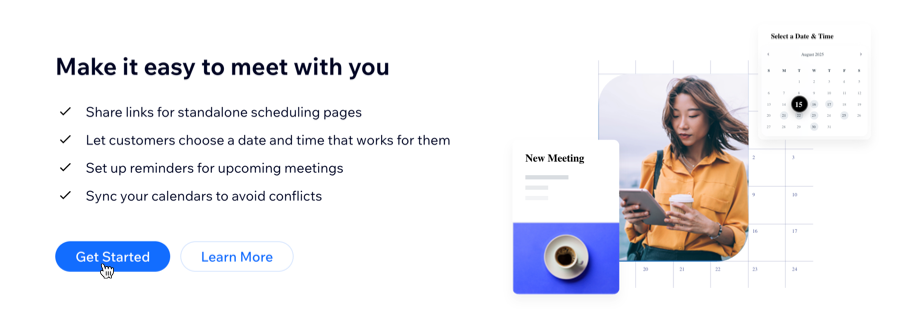
Ready to create your first meeting?
Learn how to create a scheduling link.
FAQs
Click below for answers to common questions about Wix Meetings.
What is the difference between Wix Bookings and Wix Meetings?
Do meetings scheduled with Wix Meetings appear on my Booking Calendar?
How do clients schedule meetings?
How can I add a new host option to my meetings?
Why can't I choose the option to notify customers via SMS?
How can I customize my meeting policy?
What are the scheduling options in Wix Meetings?
