


Google Search Console: Using the URL Inspection Tool
In this article
- Overview Coverage Report
- Testing a Live URL
- Understanding Warnings and Errors
- Requesting Google to Index a URL
You can use the Wix Site Inspection tool to get insights about the discoverability, mobile usability, and indexability of your site's pages.
Learn more about Wix Site Inspection.
The
URL Inspection Tool is a diagnostic tool offered by Google Search Console. It allows you to submit individual pages to Google and simulate how Google crawls or renders a URL on your site.
Important:
To connect to Google Search Console, you must have a
Premium plan and a domain connected to your site. This can be either a domain
purchased from Wix or a domain purchased
from another domain host.
Overview Coverage Report
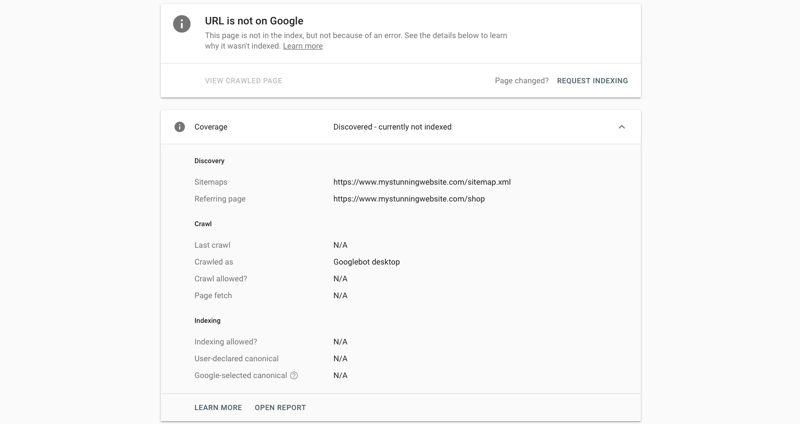
Once you submit a URL to the tool, you will get an overview report that contains more information about your page:
- If it was previously submitted for indexing
- If Google has already indexed the page or not
- Date of the last time Google has crawled the page
Testing a Live URL
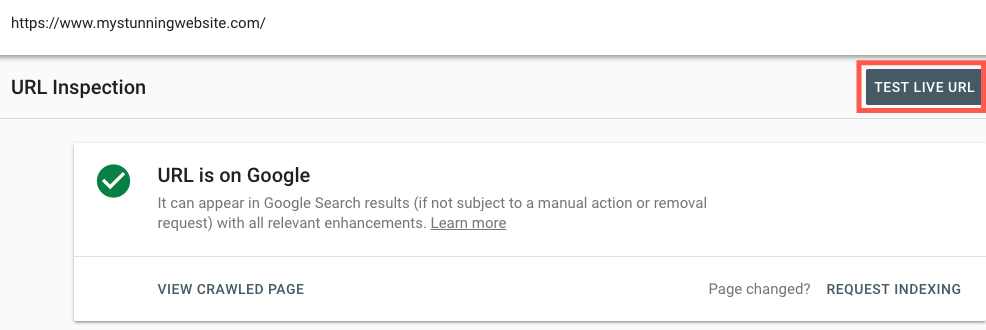
Test your page's URL to make sure it's accessible and working properly. The tool will test your link for errors/warnings and check if Google is able to index it.
Important:
In order to use the URL Inspection Tool, you must first
verify your Wix site with Google Search Console.
Show me how
Understanding Warnings and Errors
When you
submit a page to Google's URL Inspection Tool, it will test your page for any warnings or errors you should know about.
- Warning: These statuses might require your attention, but they don't necessarily mean your page isn't found/indexed or that any action is required from your end.
- Error: Google does not index pages with errors. When there's an error related to your URL, you need to take action to correct it and increase the chances of your page appearing in search results. Click here to learn more about specific errors.
Requesting Google to Index a URL
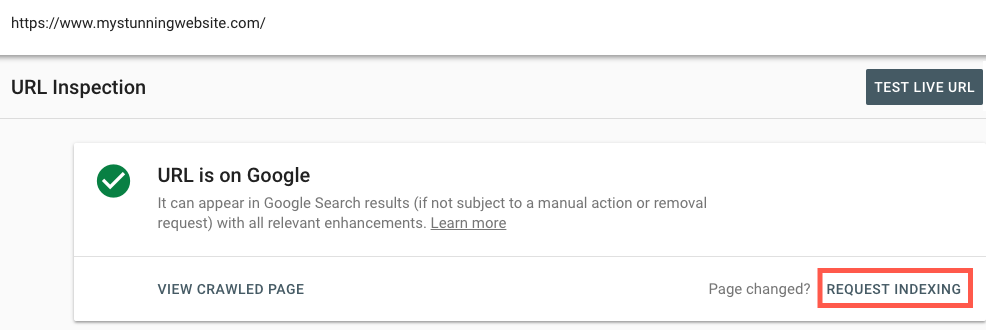
If you need Google to index a URL for the first time or if you've made changes to an indexed page, you can request Google to do so in the URL Inspection Tool. If Google doesn't find any errors in your live URL, it will be added to a priority-based crawl queue.
Show me how
