


Wix Logo: Moving from the Wix Logo Maker to the Wixel Logo Maker
In this article
- Understanding what's changed
- Designing logos in Wixel
- FAQs
If you created logos with the
Wix Logo Maker in the past, you may now see the
Wixel Logo Maker when you go to design a new logo. Both options can give you a professional logo, but they work differently and live in different products.
This article explains the difference between the two options and why we recommend using
Wixel to design new logos and brand assets.
Understanding what's changed
Wixel is now the main place to create new logos and visual assets with Wix. It is a full AI design platform where you can create a logo, then build many more designs around it, such as social posts, videos, and documents.
The Wix Logo Maker is still available, but it has limited AI support and fewer assets that you can create compared to Wixel. New logo projects are better created in Wixel, so everything sits in one place and can grow into a full set of branded assets.
Important:
Logos you already created with the Wix Logo Maker have not moved to Wixel. You can still find logos you previously created in the
Brand Studio.
Designing logos in Wixel
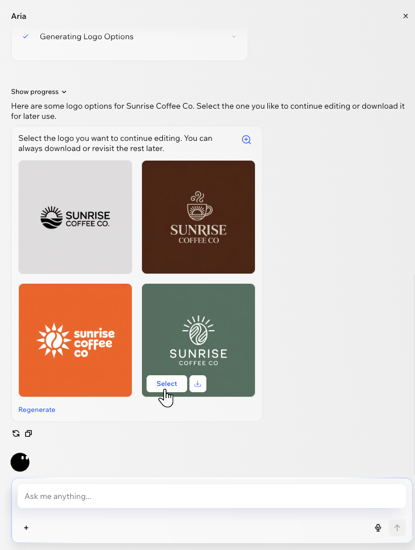
When you create a logo in Wixel, you work with Aria, Wixel's AI design agent. Aria suggests logo ideas, colors, and fonts based on what you tell it about your business, so you can quickly explore different directions for your brand.
You can also start from one of Wixel's ready-made logo templates and customize it so it feels right for your brand. Anything that's done with AI, you can also do on your own. You can manually edit your logo at any time by changing the text, fonts, colors, icons, layout, and more.
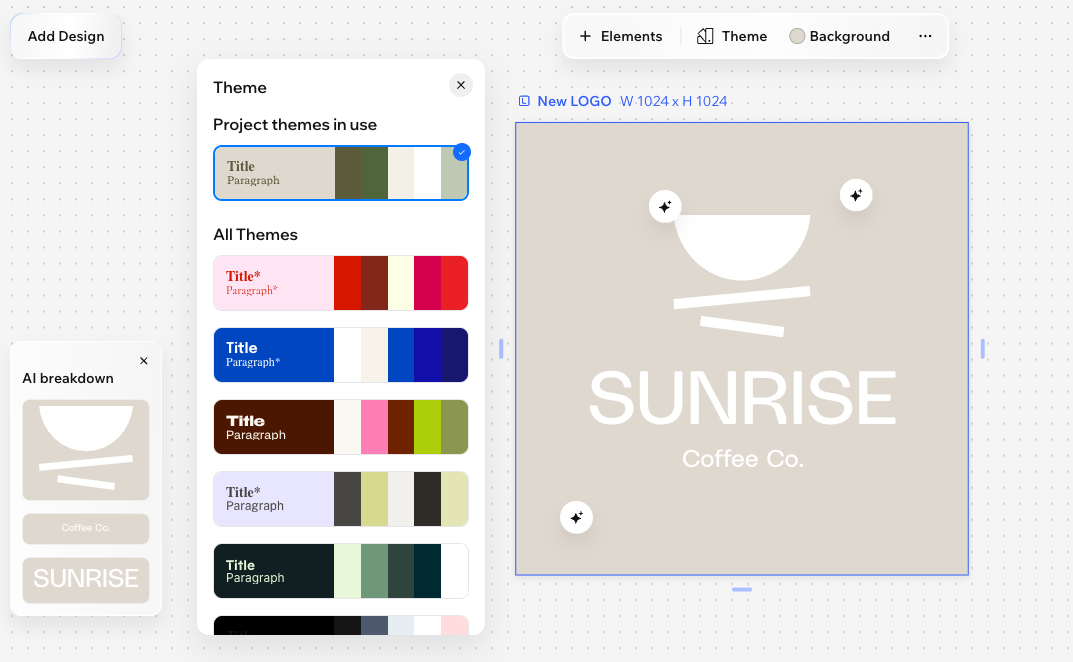
Because your logo lives in a Wixel project, you can use Wixel’s
themes to build other assets that speak the same design language as your logo. For example, you can apply the same color palette to social posts, videos, forms, or documents so everything feels consistent and on brand.
FAQs
Click a question below to learn more.
Does Wixel's Logo Maker cost money?
What files do I get from the Wix Logo Maker and the Wixel Logo Maker?
Do logos from the Wixel Logo Maker sync with the Wix Logo Maker or my site’s Business Info?
Do I need separate plans for the Wix Logo Maker and the Wixel Logo Maker?
How do I access each logo maker?