


Wixel: Creating a Logo with AI
- Generating a logo
- Customizing your logo
- FAQs
Creating a professional logo is easier than ever with Wixel’s AI-powered logo generator. Share your vision with the Wixel Agent, explore smart design suggestions, and fully customize the results. Build a logo that fits your brand, and use it to maintain consistent brand visuals across every platform.
Actions that involve generating and editing a logo with AI use AI credits.
Generating a logo
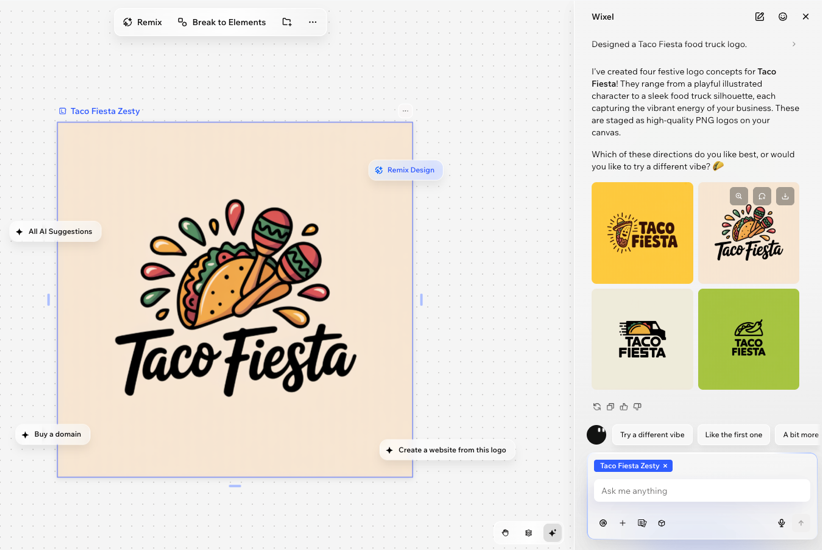
Start by providing the Wixel Agent with your business name and business description. The Wixel Agent will suggest color palettes, fonts, and a set of studio-quality logo concepts that fit your vibe and industry.
To generate a logo:
Share your brand name with a description of the business in the text box. For example, "Create a logo for Sunrise Coffee Co, a local coffee roastery".
Click the Generate icon
 .
.Review the AI-generated logos and select the option you want to use.
Customizing your logo
To customize your logo:
Click the relevant logo in your project.
Choose how to customize the logo:
Add elements: Use the toolbar on the left to insert media, text, graphics, or icons.
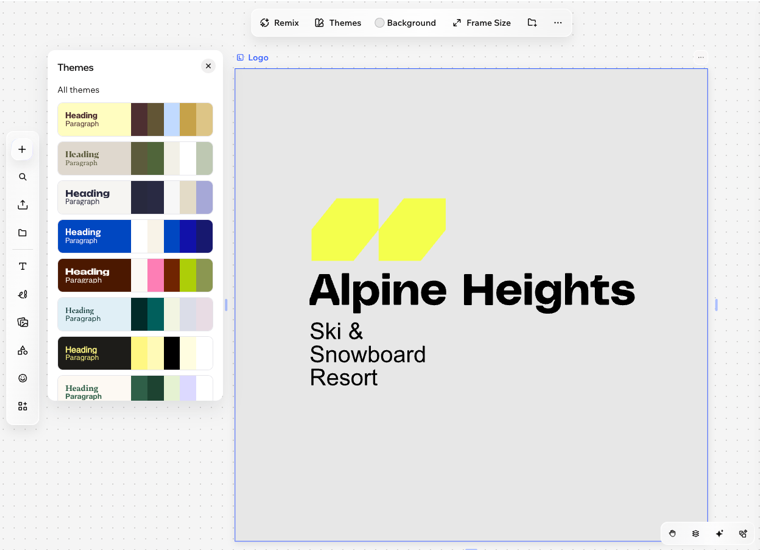
Apply a theme: Click Themes on the action bar to instantly change color palettes and fonts. Learn how to choose and customize themes.
Change the background: Click Background on the action bar and pick new colors, adjust the opacity, or upload an image.
Use the AI breakdown panel to work on each aspect of the logo separately, and try AI-powered suggestions to enhance your design.
Turn your logo into an animated video by clicking Animate Logo or tapping the Animate Logo icon on the action bar.
Export your logo or build on it to create more branded designs (e.g. product images, social media posts, promo videos).
 on the action bar.
FAQs
 at the top.
 on the action bar.