


Wix Editor: Using Undo and Redo
3 min
In this article
- Using the Undo feature
- Using the Redo feature
- Issues with text elements when using Undo or Redo
- FAQs
Easily revert or reinstate changes with the Undo  and Redo
  icons in the Wix Editor. These allow you to undo and redo changes you have made on your site - whether it's changing the color of a button, or the content of your text.
and Redo icons in the Wix Editor. These allow you to undo and redo changes you have made on your site - whether it's changing the color of a button, or the content of your text.Using the Undo feature
Use the Undo feature to revert a change you have made in your editor. For example, if you change the design of an element, and decide you want to revert one of the design options, you can use the feature to do so instead of manually changing it back.
To undo a change you have made, simply click the Undo icon at the top of your editor, or press Ctrl + Z on your keyboard.
at the top of your editor, or press Ctrl + Z on your keyboard.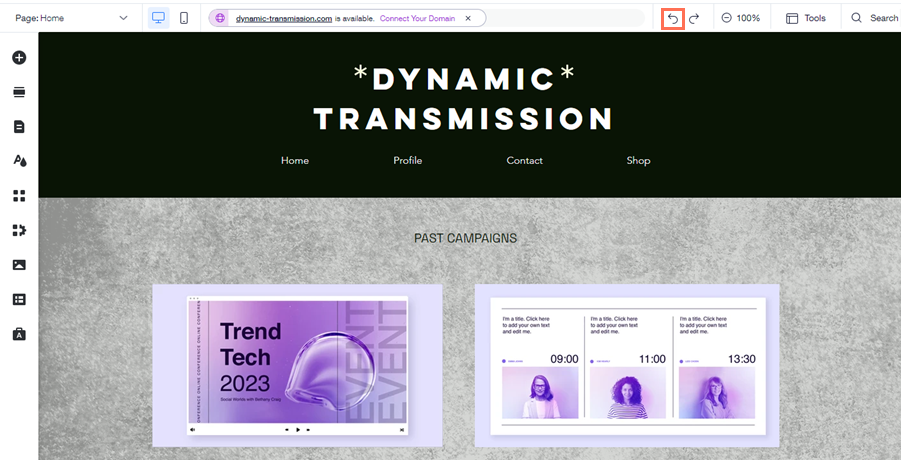
Using the Redo feature
Use the Redo feature to reinstate changes you may have undone. This is helpful if you've undone a change by accident, or if you decide you prefer the change the way it was before.
To redo an action, click the Redo icon at the top of your editor, or press Ctrl + Y on your keyboard.
at the top of your editor, or press Ctrl + Y on your keyboard.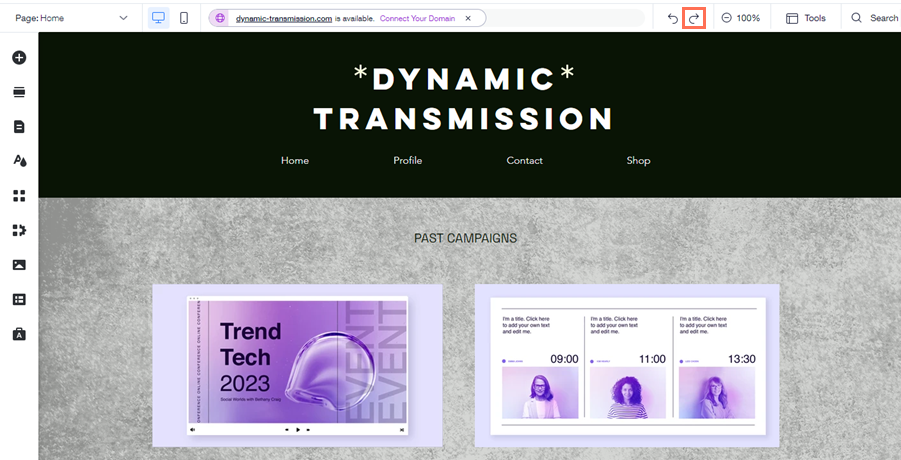
Issues with text elements when using Undo or Redo
You may notice issues with text elements on your site when you use Undo or Redo. This is rare, but if it happens, please contact us with the following information:
- The exact change you are attempting to undo/redo
- A description of the affected text box/string of text
- The location of the affected text box on your site
- A screenshot or video of the issue
FAQs
Click a question below to learn more.
How many times can I use Undo and Redo?
How can I see all the edits and changes I have made in my editor?
