
Wix Analytics: About Your Invoices Reports
Keep track of what you've billed and the tax you've charged on your invoices. Both reports cover only the invoices you send with Wix Invoices. Your other sales stay in the Sales and Accounting reports.
Use your Invoices reports when you prepare your bookkeeping or file your taxes. Set the date range to match your accounting period (e.g. a quarter or a tax year).
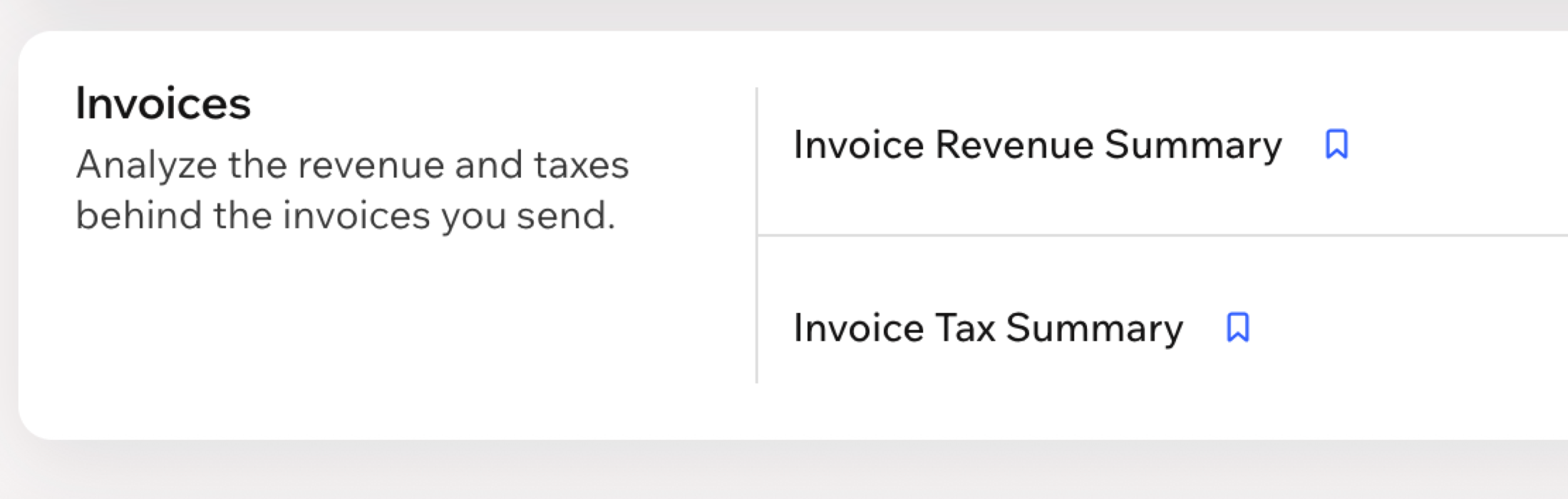
Go to All Reports in your site's dashboard and scroll down to the Invoices section. The section appears only if your site uses Wix Invoices. You can also check the for definitions of the terms in your Invoices reports.
Types of Invoices Reports
Both reports cover the same invoices, but each summarizes a different part. Choose the report that matches what you're reviewing, revenue or tax.
Click a report type below to learn more about it:
FAQs
Click a question below to learn more about your Invoices reports.