


Wix Events: Manually Adding Guests to an Event
6 min
In this article
- Manually adding guests
- FAQs
You can manually add guests to your event without them having to RSVP or purchase a ticket through your site. This can come in handy in various situations, such as:
- Adding multiple tickets / guests to one order.
- Purchasing tickets for a group.
- Handling guests who RSVP'd in person.
- Offering free tickets to your ticketed event.
- Assigning specific seats to guests in your seating map.
Manually adding guests
When adding guests manually, you can choose whether to add just 1 or multiple people at once. This lets you assign tickets or seats to an entire group in a single transaction.
Depending on your registration form settings, guest information can either be collected once for the entire order or separately for each ticket.
Note:
Currently, adding multiple guests is only available on desktop.
To manually add guests:
Dashboard
Wix app
Wix Studio app
- Go to Events in your site's dashboard.
- Hover over the relevant event and click Manage.
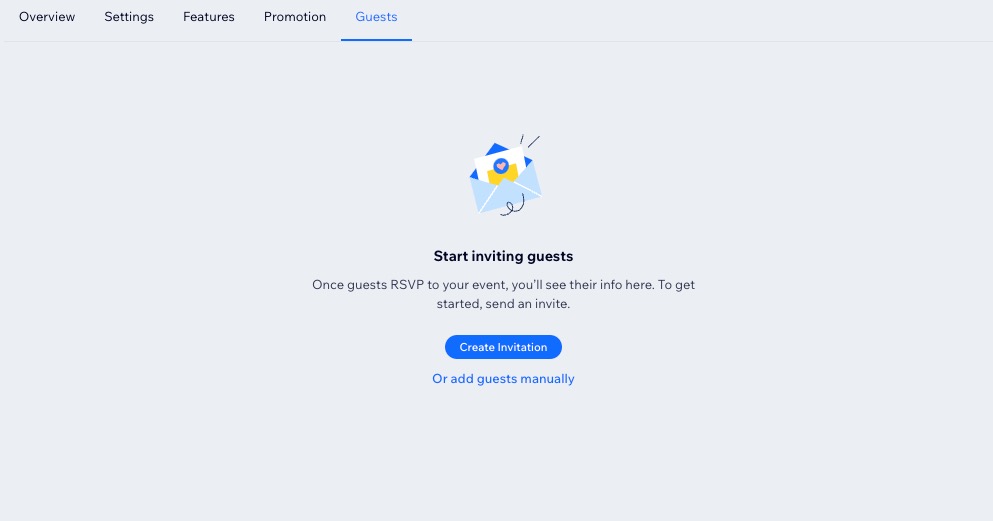
- Click the Guests tab at the top.
- Click Add Guests.
Note: If your event doesn't have guests yet, click Or add guests manually. - Click a type of event below to complete the Add Guests form:
Event without tickets

Events with tickets

Ticketed event with a seating map

Adding multiple guests?
Gather guest details by collecting registration information for the entire order or for each guest individually.
FAQs
Click a question below to learn more about manually adding guests to events.
Can I add a guest to a past event?
What email notifications do manually-added guests receive?
How can I check details about an order?

How many tickets can I add to a single order?
