


Wix Site Members: Customizing the Expired Reset Link Page
The Expired Reset Link page appears when a member clicks a password reset link that is no longer valid. This can happen after they click 'Forgot password?' on the log in form, or after you set a contact as a site member. You can choose which elements to show and customize the text and design to give clear next steps.
Note:
This article refers to the new version of the member signup and login forms.
You can only customize this page in the Wix editor.
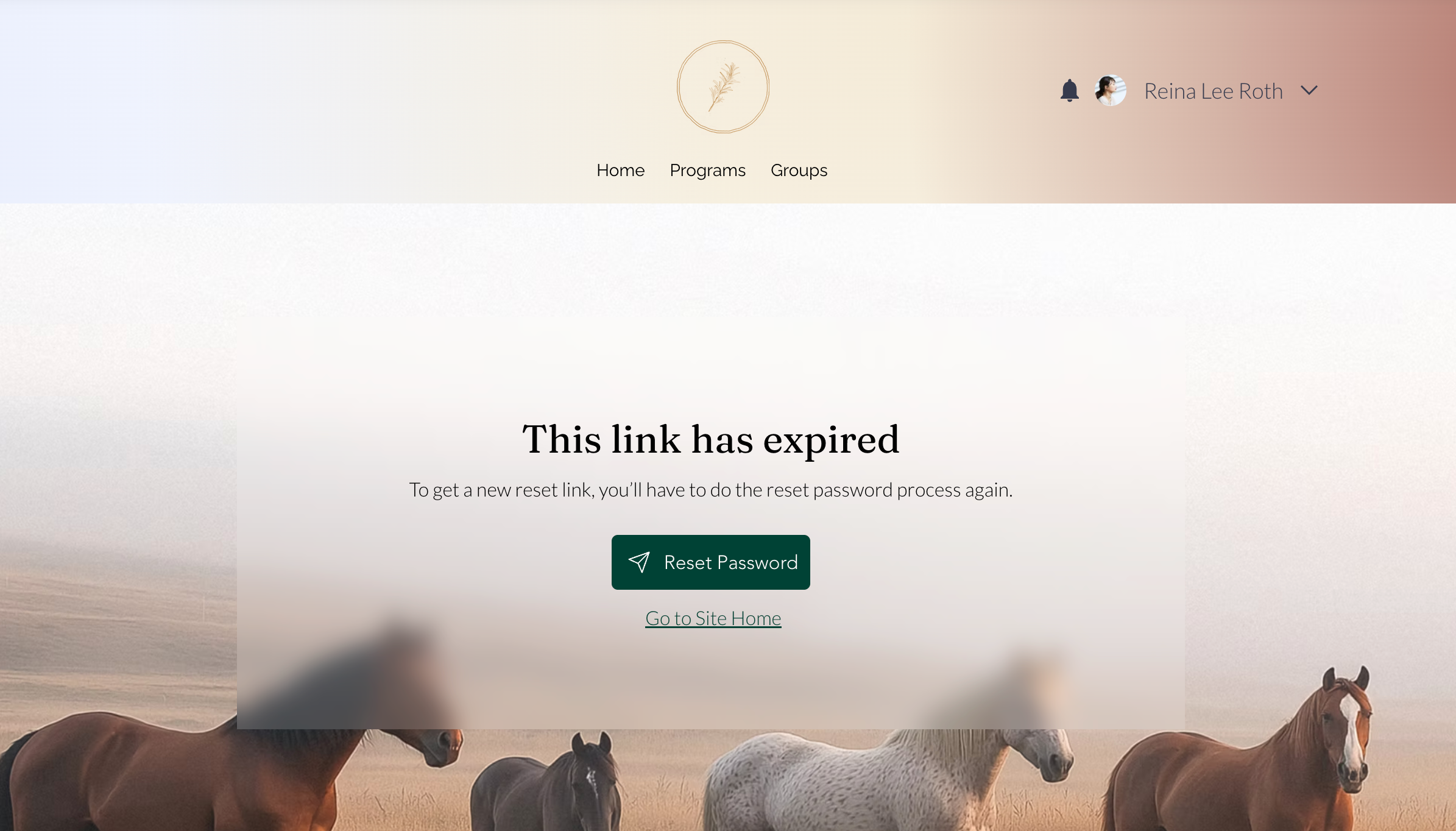
To customize the expired reset link page:
Click Pages & Menu
 on the left side of the editor.
Click Member Authentication.
Click Expired Reset Link.
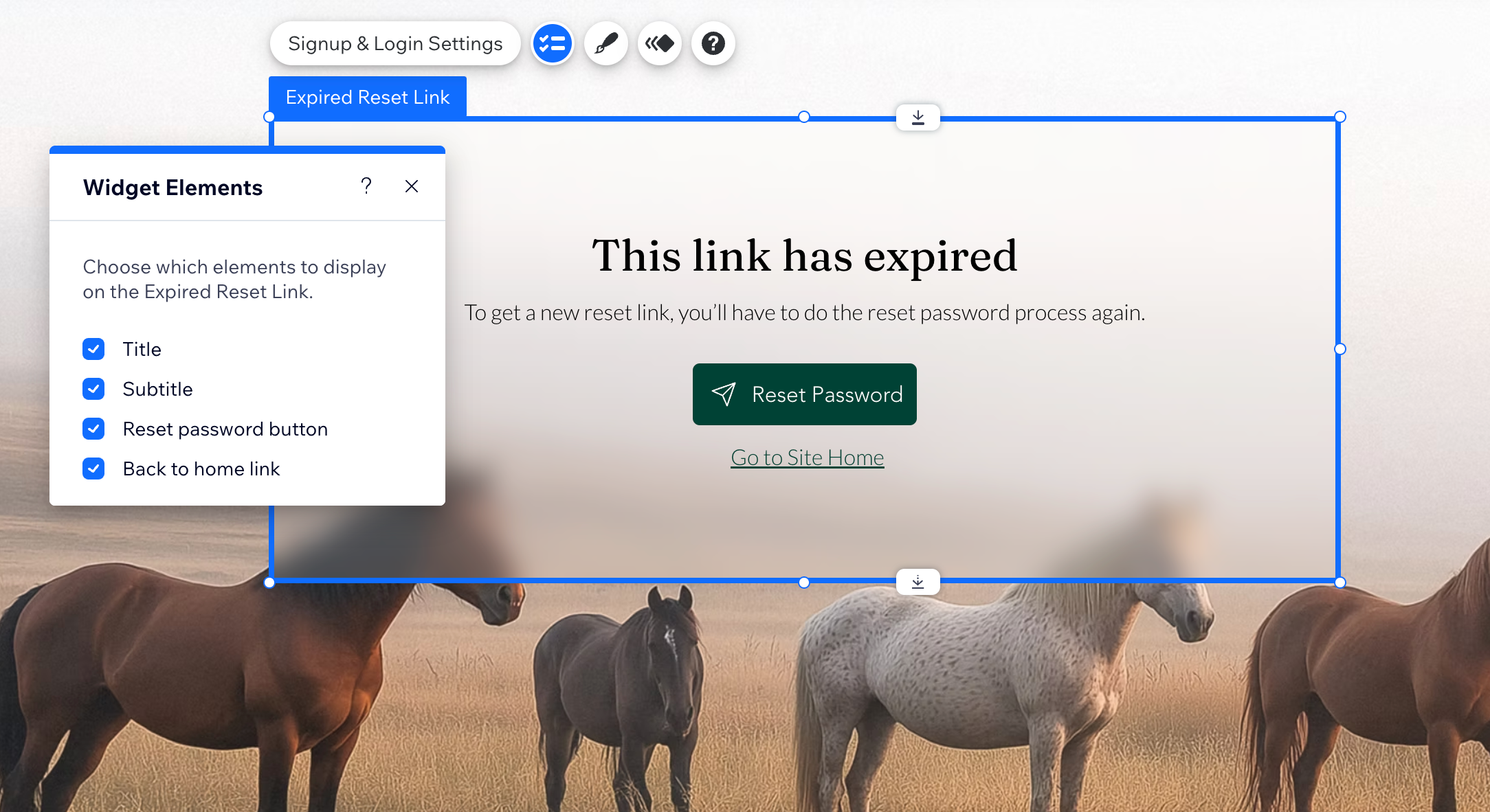
Click the Expired Reset Link element on the page.
Choose what you want to do next:
Manage displayed elements
 .
. Change the design
 .
.Edit the text
Control which pages members can access
Tip:
To reset the popup, right-click the element and select Reset Widget.
