


Understanding Your Site's LLMs.txt File
3 min
In this article
- Accessing your LLMs.txt file
- Editing your LLMs.txt file
- FAQs
LLMs.txt is a structured text file that provides AI agents with a clear, comprehensive summary of your website's key information and agentic resources. It can help AI agents better understand, accurately represent your business, and access agent-first resources.
An LLMs.txt file can efficiently organize how your site's information is used by AI agents, agentic browsers, and in agentic workflows. While your site provides detailed information for human visitors, LLMs.txt can help AI agents quickly access tools like MCP and accurately use key agent-first information about your business.
Before you begin:
- Upgrade your site and connect a custom domain.
- Enable search engine indexing for your site.
Accessing your LLMs.txt file
View your LLMs.txt file in your SEO dashboard to see how your site's content is presented. You can also opt out if you prefer to keep it private.
To access your LLMs.txt file:
- Go to SEO & GEO in your site's dashboard.
- Scroll down to Tools and settings.
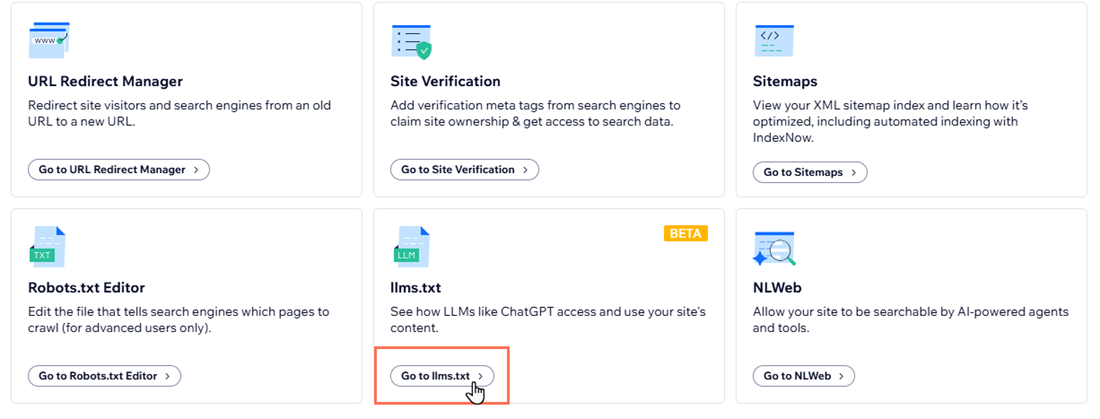
- Click Go to llms.txt.
- Click View File.
Want to opt out?
If you want to hide your LLMs.txt file, click the toggle under Privacy & Control to opt out.
Editing your LLMs.txt file
Wix automatically generates and maintains your LLMs.txt file, but you can edit it at any time in your site's dashboard.
Once you edit the file, it will stop updating automatically so your changes are preserved. If you ever want to go back, you can reset the file to the default version and automatic updates will resume.
To edit your LLMs.txt file:
- Go to SEO & GEO in your site's dashboard.
- Scroll down to Tools and settings.
- Click Go to llms.txt.
- Click the More Actions dropdown.
- Click Edit file.
- Click Continue.
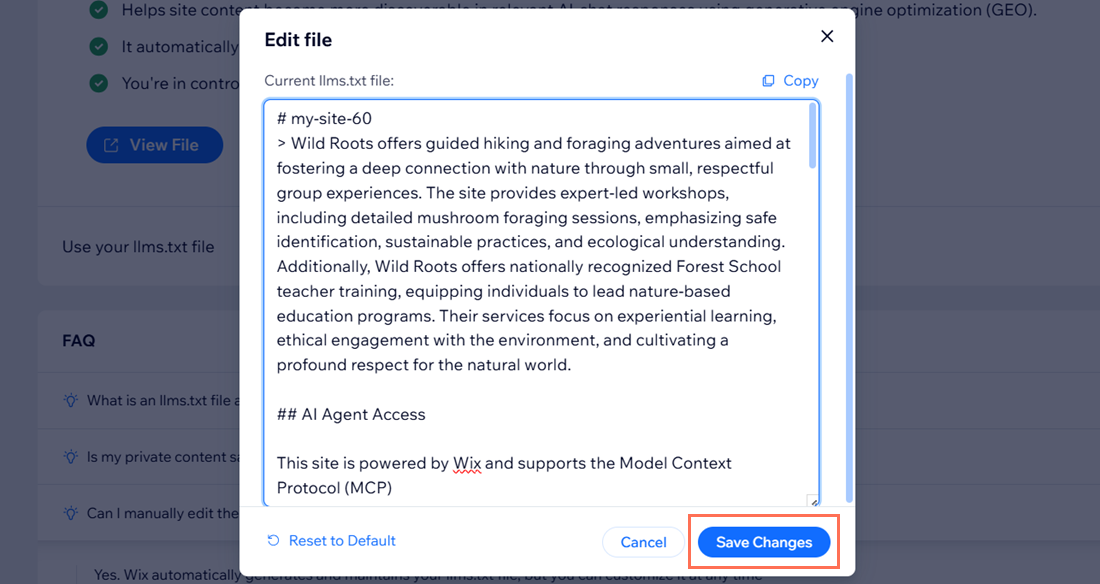
- Make the necessary changes to the file in the text field.
- (Optional) Click Reset to Default if you want to switch back to automatic updates.
- Click Save Changes.
Tip:
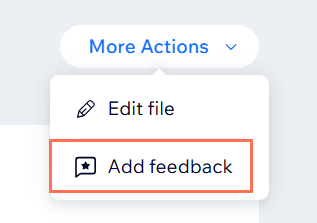
When you click the More Actions dropdown and click Add feedback, you can give us feedback about your experience with your site's LLMs.txt file or any changes you'd like to see in future.
FAQs
Click a question below to learn more about your site's LLMs.txt file.
Why does my site need an LLMs.txt file?
Is my private content safe from AI tools?
