


Troubleshooting Your Wix Dashboard Card Reader Connection
2 min
When you pair your reader with your computer, it also connects to your account automatically. It can, however, disconnect for a number of reasons. For example, if the reader runs out of battery, you'll need to re-connect before you can make a sale. If you are having trouble reconnecting, check the troubleshooting steps below.
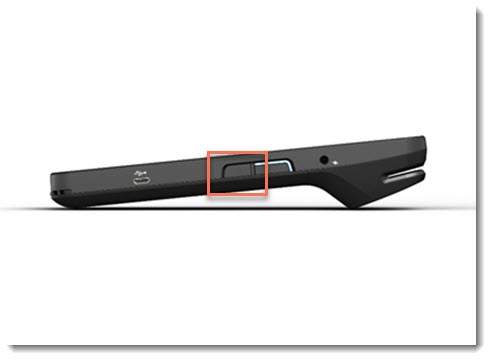
Step 1 | Check that the card reader is charged and turned on
Step 2 | Make sure the reader and computer are connected to the same WiFi network
Step 3 | Disconnect the reader if it's "stuck" processing a previous sale.
 next to the relevant reader.