- Troubleshooting 2-Step Verification for Your Wix Account
Troubleshooting 2-Step Verification for Your Wix Account
Try the tips below if you're having trouble signing in to your Wix account.
I can't access my phone
If you have set up 2-step verification by email, you can click
Send code by email to receive a code to your email address instead. Learn more about
verifying your account by email.
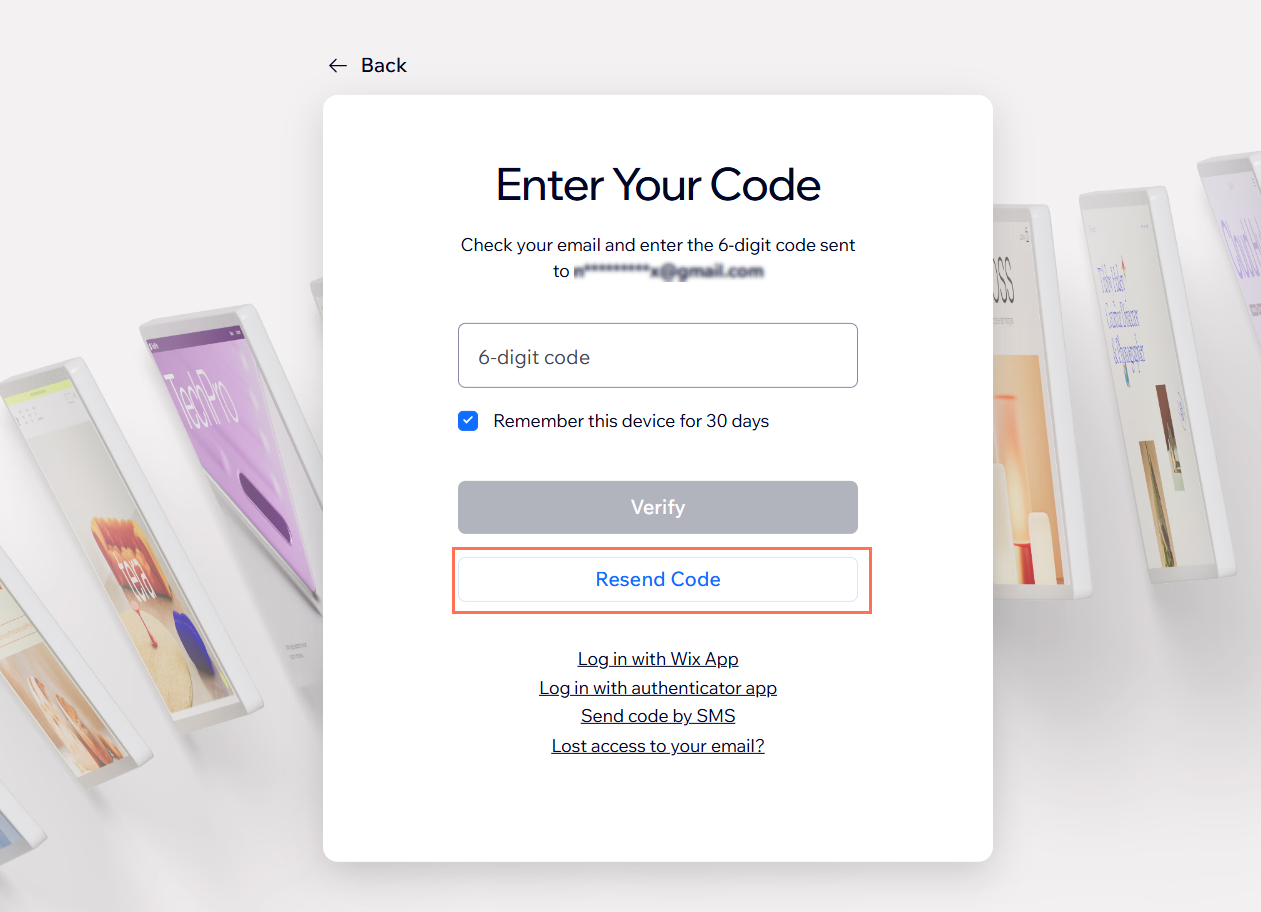
I didn't receive the email code
If you don't receive a verification code by email, check your junk/spam folder. You can click
Resend Code to receive a new code to your email.
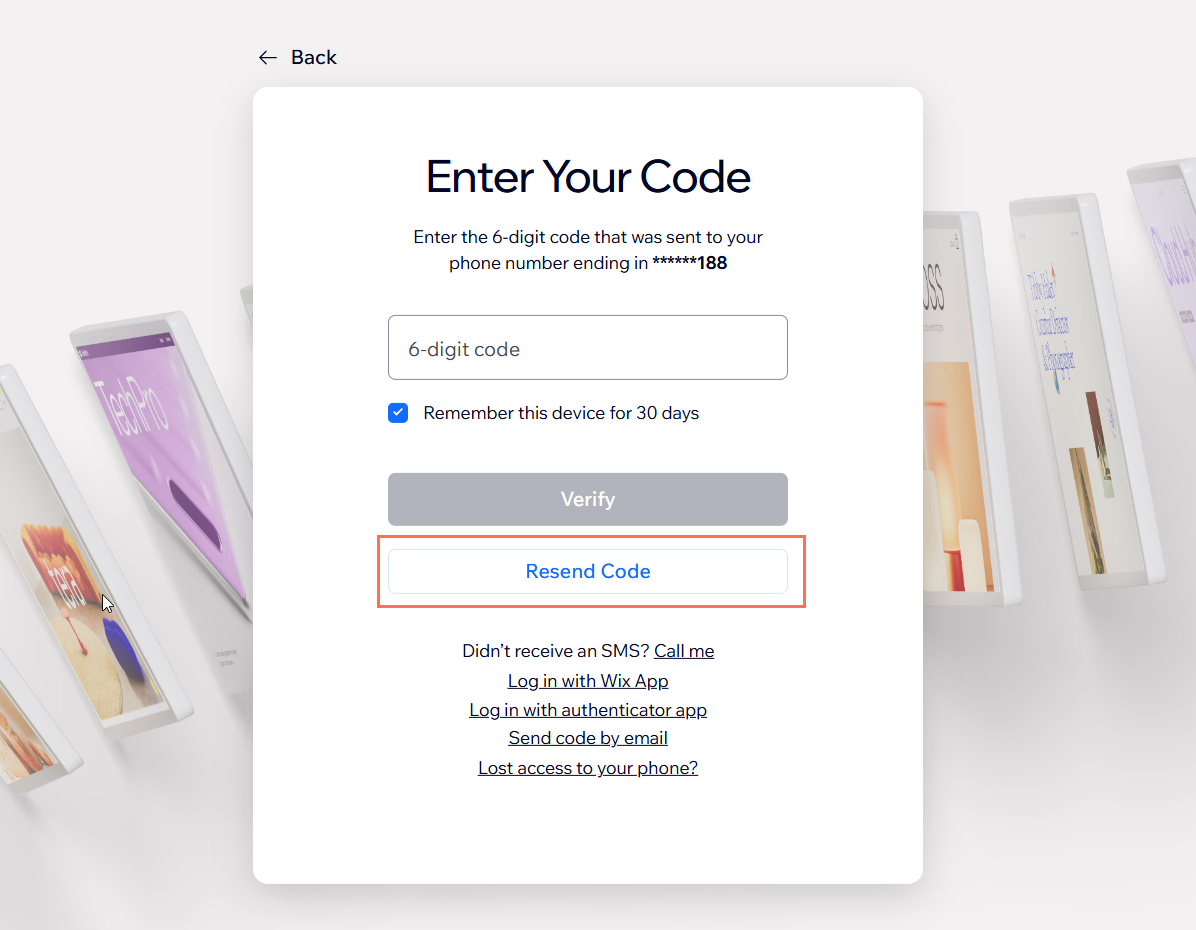
I didn't receive an SMS code
Make sure you're in an area with good signal. If you don't receive your SMS code within a minute, click
Resend Code to try again.
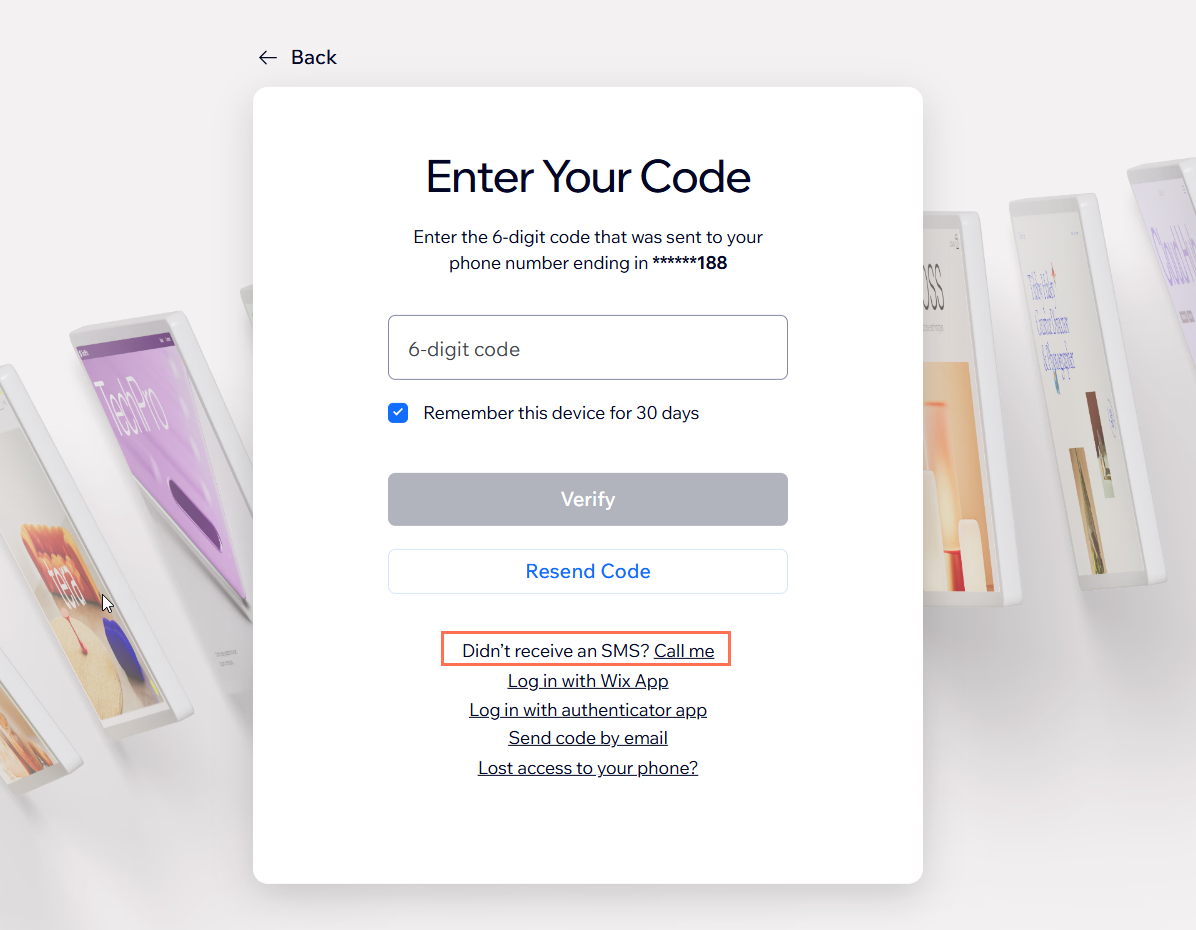
If you still don't receive an SMS, click
Call me to get a phone call from Wix and listen to the verification code instead.
My passkey is not working
Make sure that the passkey is still available on your device. If your passkey isn't working, it's possible you deleted it from your device. When you delete a passkey from your device, it still appears on your list of passkeys for your Wix account but you won't be able to sign in with it.
If you have 2-step verification enabled for your account, try signing in using a different verification method (such as verifying with the Wix app or SMS code).
I'm not getting a Wix app notification
If you're already logged in to the Wix app, try opening the app and verifying your login. If you're not receiving any notifications or prompts to verify your login, make sure that you're signed in to the correct Wix account and that notifications are enabled for the Wix app in your device's settings. To send a new notification, click
Resend Notification to try again.
I'm still having issues logging in with 2-step verification

If you're still having trouble signing in, you can remove 2-step verification to access your account. Click
Continue to Recover Account on the previous screen.
If you have closed the previous tab, you can fill out our
Account Recovery form. Make sure to select
I can't complete 2-step verification, enter your email address, and confirm whether or not you're the owner of the account.
After you successfully verify your identity, 2-step verification is removed from your account and you can log in using your email address and password.
Did this help?
|