
Signing Up for a Free Wix Account
4 min
One of the great things about Wix is that it's 100% free to sign up. You can create a fully functioning website without needing to pay a thing.
After you've created your website, you can decide if you want to upgrade to make use of Wix's premium features, such as connecting a domain, removing Wix ads and more. Learn more about upgrading your site.
Signing up for a Wix account
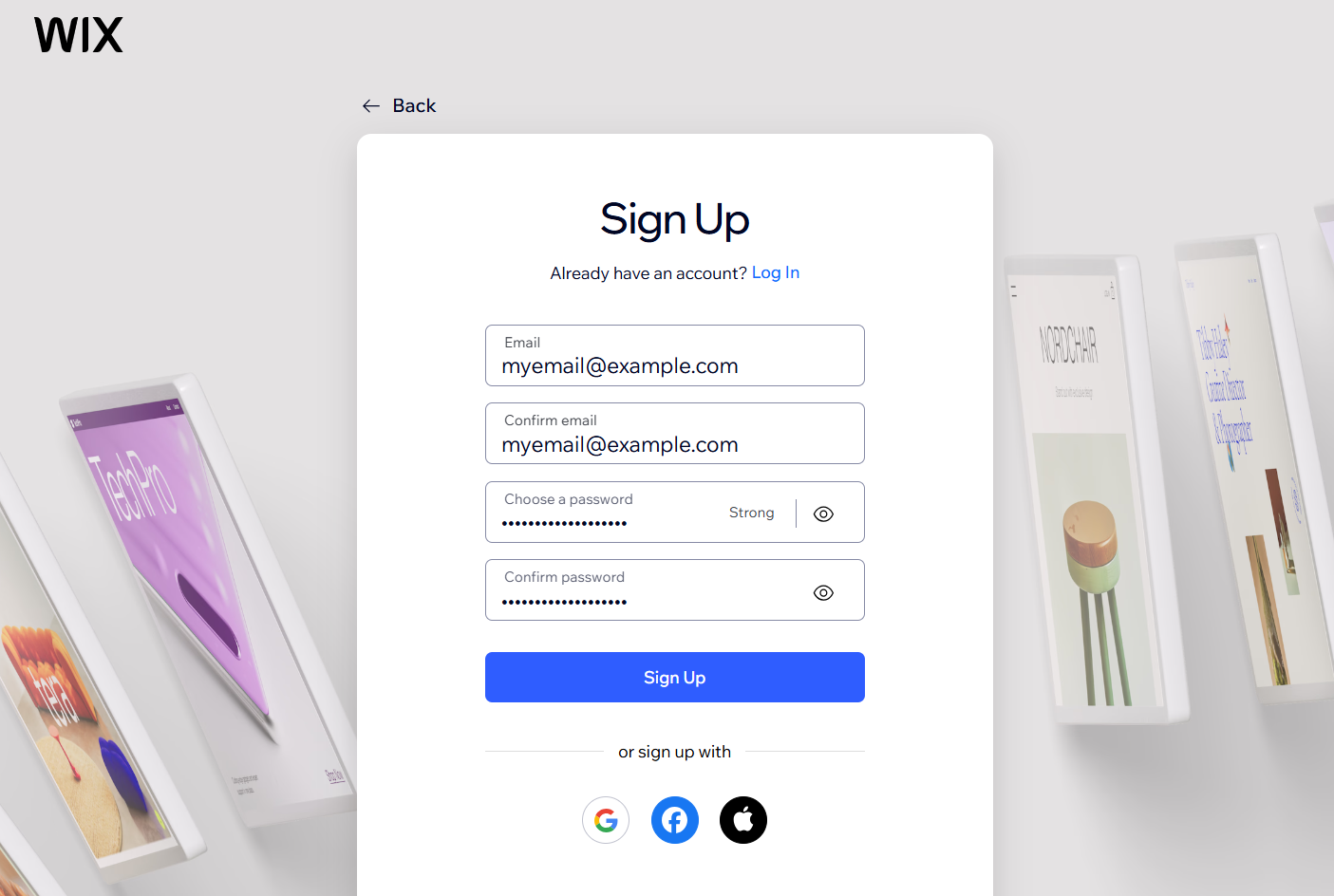
Sign up to Wix with your email address or your Facebook, Google or Apple account.
To sign up for a Wix account:
- Go to the Wix.com sign up page.
- Choose how you want to register and enter your details.
- Click Sign Up.
FAQs
Click a question below to learn more about signing up to Wix.
What do I do once I have signed up?
What type of website can I build on Wix?
What's the difference between Wix and Wix Studio?
Can I build a website without knowing how to code?
Can I hire someone to build a site for me?
What are the premium features that come with upgrading?
If I decide to upgrade with a plan, can I cancel it?