


AI Phone Agent: An Overview
4 min
In this article
- Never miss a call, even after hours
- Get a clear summary of every conversation
- Stay on top of calls that need your attention
- Follow up automatically with SMS
- FAQs
Important:
The Phone Agent is currently only available in English to Wix users in the US. We're working on expanding access.
Alfred, your AI Phone Agent, answers calls for your business 24/7. It can speak with callers, summarize each conversation, alert you when a call needs follow-up, send an SMS after the call with links to pages on your website, and save new contacts automatically. This helps you manage incoming calls even when you’re unavailable.
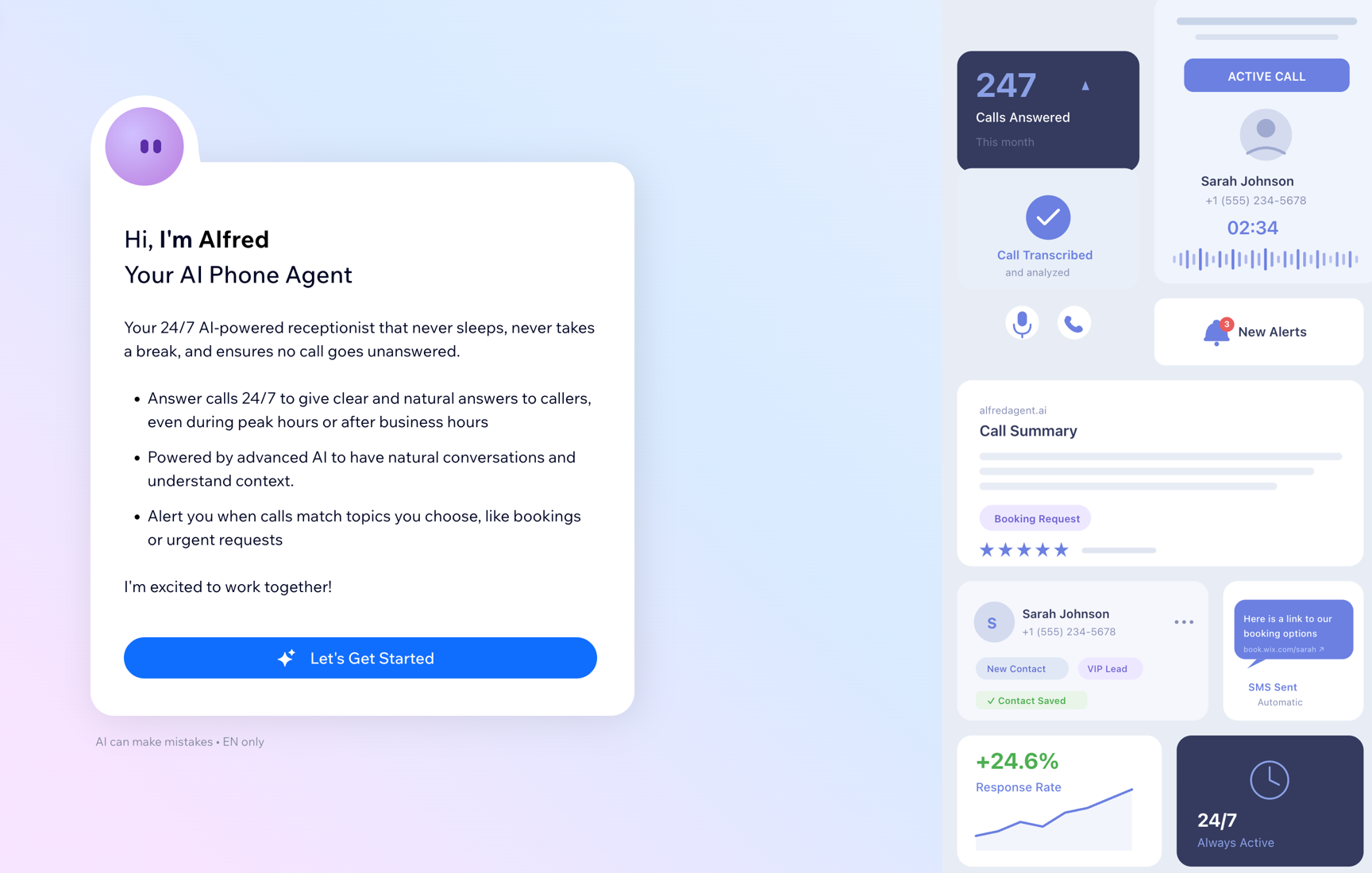
Never miss a call, even after hours
The Phone Agent answers incoming calls at any time, including after business hours or when you’re unavailable. Before you activate it, you can customize the name, voice, tone, and opening greeting. The Phone Agent uses your published site content to answer questions about your business, services, and policies, and updates automatically as your site content changes.
Your Phone Agent can answer common questions based on the information on your site and any additional knowledge you add. For example, if you use Wix Bookings, it can answer questions about services, availability, or business hours.
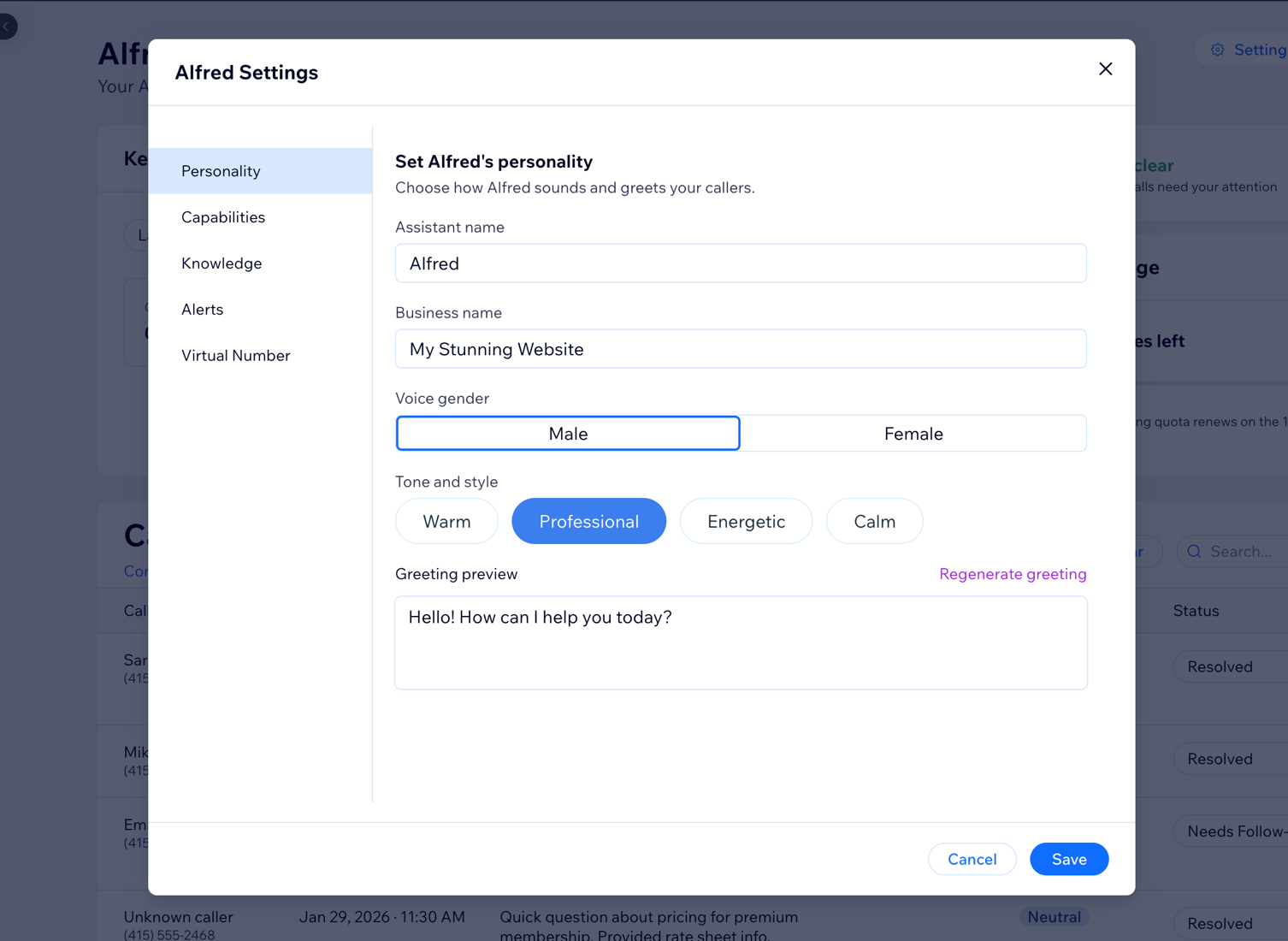
Tip:
You can also add custom knowledge in the Knowledge section of the Settings panel, for example, special policies or instructions that do not appear on your site.
Get a clear summary of every conversation
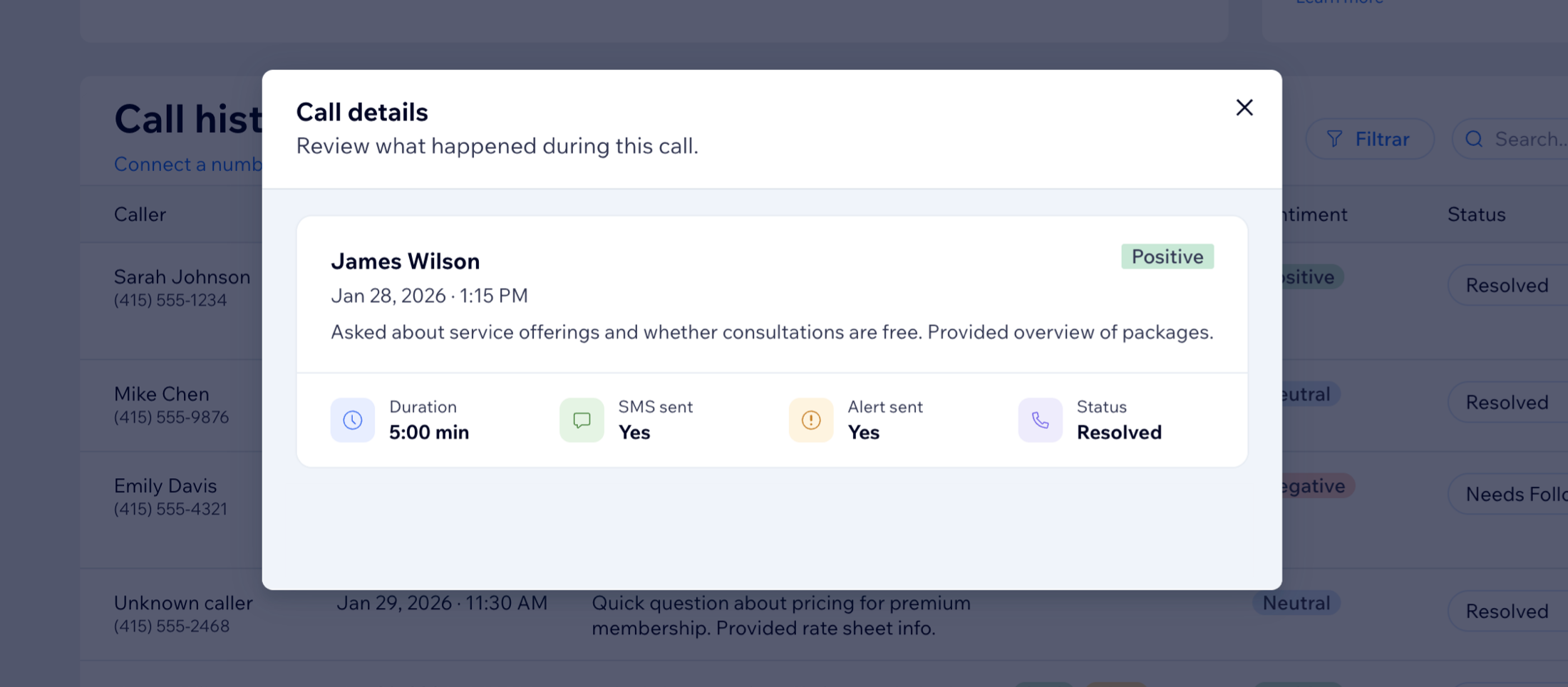
After each call, the Phone Agent creates a transcript and summary of the conversation. In your call history, you can see the caller’s name and number, the date and time of the call, what the call was about, and whether it was resolved or needs follow-up.
Each entry also includes a sentiment tag ('Positive', 'Neutral', or 'Negative') to help you review calls more quickly. You can search and filter your call history at any time from the Phone Agent dashboard.
Stay on top of calls that need your attention
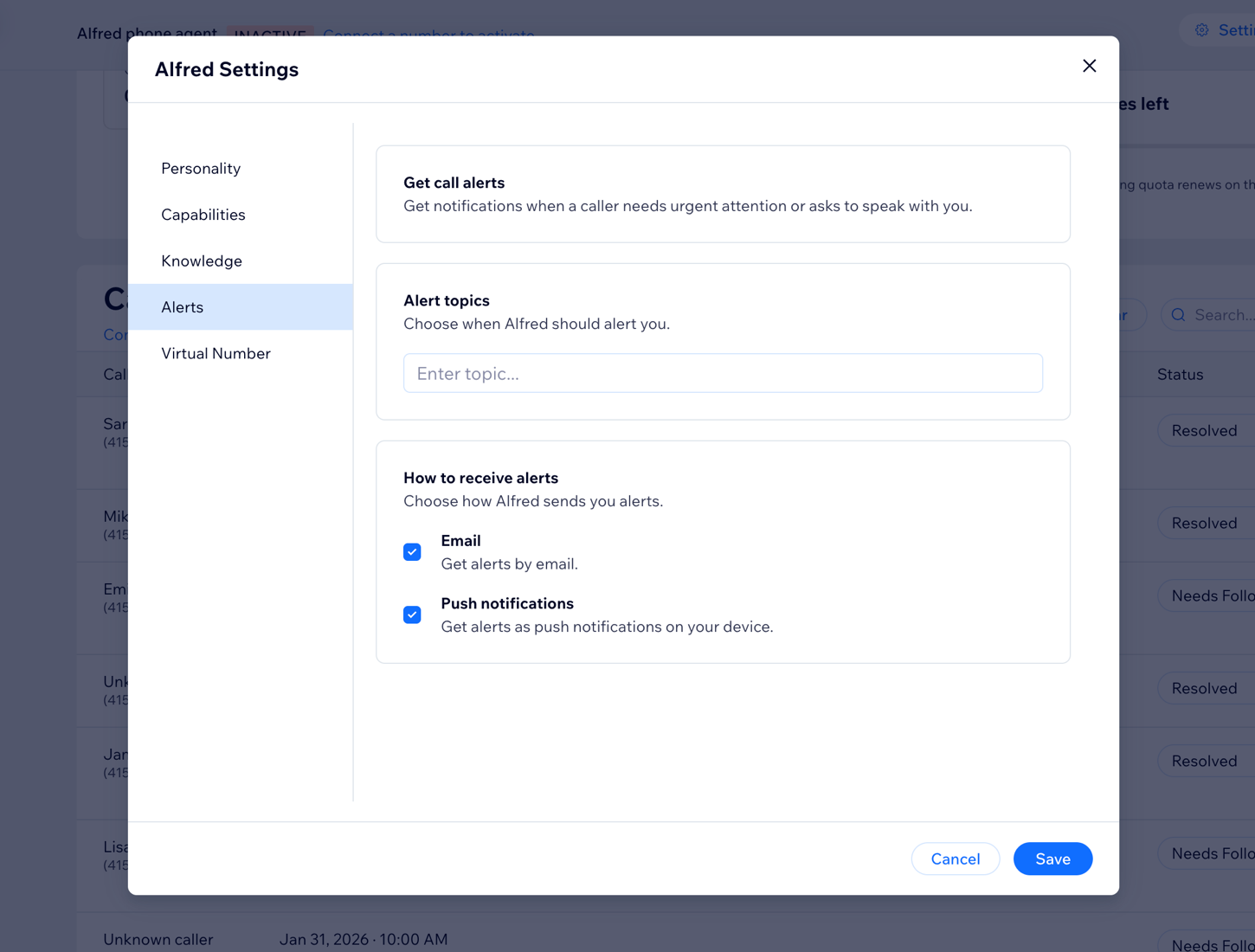
You can define alert topics so your Phone Agent can flag calls that may need your attention, such as booking requests, urgent issues, or priority customers. When a caller mentions one of these topics, Alfred marks the call and sends you an alert.
You can choose to receive alerts by email, push notification, or both. The Phone Agent can also take a message from callers and let them know you’ll follow up.
Follow up automatically with SMS
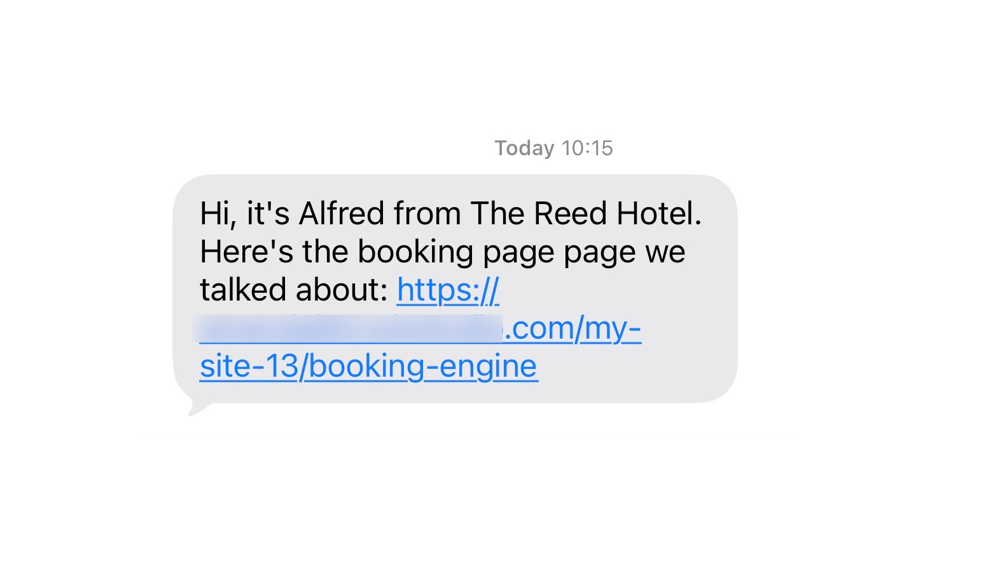
After a call ends, the Phone Agent can automatically send the caller an SMS with a link to your booking page, contact form, or any page on your site. This helps direct callers to the next step without manual follow-up.
Note:
SMS follow-ups count toward your Wix messaging quota. You can check your usage and remaining message balance in the SMS usage panel on the Phone Agent dashboard. Sending SMS messages to the virtual number is not supported.
FAQs
Click a question to learn more about the Phone Agent.
Do I need Wix Bookings to use the Phone Agent?
How does the Phone Agent learn about my business?
Can callers send SMS messages to my virtual number?
What happens when the Phone Agent can't answer a question?
Ready to get started?
Learn more about setting up and activating the Phone Agent.
