


Wix Stores: Canceling and Refunding Orders Using the Wix App
In this article
- Canceling and refunding an order
- Canceling an order
- Refunding an order
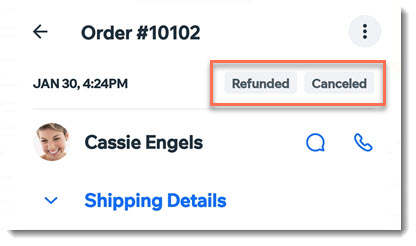
Using the Wix mobile app you can handle cancellations and refunds from wherever you are. After you cancel and/or refund an order, the order status updates to reflect the change.
Important:
Once an order status is changed to canceled and/or refunded, the status cannot be changed back.
Canceling and refunding an order
You can process PayPal or Stripe refunds right from the Wix mobile app. Other orders must be refunded outside of Wix. Follow the instructions below to update your records.
To cancel and refund an order:
- Go to your site in the Wix app.
- Tap Manage
 at the bottom.
 - Tap Sales.
- Tap Orders.
- Tap the relevant order.
- Tap the More Actions icon
 at the top right.
 - Select Issue refund.
- Select an option:
Cancel and refund manual orders
Cancel and refund orders paid through PayPal, Stripe, or Wix Payments
Cancel and refund orders paid through other payment methods
Canceling an order
You can choose to cancel an order if, for example, customers change their minds and no longer want an unpaid order.
To cancel an order:
- Go to your site in the Wix app.
- Tap Manage at the bottom.
- Tap Sales.
- Tap Orders.
- Tap the More Actions icon at the top right.
- Tap Cancel Order.
- (Optional) Notify your customer:
- Enable the Send a confirmation email.
- (Optional) Enter a note to your customer. The note appears in the confirmation email.
- Tap Next.
- Tap Cancel Order.
Refunding an order
You can refund an order to reimburse a customer who isn't fully satisfied with a product.
To refund an order:
- Go to your site in the Wix app.
- Tap Manage at the bottom.
- Tap Sales.
- Tap Orders.
- Tap the relevant order.
- Tap the More Actions icon at the top right.
- Tap Issue Refund.
- If there is more than one item in the order, select the products and quantities you want to refund.
- (If you track inventory) Enable or disable the Update Inventory toggle.
- Tap Next.
- Select an option:
Refund manual orders
Refund orders paid through PayPal, Stripe, or Wix Payments
Refund orders paid through other payment methods
