Request: Connecting a Business Email to a Subdomain
We are pleased to announce that you can now add MX records for a subdomain that is not connected to a Wix site, directly from your domain's DNS settings.
This lets you set up an email service (e.g. Google Workspace, Mailgun, SendGrid...etc.) on a subdomain like blog.yourdomain.com or shop.yourdomain.com, without affecting your primary domain's existing email setup.
To add MX records for a subdomain:
Go to Domains in your Wix account.
Click the Domain Actions icon next to the relevant domain.
Click Manage DNS records.
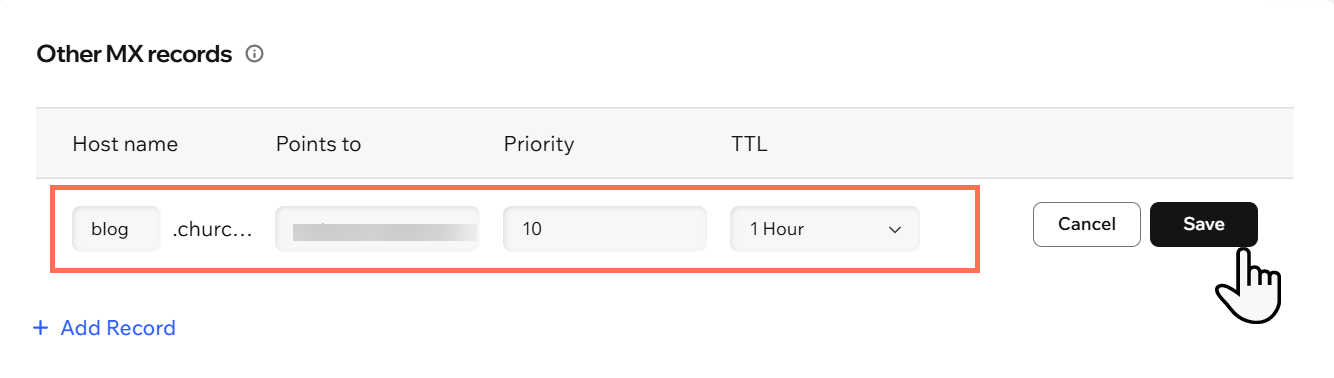
Scroll to the Other MX records section and click + Add Record.
In the Host name field, enter your subdomain. This is the part that comes before your domain name; for example, "blog" in blog.yourdomain.com.
Fill in the remaining fields as required by your email service provider and click Save.
 next to the relevant domain.