


Footer Descriptions
Improve your category's SEO by adding a footer description that appears beneath the category. Footers can also provide customers with useful information that guides them to a successful purchase.
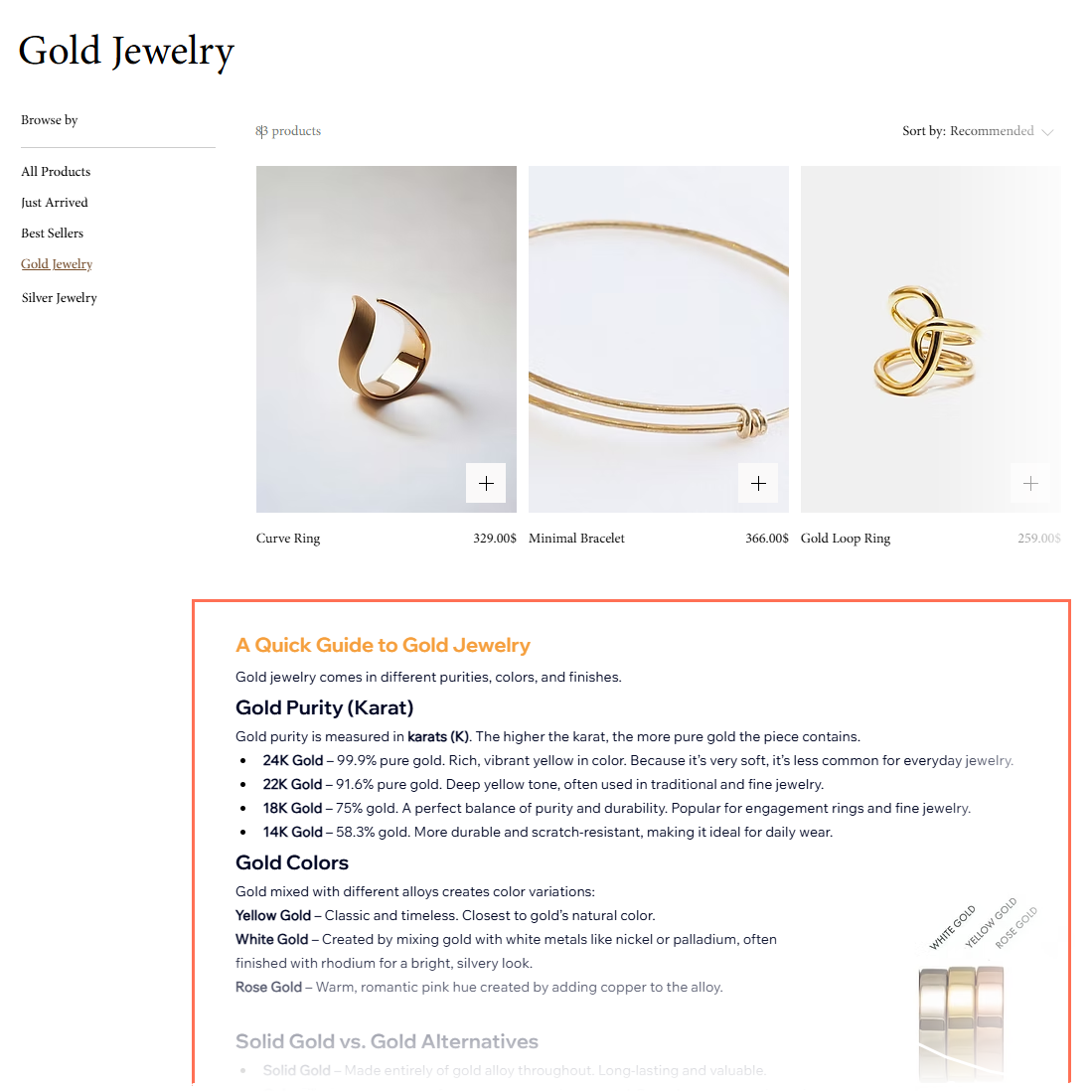
Footer descriptions can include images, videos, tables, expandable lists, and more. You can also customize the colors and fonts.
Important:
- By default, the footer description uses your site's fonts and colors. You can edit these in your editor.
- Editing fonts and colors for a specific category in the dashboard overrides the editor settings. Later, this text doesn't update when you make changes in the editor design settings. We suggest editing text design in the dashboard only to make unique changes to one specific footer description.
FAQs
Click below to learn more about writing descriptions for your categories:
How do I customize the footer layout or design for all categories at once?
How do I hide footer descriptions from appearing on category pages?