Add Lists
2 min
A repeater is a list of items that have the same design and layout, but different content. This is an easy and sophisticated way to display lists or options on your site.
To add a repeater to your site, drag your chosen design to the desired location on your page.
You can add repeaters with preset designs, hover interactions, or blank layouts that allow you to start from scratch.
Once you have added your repeater, click Manage Items to rearrange them, and add or delete items. You can also add elements and hover interactions to your repeater.
Want to display data in your repeater?
You can connect your items to a dataset to display content from your database collections. Learn More

Adding and connecting tables with Velo
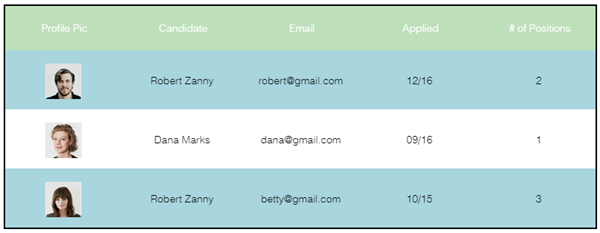
Tables are a great way to display content from your database collections. Before you can add and manage tables, you must enable Velo on your site.
To add a table to your site, simply drag your chosen design to the desired location on your page.
Once you have added the table, you can begin connecting it to data. Learn more