
Wixel: Building a Website with Symphony
Wixel helps you bring your ideas to life with logos, images, videos, documents and more. When you're ready to take your business online, Wixel can have Symphony build a website for you, based on your chat, your designs and your brand.
Symphony by Wix is an AI growth engine for small businesses. When you ask Wixel for a website, Symphony takes it from there. It builds the site on your Wix account, checks it and publishes it, so your website goes live without you having to design it in an editor.
You don't need to set up Symphony first. The first time you build a website, Wixel asks you to enable Symphony.
Building a website
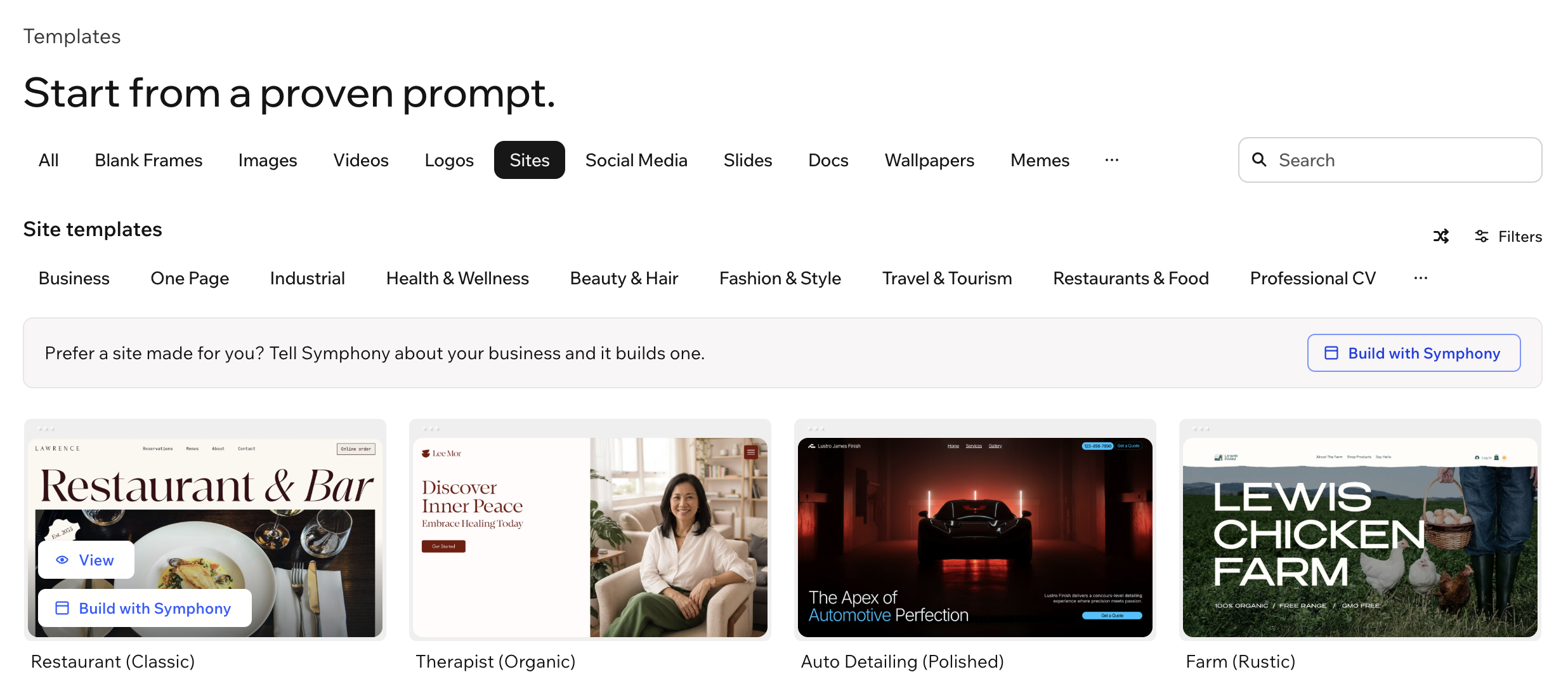
Start your website from the chat, from a logo you created, from your brand, or from a website template. The more Wixel knows about your business, the more the website reflects it.
To build a website:
Choose how to start your website:
(First time only) Click Continue to enable Symphony.
Follow the steps in the chat.
(When your website is ready) Click Open your website.
Making changes to your website
Once your website is live, you can keep improving it:
In the Wixel chat: Tell the Wixel Agent what to change, and Symphony makes the changes for you.
In Symphony: Click Edit in Symphony in the chat to keep working on your site with Symphony. Learn more about using Symphony.
FAQs
Click a question below to learn more about building a website with Symphony.