


Wix Smart Chat: Testing Your AI
In this article
- Choosing the right questions to ask
- Tips for effective testing
- Giving feedback to AI
Wix Smart Chat supports your site visitors with the best possible service using AI, so you don't have to be available to provide answers around the clock. To ensure it performs well, test it in your dashboard by asking it questions about your products, services, content - anything a real visitor might ask. Then give the AI feedback so it can understand how it should talk to your visitors.
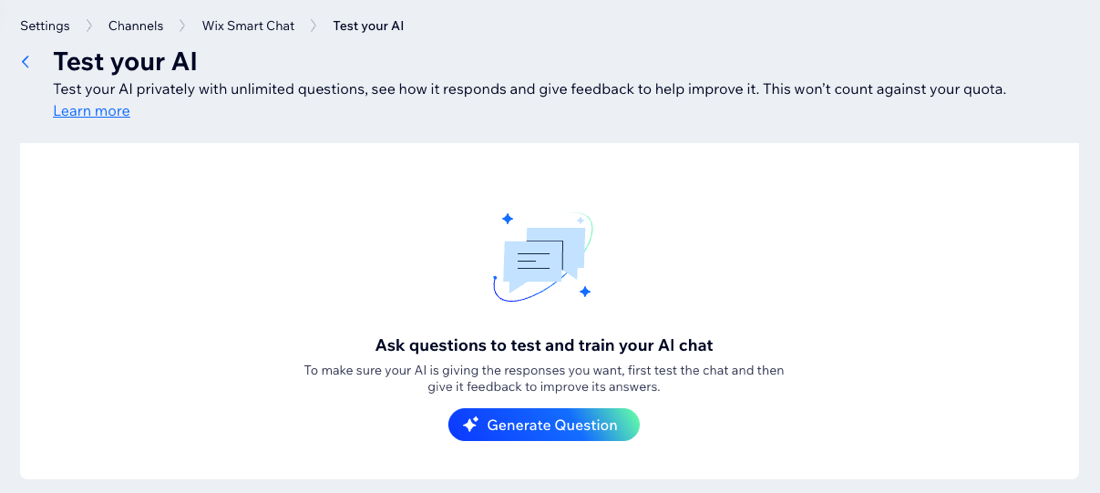
How to get started:
Go to Smart Chat in your site's dashboard. Click the
Actions drop-down and select
Test the AI.
Choosing the right questions to ask
Test the AI's knowledge of your products and services
in your site's dashboard.
Note:
After installing the Wix Smart Chat, it takes a few minutes for it to scan your site and learn the information. If you ask it a question before it finishes learning your site, you will receive the answer "I'm still learning your website."
Think like a site visitor
If you were a visitor on your site, what types of questions would you have? For example, if you own a hair salon, you would likely want to know more about your products/services, booking availability and pricing.
The AI learns the information and content on your site and provides it to your visitors. Asking the right questions can help you identify areas of your site's content you can improve, and give your visitors a better experience.
Be specific with your questions
The more specific your questions are, the better you will be able to test the AI. Ask about the finer details of your services, such as prices, descriptions or related products.
Evaluate the AI's responses carefully. Are the answers clear and helpful? Do they accurately reflect your business offerings and site content? If the AI seems confused or gives incorrect information, you can
add knowledge rules to improve the answers it gives.
Tips for effective testing
Making small changes to the questions you ask the AI can make a big difference when improving its capabilities.
Here are some tips for effectively testing the AI:
- Vary your questions: Try short questions and longer phrases. Ask about different products, pricing, contact information, etc.
- Be concise: Use words your site visitors would use. Avoid technical terms.
- Try different formats: Use a variety of full statements, yes/no questions and open-ended questions.
- Know your site: Look for areas of your site's content that need improvement. Ask questions about these areas to test whether the AI can also spot them.
Giving feedback to AI
Submit your feedback to enhance the AI's ability to provide accurate answers based on your specific site's content. The more specific and clear your feedback is, the better the AI can improve its responses to your visitors' questions.
Tip:
When you think the responses are not good enough, it's highly recommended to provide negative feedback by indicating when the answers are incorrect. This helps train the AI to improve its responses.
To give feedback to AI:
- Go to Smart Chat in your site's dashboard.
- Click the Actions drop-down and select Test your AI.
- Send a question in the text field.
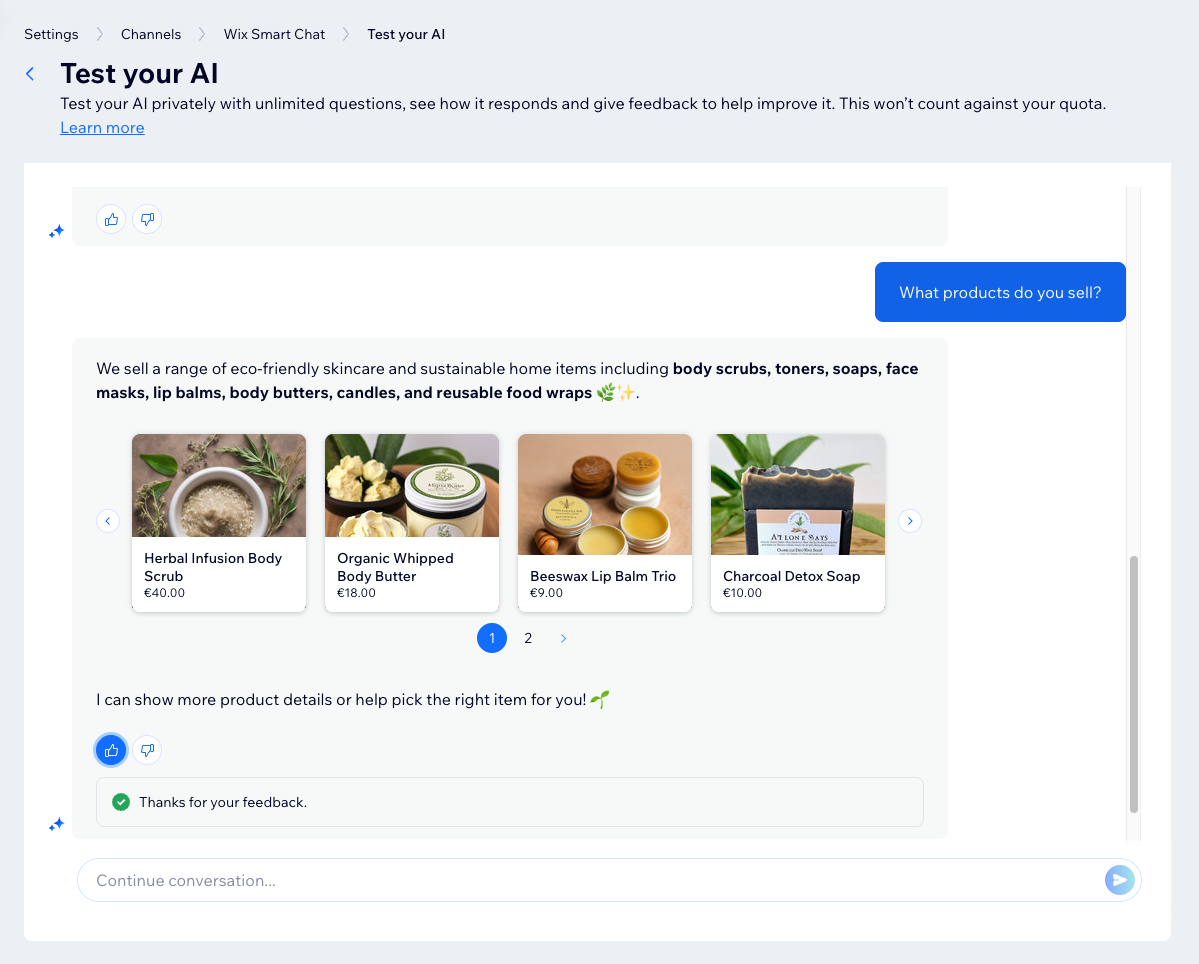
- After receiving an answer, choose what you want to do:
Give positive feedback
 to let the AI know that it answered correctly. It will use this answer in the future when asked the same question by a site visitor.
Give negative feedback
 to let the AI know that it did not give a good answer.
Ready to go live?
When you're satisfied with the AI's performance, make the AI chat available to users by updating the
chat availability mode.