


Wix Smart Chat: Customizing the AI's Identity and Style
Control the way the AI sounds when talking to your site visitors. Customizing the response style helps you create a consistent brand experience and match the tone your audience expects (e.g. fun vs. professional). Improve clarity by adjusting the message length, and even add a human touch with emojis.
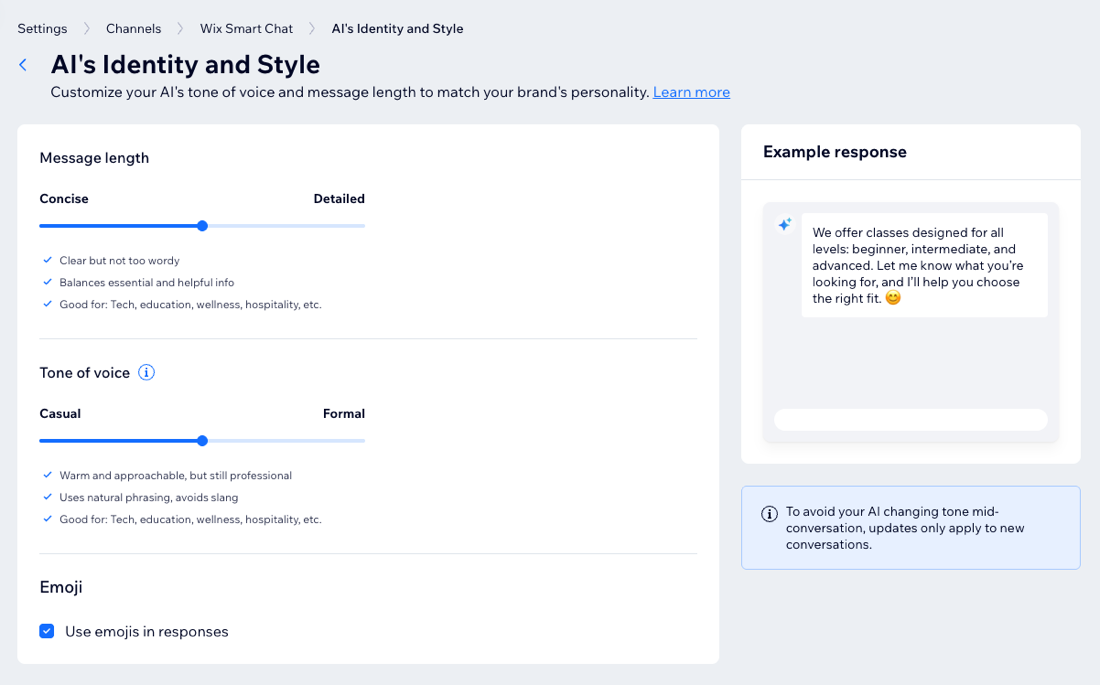
Customizing the AI identity and style
Set the tone, message length, and personality through emojis so every chat with your visitors feels on-brand.
View an example for a skateboard shop
View an example for a law firm
- Go to Smart Chat in your site's dashboard.
- Click the Manage drop-down and select AI's Identity and Style.
- Choose what to customize:
Message length
Tone of voice
Emoji
4. Click
Save at the top right.
Note:
To avoid interruptions for visitors already chatting with the AI, changes apply to new conversations only.
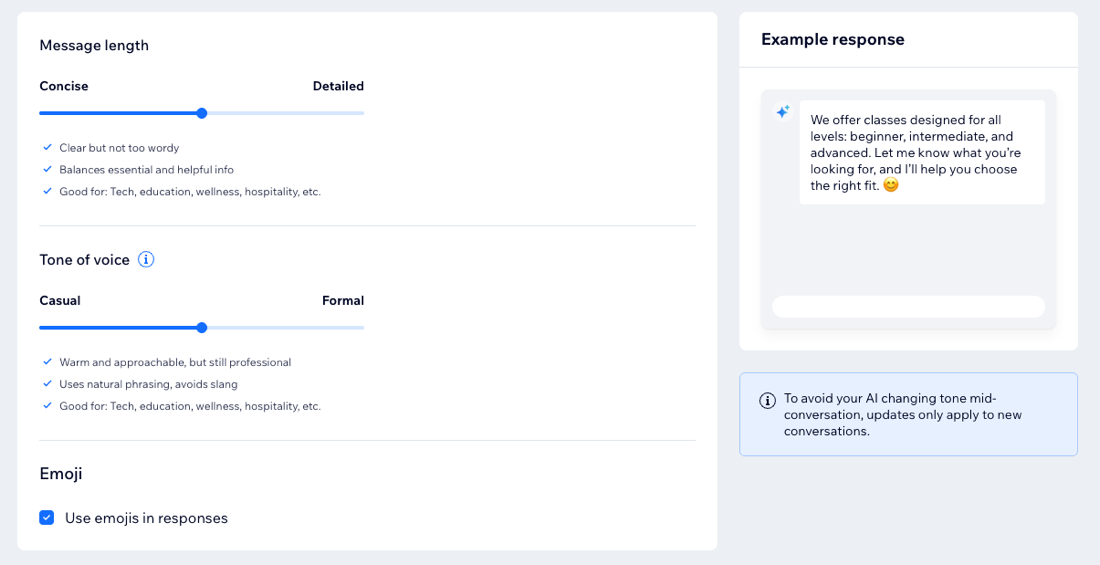
Preview before going live:
Test your AI to check how it responds to your questions before publishing it on your site.