


Studio Editor: Using the Learn From the Community Panel
In this article
- Using the Learn From the Community panel
- Browsing solutions and filtering topics
- Exploring a solution
- FAQs
Explore a curated feed of Wix Studio projects and practical answers from the Wix Studio Community forum without leaving your editor. In the Learn From the Community panel you can browse practical solutions, and discover shared code and detailed how-tos from other Studio creators. Get inspiration, tackle challenges, and share your own expertise, all from one place.
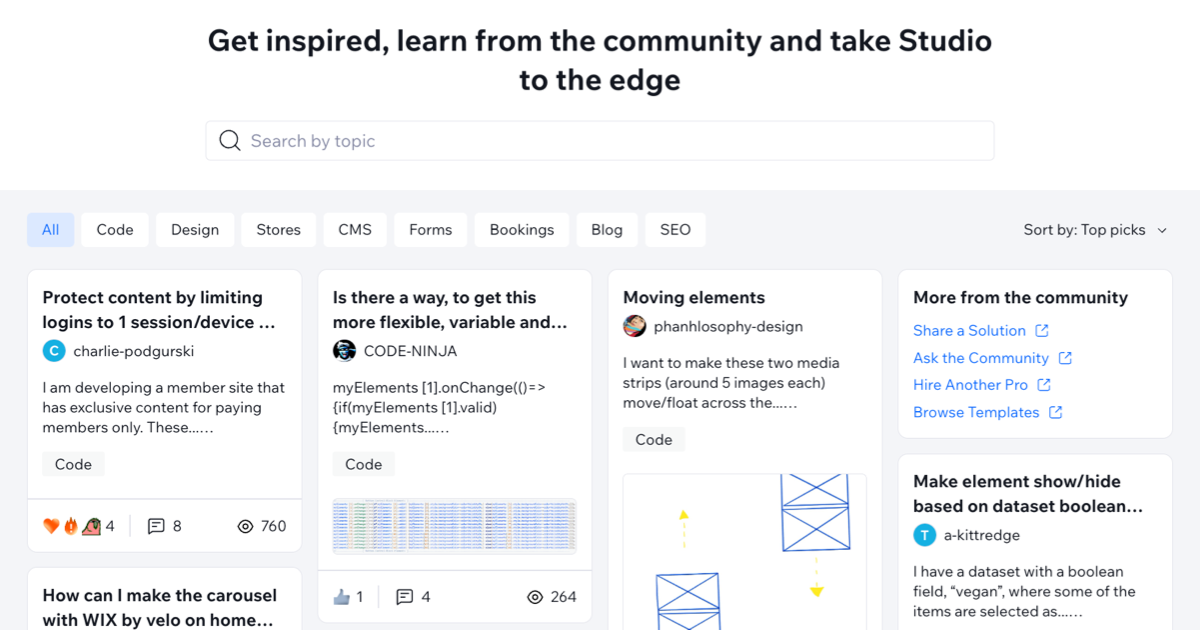
Using the Learn From the Community panel
In the Learn From the Community panel, you can find a curated mix of Studio-focused content, including tutorials, code examples, tips from other Studio creators, and community Q&A threads that already have a marked solution.
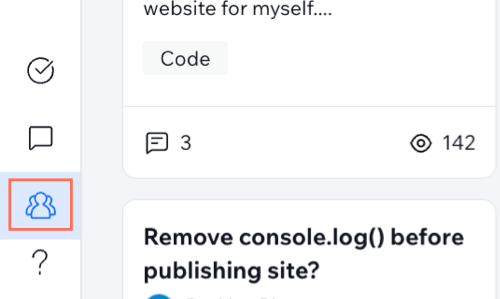
Access this feature by clicking the
Learn
From the Community
 icon on the left side of the Studio Editor.
icon on the left side of the Studio Editor.
Browsing solutions and filtering topics
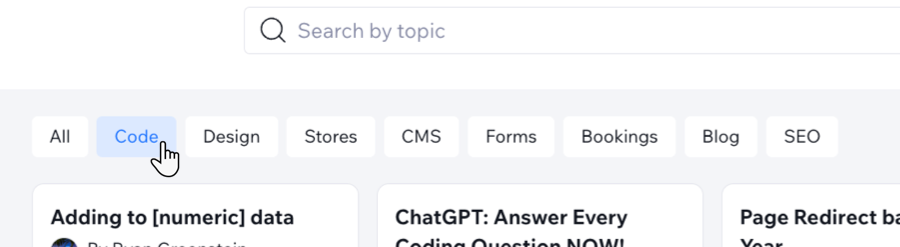
Use the topic filters at the top of your Learn from the Community panel (such as Stores, Bookings, Blog etc.) to narrow down topics to your area of interest, or use the search bar to search for a specific topic.
Click
Show all results at the bottom of your search results drop-down to open the full list in the Wix Studio Community forum. Topics outside the Learn From the Community panel may not have a marked solution or answer.

Tip:
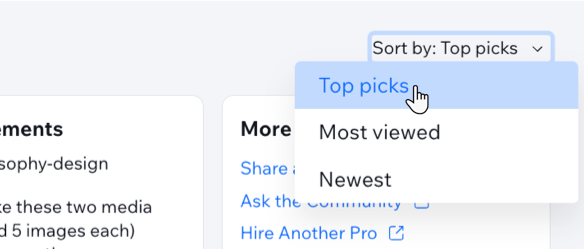
Sort the topics by clicking
Sort by and choosing between
Top Picks,
Most viewed, or
Newest.
Exploring a solution
Click any topic to expand it and view the full solution, replies, views, and reactions. You can also join the conversation.
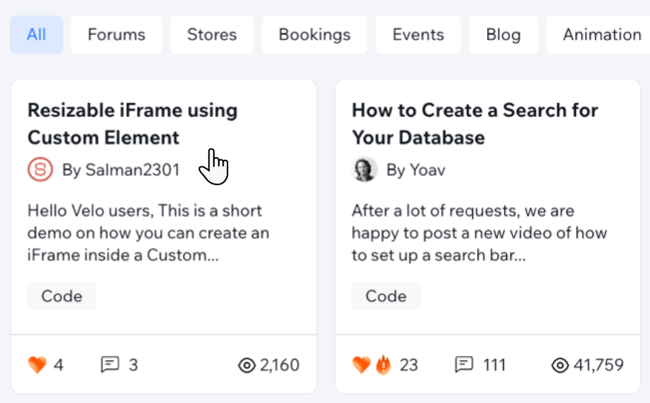
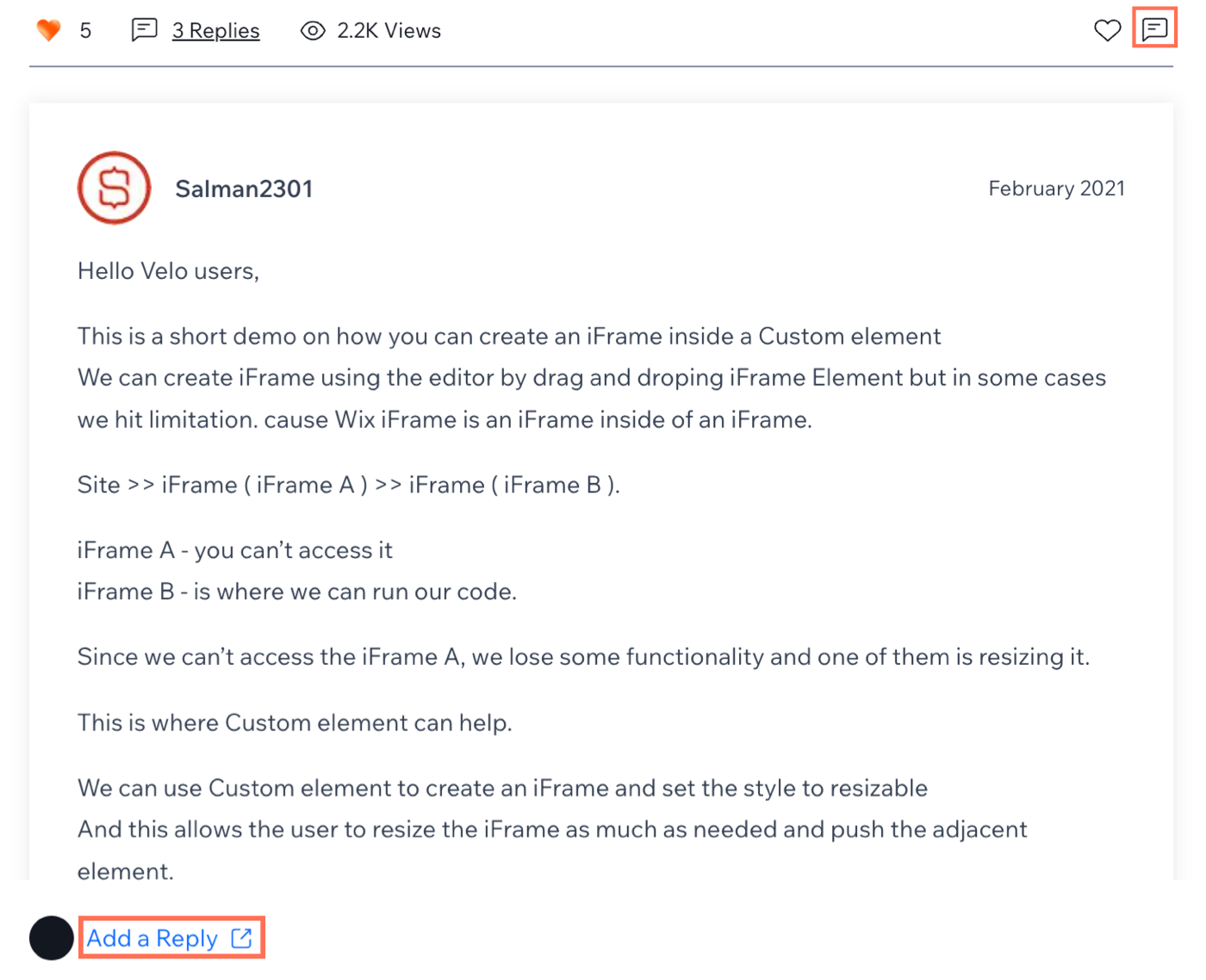
You can interact with topics in several ways:
Reply to a topic
 or click
Add a reply.
Both actions open the community forum in a new tab.
or click
Add a reply.
Both actions open the community forum in a new tab.
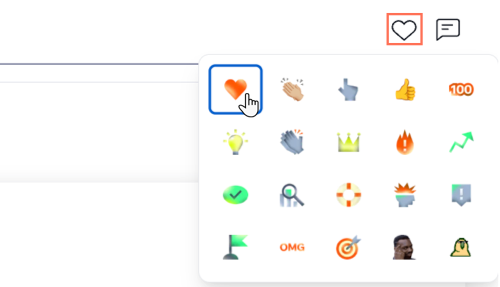
React to a topic
 at the top right of a topic and select one of the available reactions.
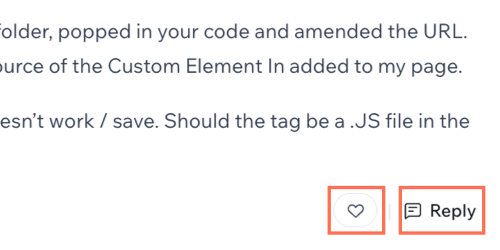
Read replies

Interact with others' replies
Tip:
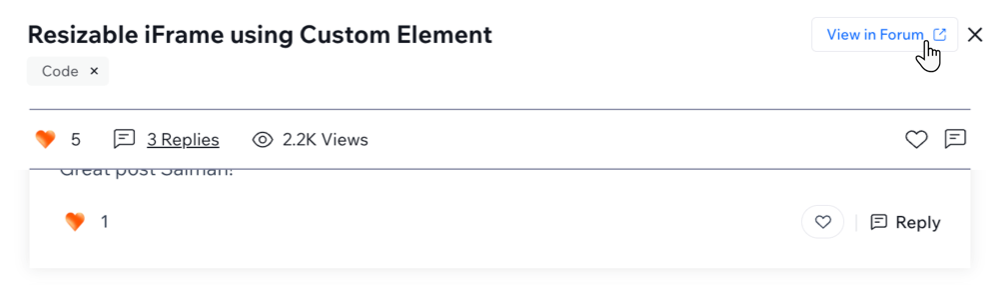
Click
View in Forum at the top of the topic to open the discussion in the Wix Studio Community forum. This opens a new tab.
FAQs
Click a question below to learn more about using the Learn From the Community panel.
Can I share my own solutions with the community?
How can I ask a question to the community?
Can I bookmark solutions for later?
 at the bottom of the topic to save it.
