
CMS:複製及貼上內容
1 分鐘
在 CMS(內容管理系統)中,可在集合內或不同集合之間複製及貼上項目和欄位,也可從 Google 試算表和 Microsoft Excel 等外部來源複製及貼上內容。
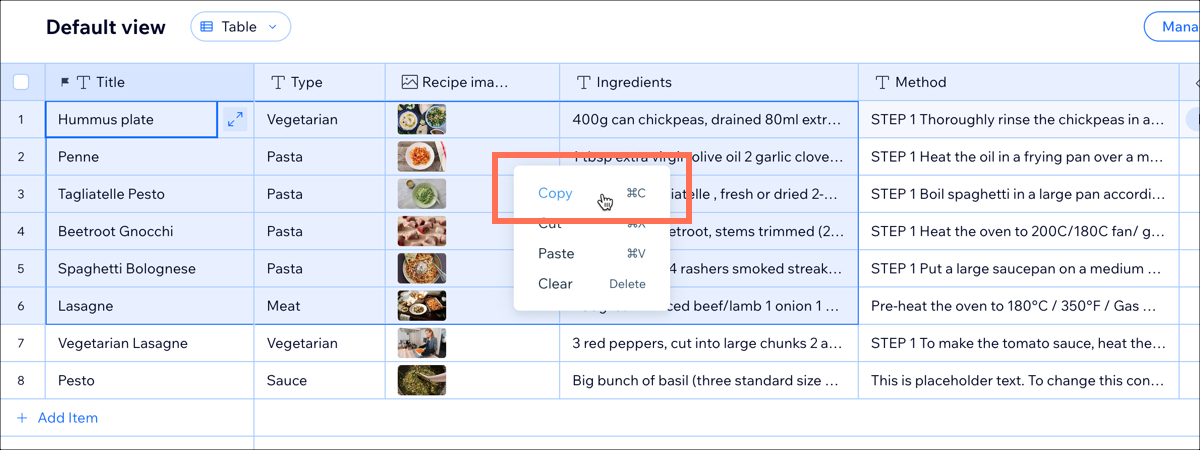
首先,點擊並拖曳以選擇所需欄位。接著使用 Ctrl +
C 或 ⌘ +
C 複製欄位,再點擊要顯示儲存格的位置,並使用 Ctrl +
V 或 ⌘ +
V 貼上。
注意: 
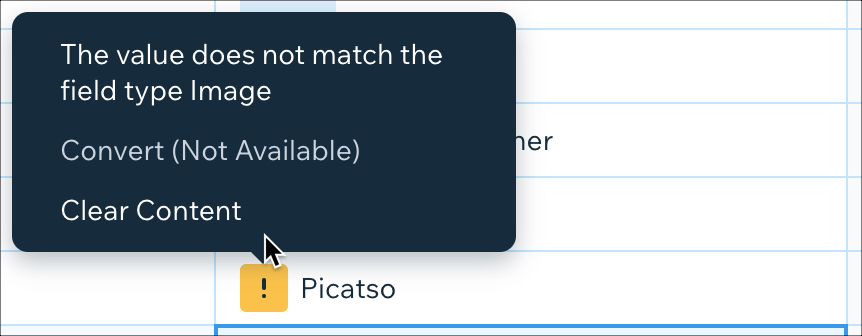
從其他集合或來源貼上內容時,內容類型必須與要貼入的欄位類型相符。如果嘗試將不同內容類型貼入集合,系統會顯示以下警告訊息。
如果仍要貼上,內容與欄位類型不符的每個欄位都會顯示警告圖示。將游標懸停在圖示上,即可查看不相符項目的詳細資訊。
 。將游標懸停在圖示上,即可查看不相符項目的詳細資訊。