header-logo
Learn how to use Wix to build your site and business.
Design and manage your site using intuitive Wix features.
Manage subscriptions, plans and invoices.
Run your business and connect with members.
Learn to purchase, connect or transfer a domain to your site.
Get tools to grow your business and web presence.
Boost your visibility with SEO and marketing tools.
Get advanced features to help you work more efficiently.
Find solutions, learn about known issues or contact us.
placeholder-preview-image
Improve your skills with our courses and tutorials.
Get tips for web design, marketing and more.
Learn to increase organic site traffic from search engines.
Build a custom site using our full-stack platform.
Get matched with a specialist to help you reach your goals.
placeholder-preview-image
In this article
  • Choosing a frame size
  • FAQs

Wixel: Changing the Frame Size

3 min
In this article
  • Choosing a frame size
  • FAQs
This article refers to the new Wixel, released in December 2025. If you're unsure whether you’re using the new or previous Wixel, view more information here.
Change the dimensions of your design's frame to preset sizes that are optimized for different platforms. Whether you're creating an Instagram post or another type of content, selecting the right preset ensures your design meets platform standards and looks great - no extra adjustments needed.
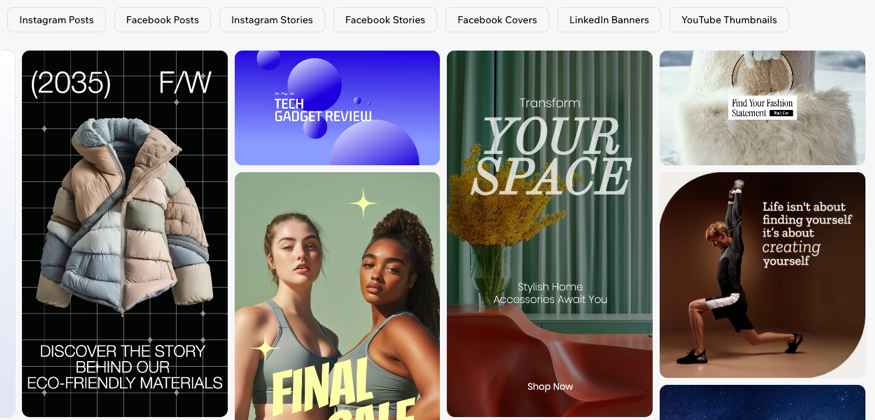
A screenshot of social media post templates

Choosing a frame size

Choosing a size for your design's frame helps ensure it fits perfectly on the platform where you plan to upload or share it.
Note:
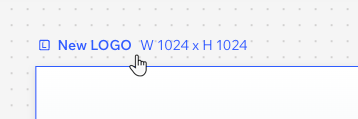
The option to change sizes is available for assets like images, social media posts, and greeting cards. It is not available for logos, docs, videos, and forms.

To choose a frame size:

Desktop browser
Mobile browser
  1. Go to your project in Wixel.
  2. Click the frame of the relevant design.
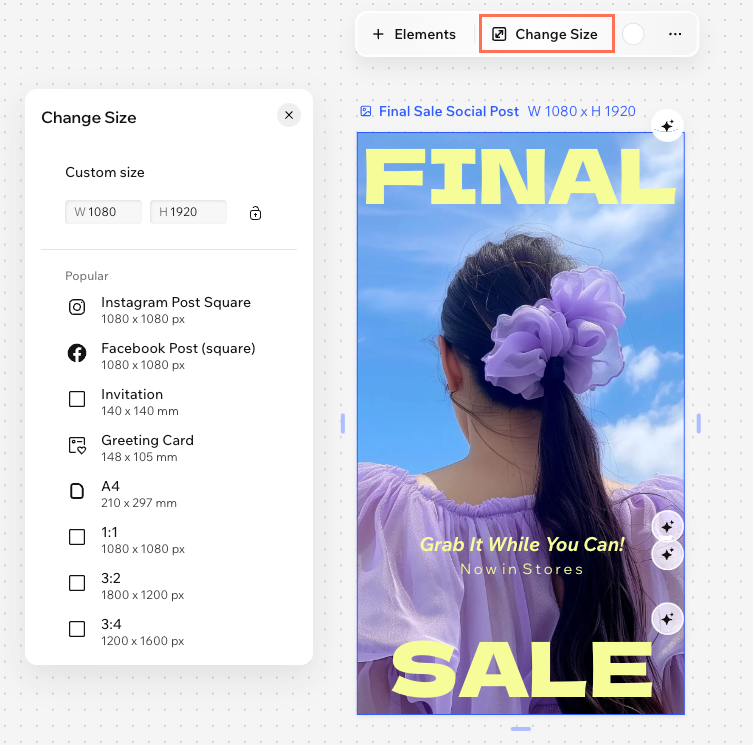
  3. Click Change Size on the action bar.
  4. Choose a preset (e.g. Instagram Square Post or Facebook Story) based on the platform where you plan to upload or share your project.
A screenshot of the change size panel with the button highlighted in the Wixel mobile browser.

FAQs

Click a question below to learn more about choosing a preset size.

Helpmate

Hello

Need a bit more guidance?
Summary of this article
Unlock personalized helpLog in to get the most out of Helpmate.