Wix Stores: Adding Handling Fees
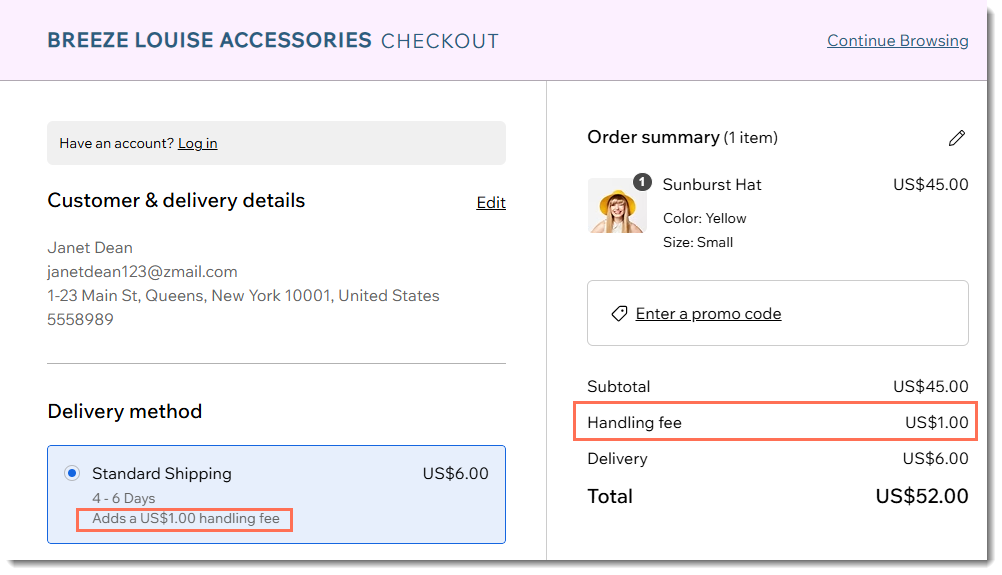
You can add a handling fee (in addition to shipping and delivery fees) to orders placed through your store. To help customers understand what their total cost will be, they see the handling fee listed separately next to the delivery rate and in the order summary.
Tip:
If you want to charge for handling without showing it as a separate line on the checkout page, remove the handling fee and add that amount to your shipping charge (e.g. instead of $6 shipping and a $1 handling fee, charge $7 for shipping).
To add a handling fee:
- Go to Shipping, delivery & fulfillment in your site's dashboard.
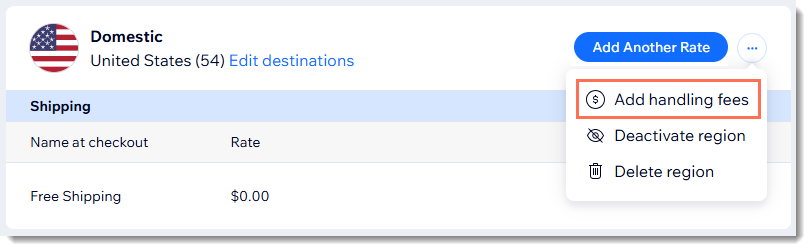
- Click the More Actions icon
 next to the relevant region and select Add handling fees.
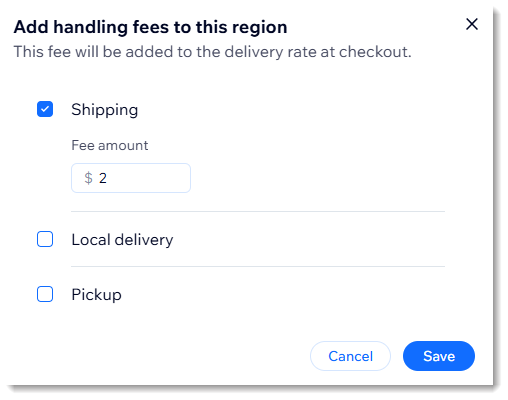
- Select the shipping rule(s) to which the handling fees apply.
- Enter the handling fee.
- Click Save.