Wix Restaurants: Adding a Specialties List to Your Site
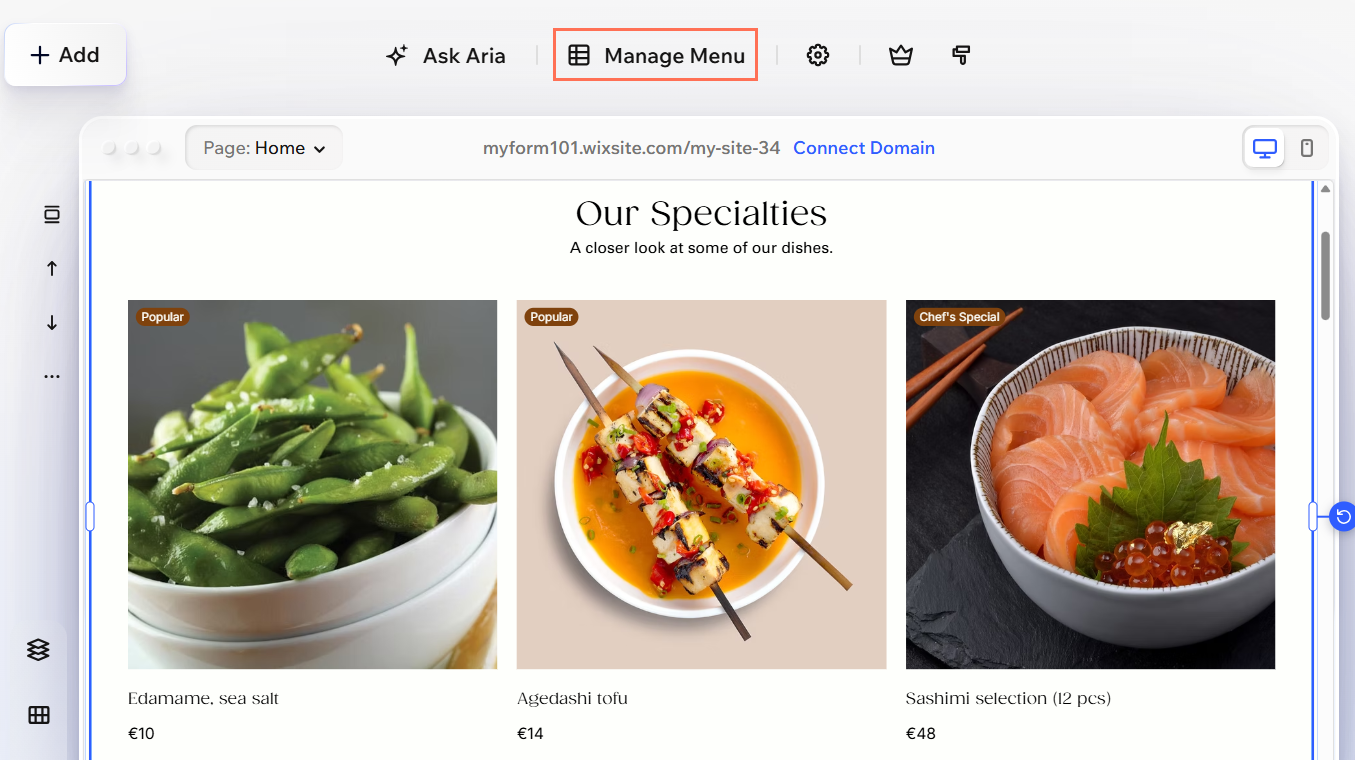
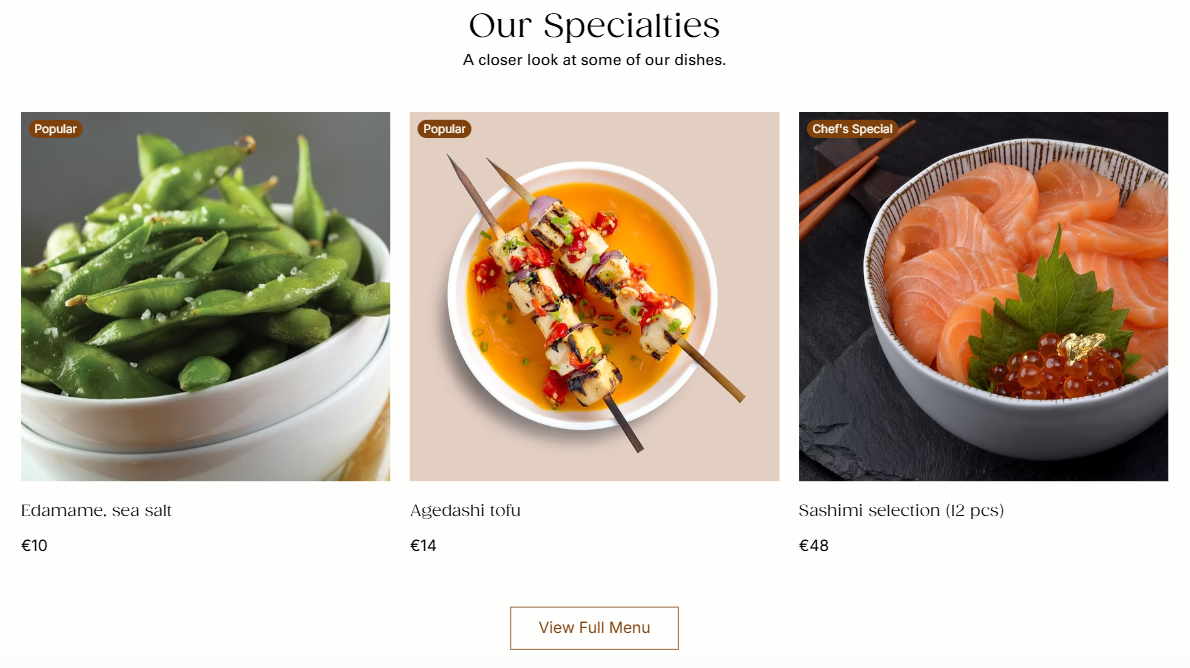
Showcase your restaurant’s featured dishes by adding a Specialties list to your site. The Specialties list displays the dishes you mark as highlighted items in your menu, so you can feature bestsellers, seasonal dishes, recommended items, or other dishes you want visitors to notice.
This feature is currently only available in the Wix Harmony Editor.
Choosing which dishes to feature
The Specialties list is manually curated. This means you choose which dishes appear by marking them as highlighted items, rather than having Wix calculate them automatically based on sales or order activity.
To choose which dishes to feature:
Click the Page dropdown at the top left of the page.
Select the Menus page under Restaurant Pages.
Click the menu element on your page.
Click Manage Menus on the action bar.
Click Manage Items.
Select the dish you want to feature.
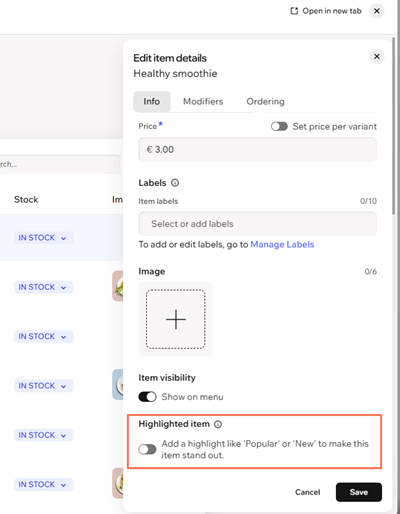
Click the Info tab.
Enable the Highlighted item toggle.
Choose the ribbon label you want to show on the dish.
Click Save.
Repeat these steps for each dish you want to feature.
Adding the Specialties list to your site
After choosing your highlighted dishes, add the Specialties list element to a site page in the Wix Harmony Editor. For example, you can add it to your homepage to give visitors a preview of your featured dishes before they view your full menu.
To add a Specialties list:
Click the Page dropdown at the top left of the page.
Select the page where you want to add the Specialties list.
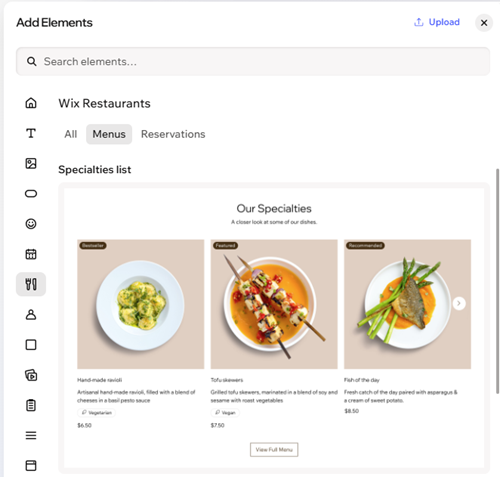
Click + Add at the top left of the editor.
Select Elements.
Go to Wix Restaurants.
Click the Menus filter.
Drag the Specialties list element onto your page.
Managing your menu content
You can manage the dishes and menus that feed into your Specialties list from the Restaurant Menus modal. From there, you can edit menu items, create a new menu, or update an existing menu.
To manage your menu content:
Click the Page dropdown at the top left of the page.
Select the page displaying the Specialties list.
Click Manage Menu on the action bar.
Choose what you want to do next:
Manage Items: Edit your menu items.
Add Menu: Create a new menu.
Edit: Edit an existing menu.
Add New Menu: Create another menu.