


Wix Mobile Apps: Adding Online Programs Widgets on the Wix Member Apps
In this article
- Adding and customizing your Online Programs widgets
- FAQs
Give your program participants the option to take your online program right from your member app (e.g.
Spaces by Wix or
your own app). By adding Online Programs widgets, participants can quickly find your programs, and join immediately.
Tip:
Customize more elements on your site's mobile app.
Adding and customizing your Online Programs widgets
Online Programs widgets help members discover and access your programs more quickly in your mobile app. Depending on the app you're using, you can customize the widget title, placement, and device visibility for Android, iOS, or both.
Dashboard
Wix app
- Go to Mobile App in your site's dashboard.
- Click the relevant tab (e.g. Spaces by Wix app, Fit by Wix app, Your own mobile app).
- Click Edit Mobile App.
- Choose what you want to do next:
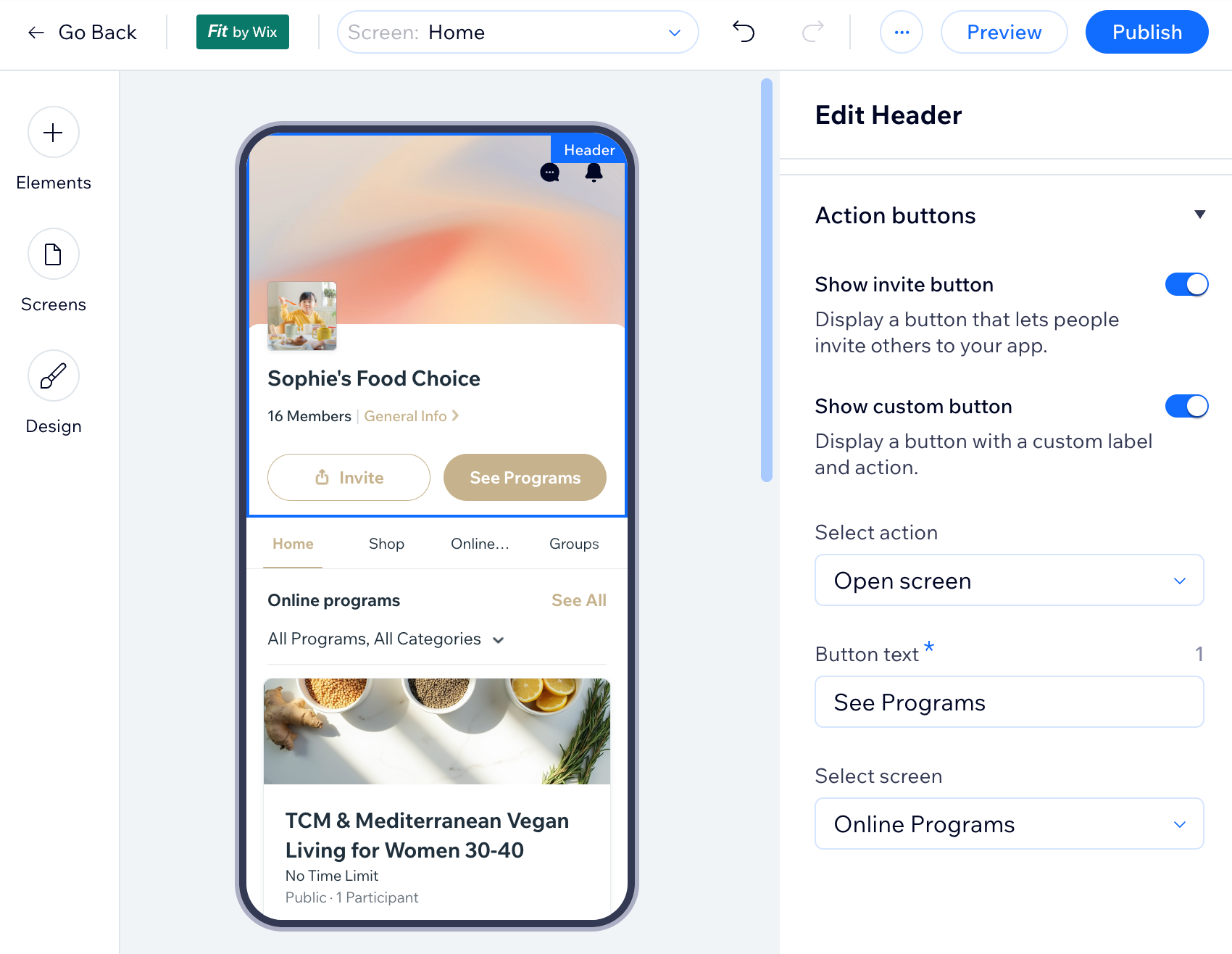
Change the header button to open your programs page
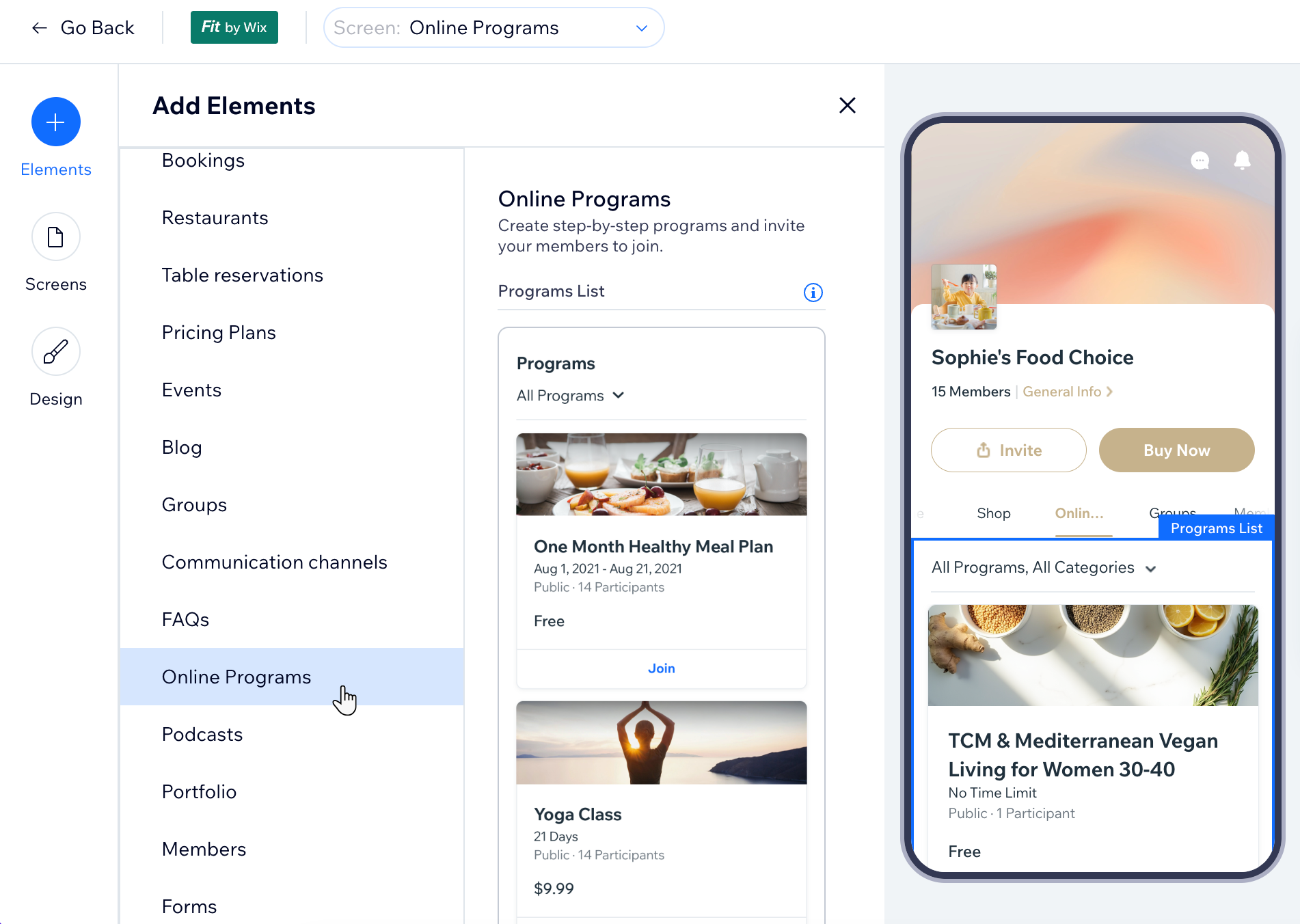
Add a program element to your preferred screen
 or Move Down
  icon.
icon.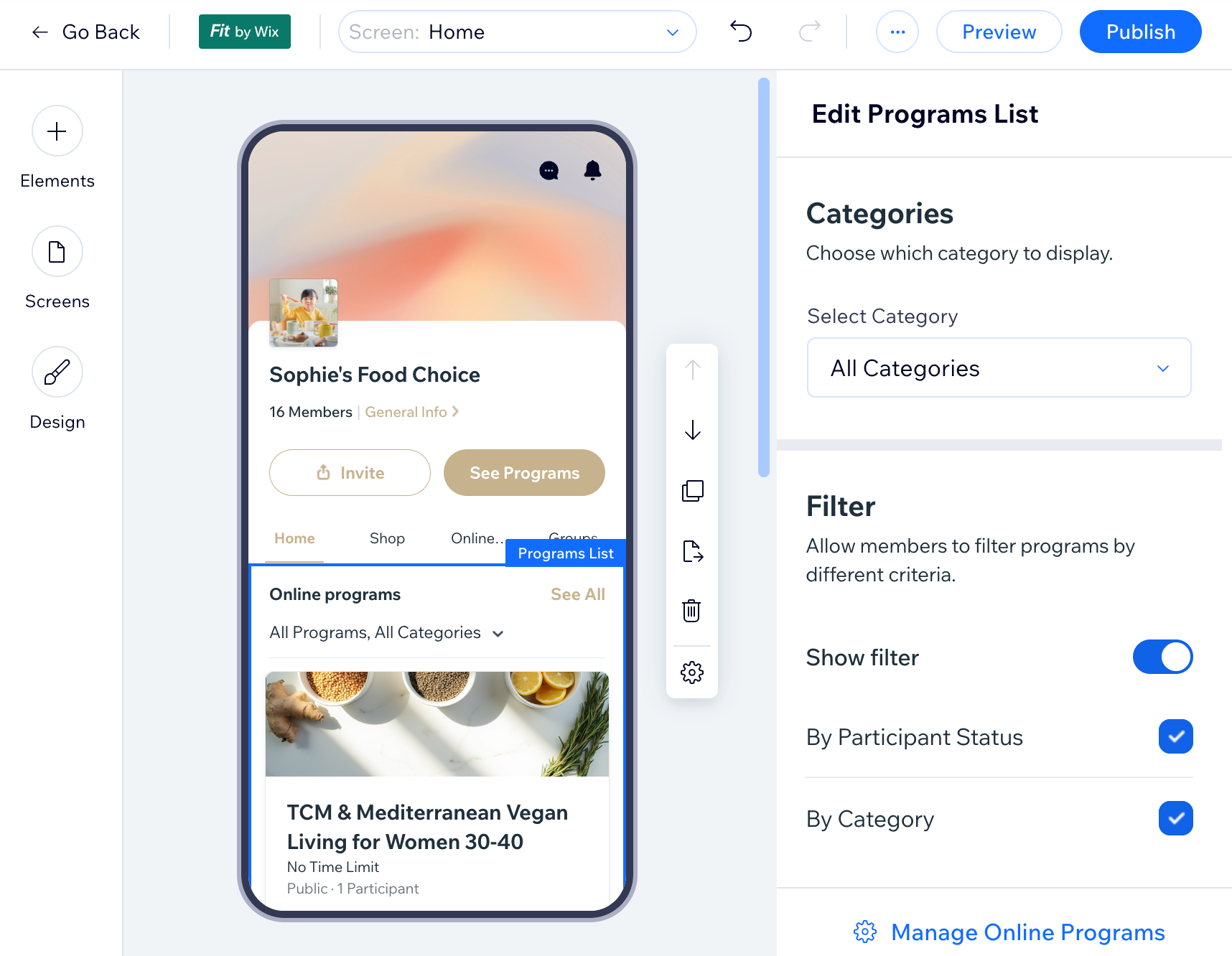
FAQs
Click a question below to learn more about adding Online Programs widgets.
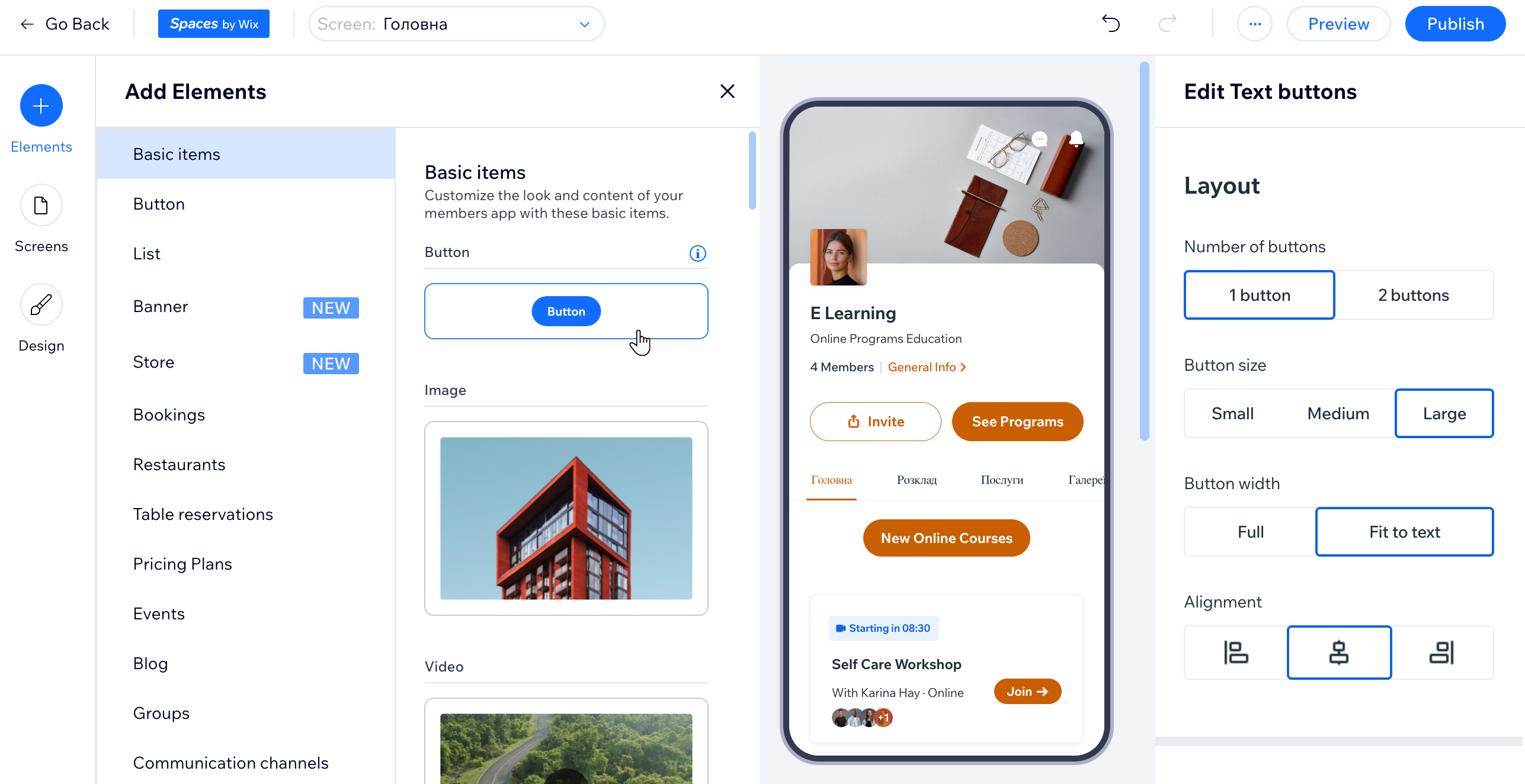
Can I create a link to a program from a specific screen on my app?
How can I create a mobile online program?
Can I create a custom screen for showing my programs?
