
Wix Mobile Apps: Site Discoverability Tools to Get More Members on Your Spaces App
2 min
Get more people to join you on the Spaces by Wix app by choosing from a variety of discoverability tools. Add an invite banner or a 'Download the Mobile App' app to your site to increase your site's exposure. You can also make it easy for people to discover your site by inviting people directly.
Tip:
After you
choose your preferred
member app, make sure you
customize your site on the relevant Wix member apps.
Turn site visitors into members
Turn mobile site visitors into members of your site by
adding an invite banner on your mobile site. The banner appears at the top of your mobile site, inviting new people to download the Spaces app and join your site.

Important:
If you have a
Premium plan, you can show or hide the invite banner from your site's dashboard. If you don't have a Premium plan, the banner is always displayed.
Invite people to join your site
Invite people to become members of your site. You can choose how to invite people to join your site. For example, turn contacts into members with an email campaign or send people a direct link to download your members app. You can also save time by setting up an invite automation every time someone visits your site.

Important:
To send out an invite automation, make sure you install the
Members Area on your site.
Add a “Download My App” app to your site
Add a “Download the Mobile App” app to your site and let site visitors know why they should join you on the members app. You can place the app on any page on your site to increase the visibility and encourage people to connect with you on the go.
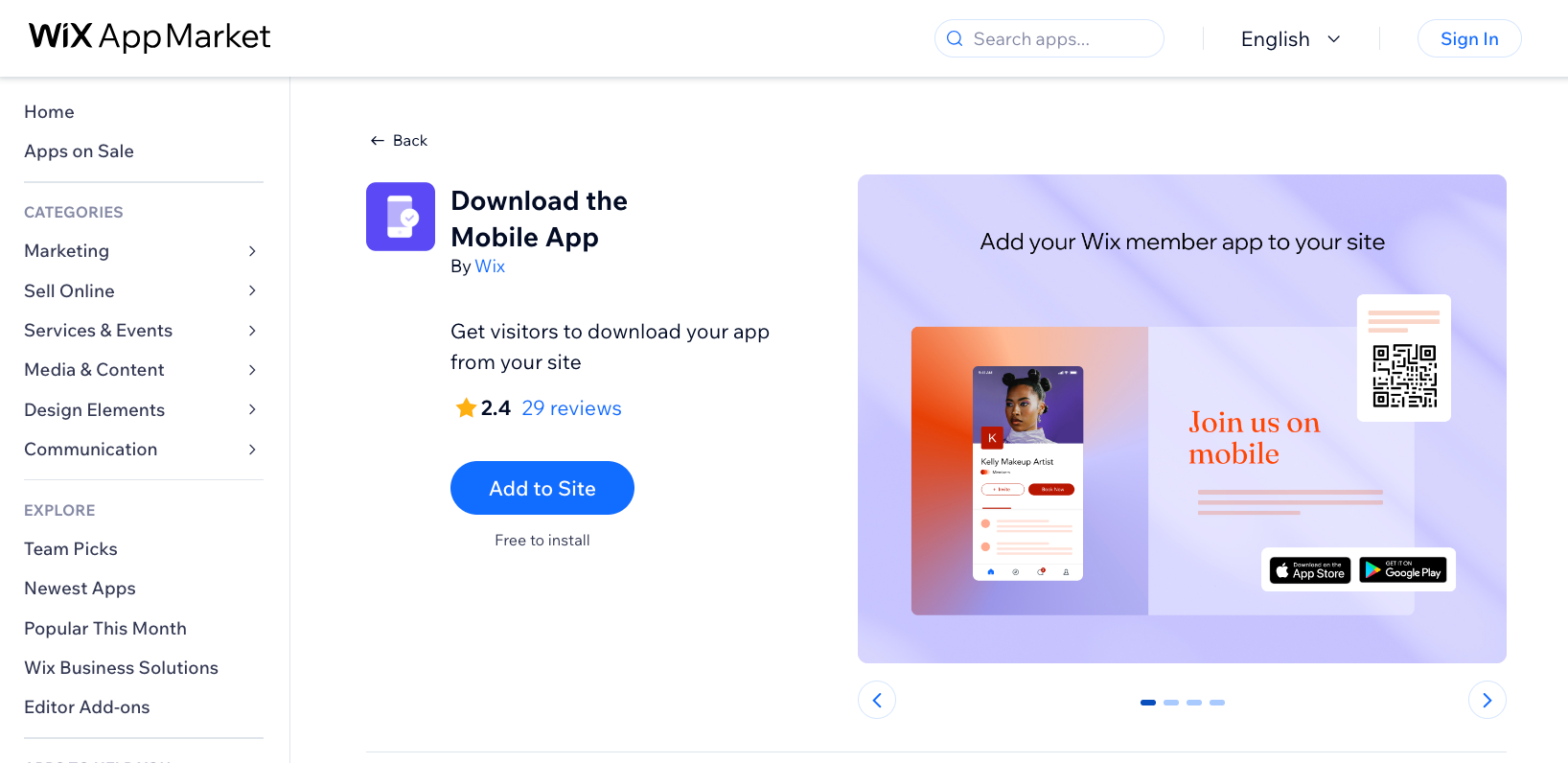
You can also add additional apps from your editor, your site's dashboard, or the Wix app. Learn how to
add apps to your site.