


Wix Legends: Customizing Your Legend's Branding
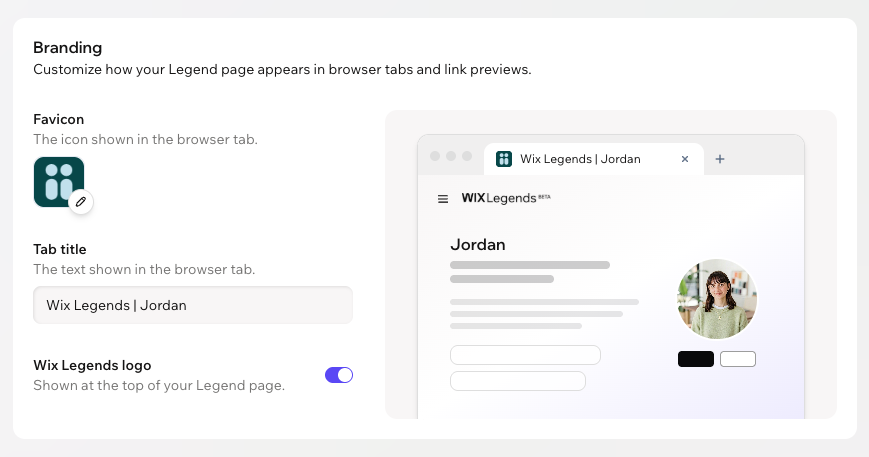
Make your Legend's page look like part of your brand. Choose the title and icon visitors see in their browser tab, and decide whether the Wix Legends logo appears at the top of the page.
Note:
Customizing your Legend's branding is available on paid plans only.
Customizing your Legend's branding
Customize the favicon and tab title, and choose if to show or hide the Wix Legends logo. This affects how your Legend's page appears in a visitor's browser tabs and link previews when shared.
To customizing your Legend's branding:
Click Settings on the left.
Click the Branding tab.
Choose what to customize:
Favicon
 on the current favicon.
Tab title
Wix Legends logo
Tip:
Check the preview next to the settings to see how your tab title and favicon look in a browser tab.
FAQs
Click a question below to learn more about your Legend's branding.
When do my branding changes appear on my Legend page?
What happens to my branding if my paid plan ends?