Wix Inbox: An Overview
In this article
- Manage messages from all of your channels
- Respond to common queries with ready-made replies
- Encourage sales by attaching product links and coupons
- Keep your inbox tidy by managing spam
- Share the responsibility of managing your inbox
Make the most of Wix Inbox by using it to view and respond to messages from many different channels like Wix Smart Chat, Wix Forms and your social media pages. You can send saved replies,
coupons,
payment requests, and more. Share the responsibility of managing customer communications by giving team members permission to respond to messages too.
Ready to get started?
Make sure your site is published, then
go to Inbox in your site's dashboard.
Manage messages from all of your channels
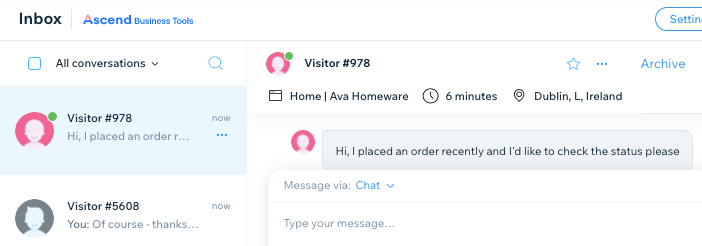
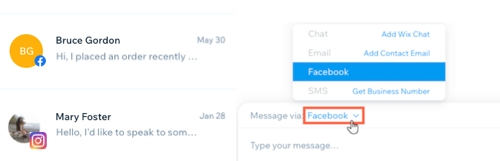
Streamline the way you communicate with customers. Integrate Wix Inbox with different platforms to view and reply to all of your messages in one place. This includes channels like your Facebook page and Instagram page, as well as Wix Forms submissions and Wix Chat.
You can also connect your Gmail account to Wix Inbox. This means that any emails you send through your Wix account will come from your personal email address. Learn more about
Wix Inbox channels and
connecting your Gmail account.
Tip:
When you access your inbox, you'll find messages from 2 demo contacts. Click these messages to learn more about how you can use Wix Inbox. You can
delete these messages or
delete the contact at any time.
Respond to common queries with ready-made replies
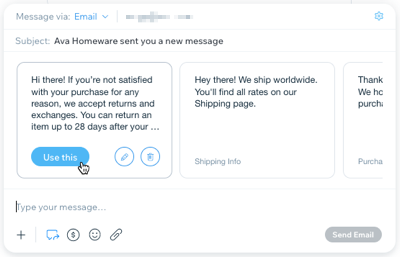
Some customer queries will reach your inbox again and again. What's your refund policy? What are your opening hours? Speed up your response time by creating "saved replies" to respond to these frequently asked questions. You could also save a generic "welcome" message so you can easily send it to new contacts.
Learn more about sending saved replies and attaching other items to your messages.
Encourage sales by attaching product links and coupons
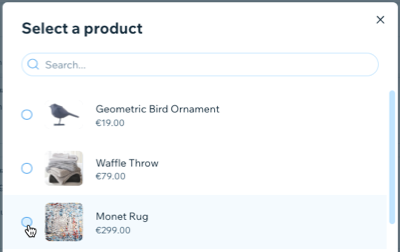
Grow customer relationships through messages. Promote a new product or help customers make their minds up by sending direct links to products on your site. Seal the deal by instantly sending coupons to offer store discounts, free shipping and more.
Learn more about sending product links, coupons, payment requests, and more.
Keep your inbox tidy by managing spam
Wix Inbox automatically scans incoming
Wix Chat messages and moves anything that looks suspicious or matches common spam patterns to your Spam folder. You can also manually mark messages as spam if needed. This helps keep your main inbox focused on real conversations, but sometimes legitimate messages can be flagged by mistake.
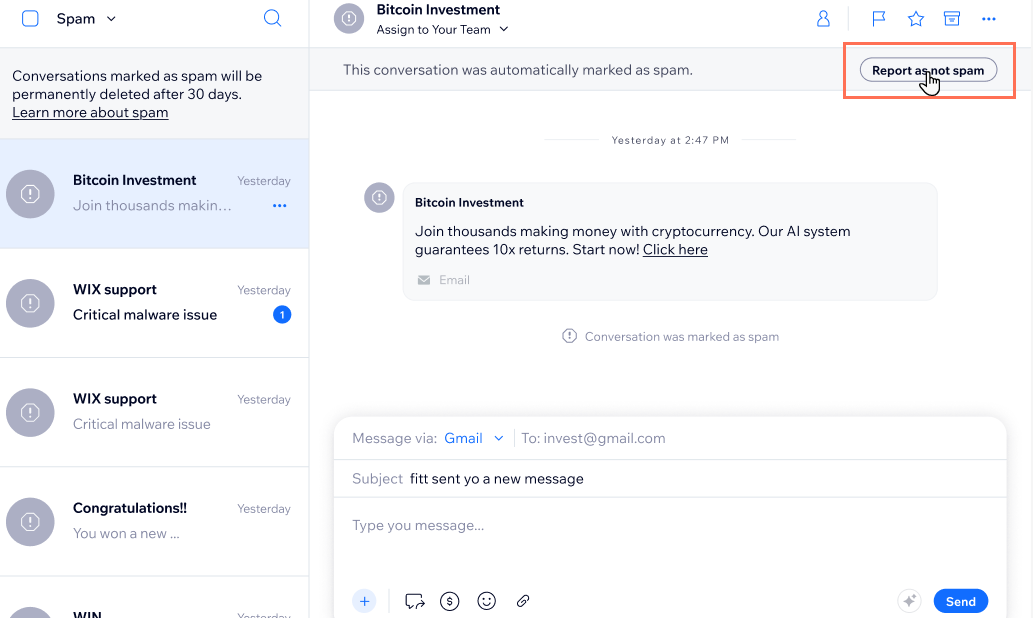
If you see an important conversation in your Spam folder, you can
report it as not spam so it moves back into your main inbox. This manual action overrides the automatic detection for that conversation and helps improve how spam is filtered in the future.
Share the responsibility of managing your inbox
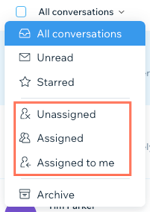
Assign inbox permissions to site collaborators to allow them to view and answer messages. This lets them send personal replies to messages and alerts them on incoming messages.
You can also
assign contacts to your site collaborators. Messages from these contacts are automatically assigned to the collaborator you've selected, so they can personally manage the relationship. Filter your inbox by assignee to see each collaborator's messages.
Learn more about
inviting inbox collaborators and
filtering your inbox by assignee.