Wix Headless: Uploading a Static Site
- Drag and drop your site to see it live
- Manage your business from one dashboard
- Get started
- FAQs
Wix Headless is not currently available to all users.
Upload your site files from another platform to create a Wix Headless site. For example, you can upload files from a site you built on a design or web development platform.
Connect your site to Wix's business solutions and manage payments, orders, products, and more from a centralized dashboard. Your site keeps the design and code you built, while Wix handles the rest.
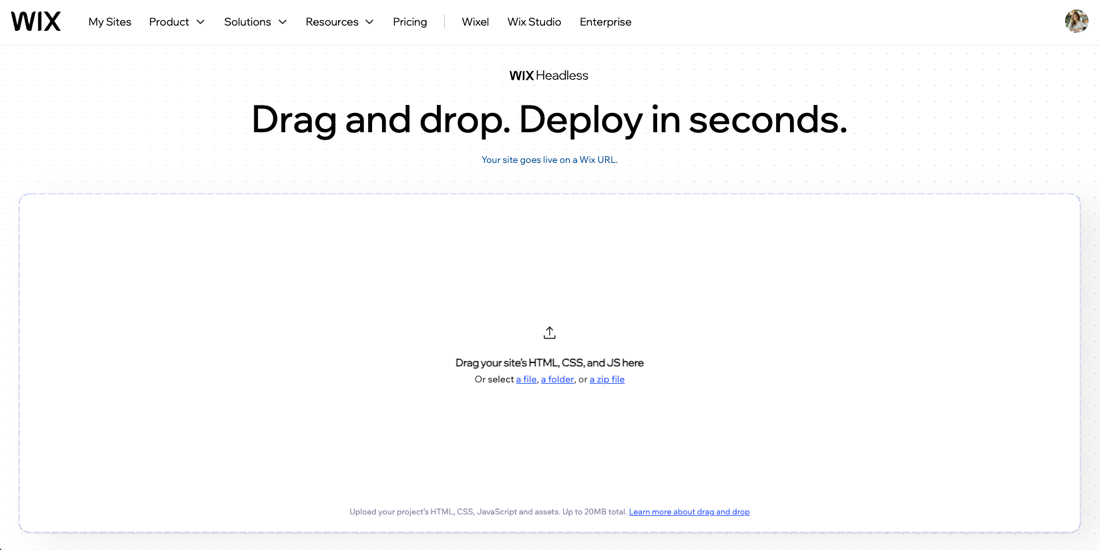
You can upload static HTML, CSS, JavaScript, and assets (up to 20 MB total).
Drag and drop your site to see it live
Drag and drop your site files - a folder or zip - directly at wix.com/headless/drop. Your site goes live right away so you can see exactly what Wix can offer before signing up.

Manage your business from one dashboard
Save your project and connect it to Wix's business solutions and apps, all managed from your dashboard. Add the relevant features to manage products, bookings, blog posts, events, forms, members, and more. When you make a change in the dashboard, your connected site reflects it.
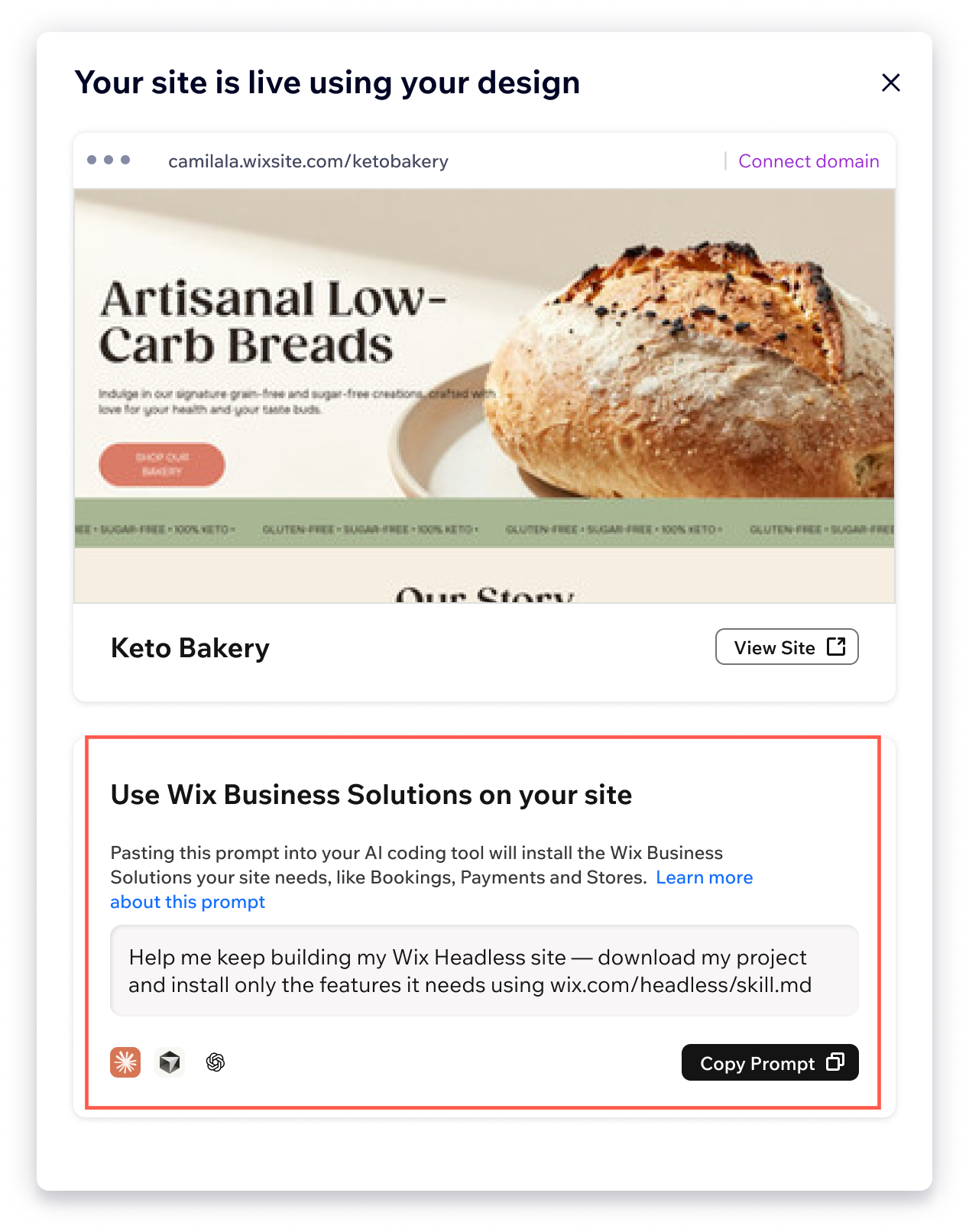
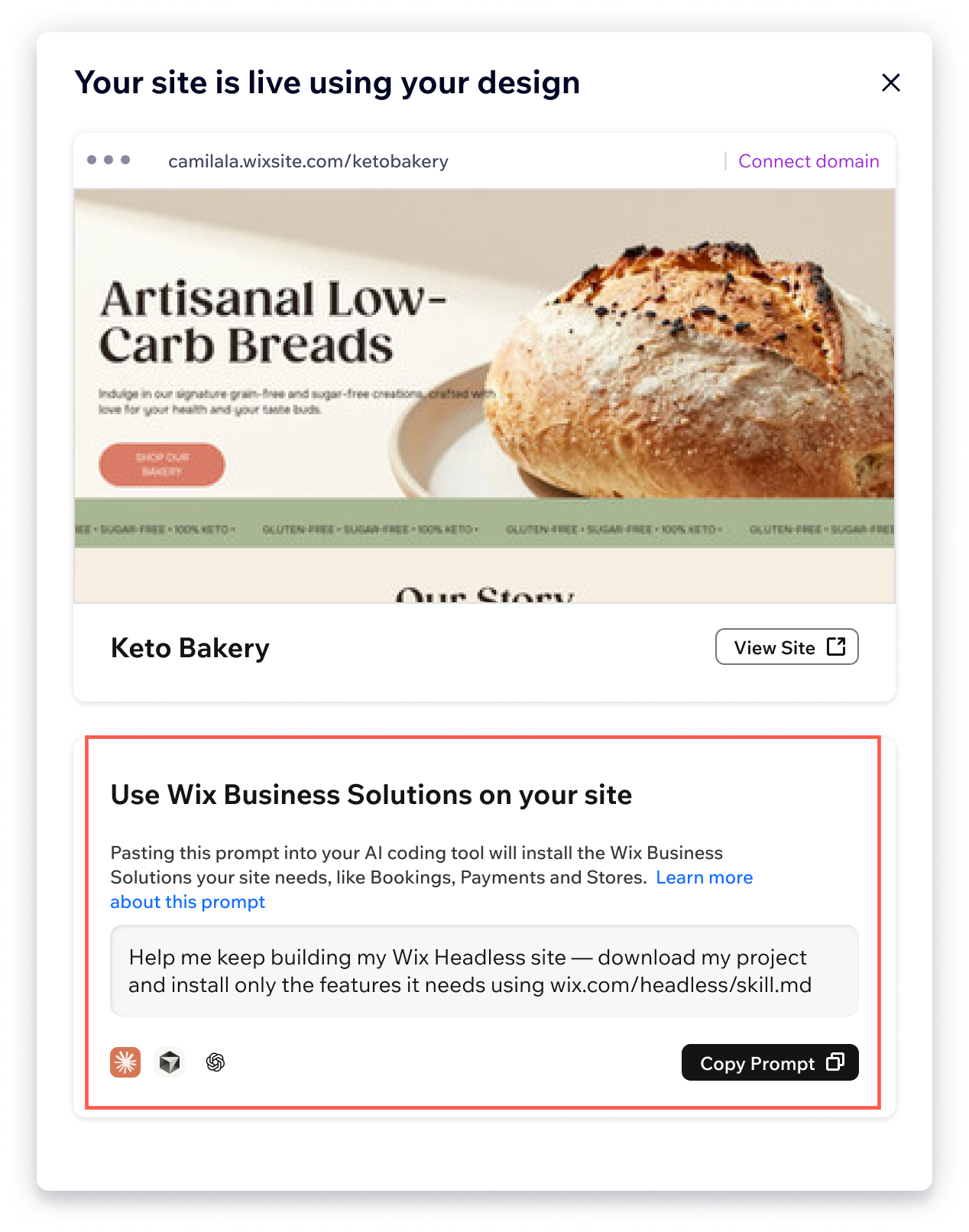
Once your design is live, the next step is to connect all your favorite Wix business solutions and apps. Copy the prompt from the Wix dashboard and paste it into your AI coding agent. The agent downloads your project and connects all the tools your site needs. From there, you can keep making edits and iterating with your AI coding tool.
Get started
For a step-by-step guide to creating a headless site from a static site, visit our developer documentation.
FAQs
Click a question below to learn more about uploading static sites.