


Wix Harmony Editor: Customizing Your Site Footer
In this article
- Customizing your site's footer
- FAQs
Think of your footer as your site’s signature at the bottom of every page — it’s the perfect spot for contact details, copyright, a
custom menu or social links. Add elements, resize to make more room and design the footer as needed.
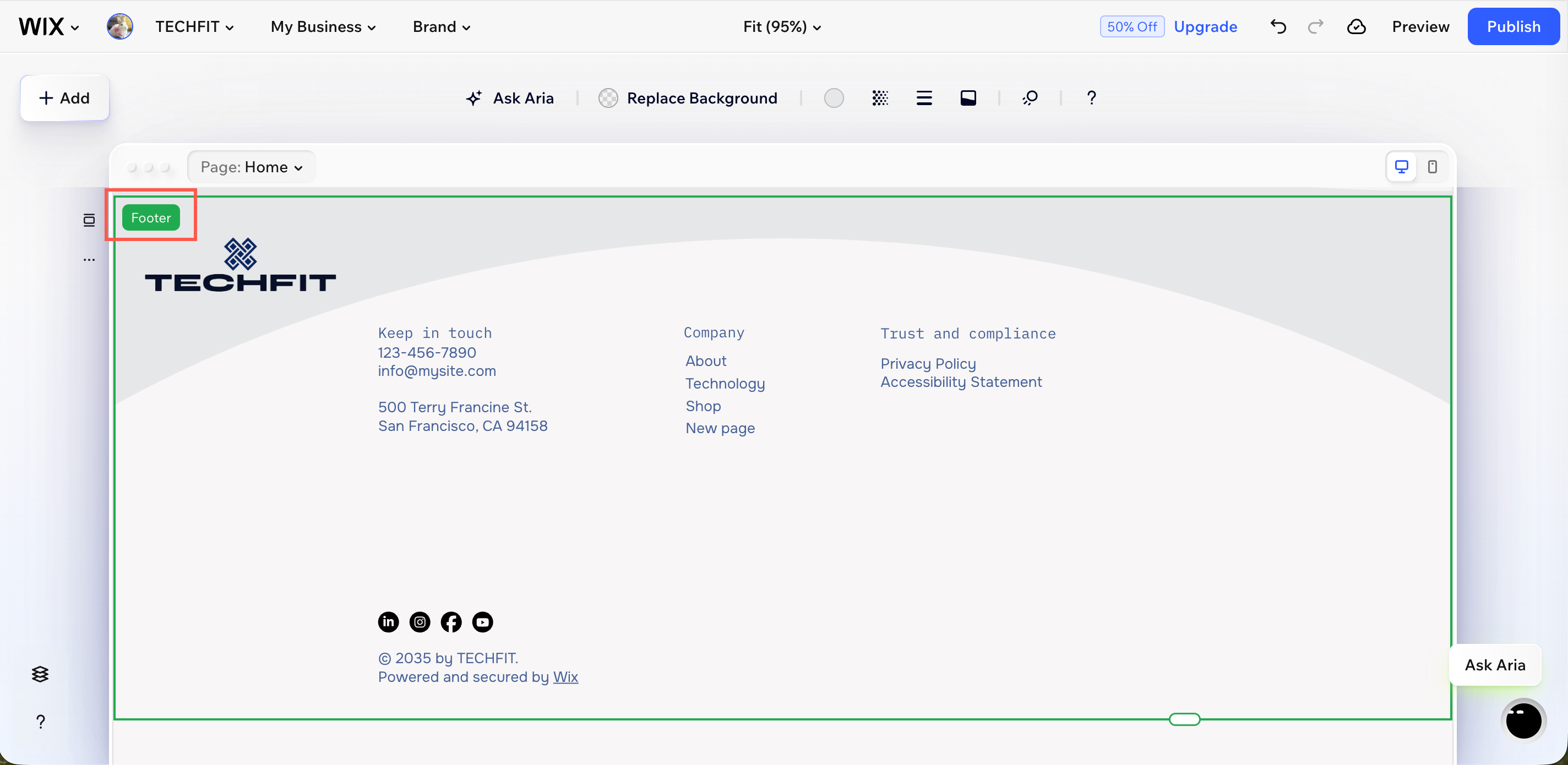
Customizing your site's footer
Personalize your footer's background, borders, dividers, and animation until it reflects your brand. Use the resize handle to make the footer as roomy or minimal as you want. Need to share more info? Make your footer bigger. Prefer a clean, simple look? Keep it small. The choice is yours.
To customize your site's footer:
- Go to your editor.
- Click the footer.
- Choose what you want to do next:
Design the footer
 to change your footer's colors to one of your site's brand colors.
  to adjust the opacity of the section background, image and colors, depending on what your section contains.
  to add or adjust borders around your footer. Change the border’s color, width, and style.
 to add or edit a line to visually separate your footer from the rest of the page.
  to make your footer fade in or fade out when the page loads.
 Resize the footer
Hide the footer
Add elements to the footer
FAQs
Click a question below to learn more.
Can I add a section below my footer or make a copy of it?
Can I create different types of footers on my site?
Should I add a menu to my footer?
