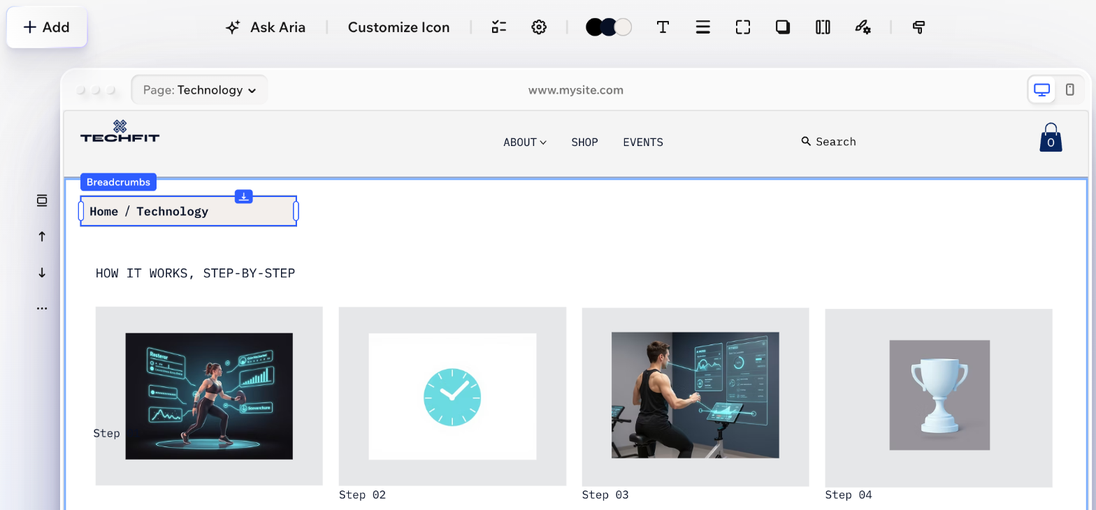
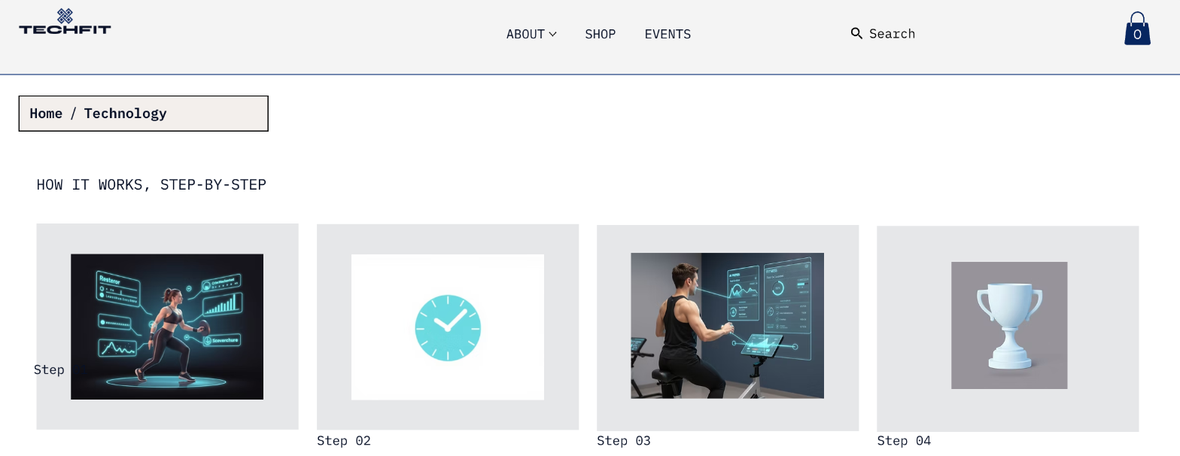
Give your visitors a trail to follow with breadcrumbs. When people can see where they are on your site, and jump back to where they came from, they feel at home and keep exploring.
Adding breadcrumbs
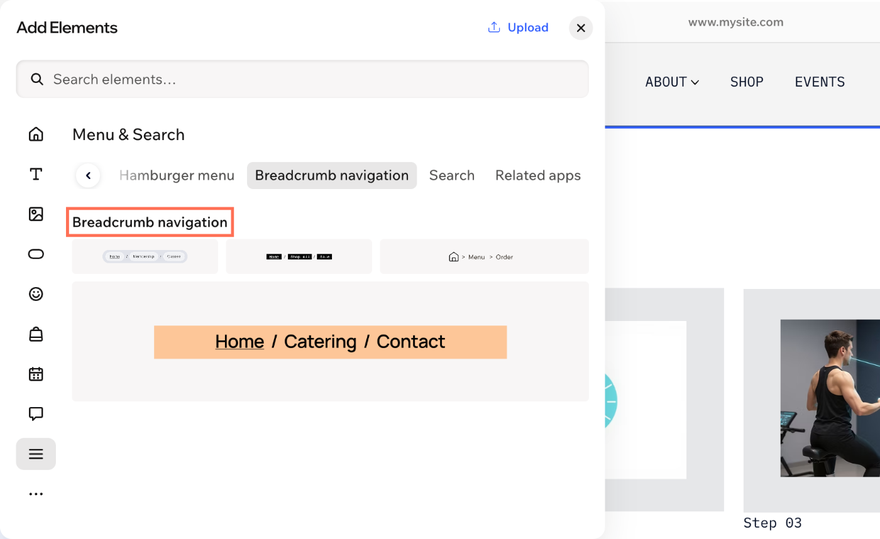
Browse the breadcrumb designs and drag your favorite onto your page, right where your visitors will find it most useful.
To add breadcrumbs:
- Go to your editor.
- Click + Add.
- Select Elements.
- Click the Menu & Search icon [icon] on the left.
- Find Breadcrumb navigation and drag a design onto your page.
Customizing breadcrumbs
Make the trail work for your site. Choose which pages it shows, decide how your homepage appears, and add an accessible name for visitors who use assistive technology.
To customize breadcrumbs:
- Go to your editor.
- Click the breadcrumbs element on your page.
- Choose how to customize it:
Choose what appears on the trail
Decide which pages show up on the trail, and whether separators appear between them.
Show or hide the separators between breadcrumbs:
Click the Display elements icon  on the action bar.
Select or deselect the Separators checkbox.
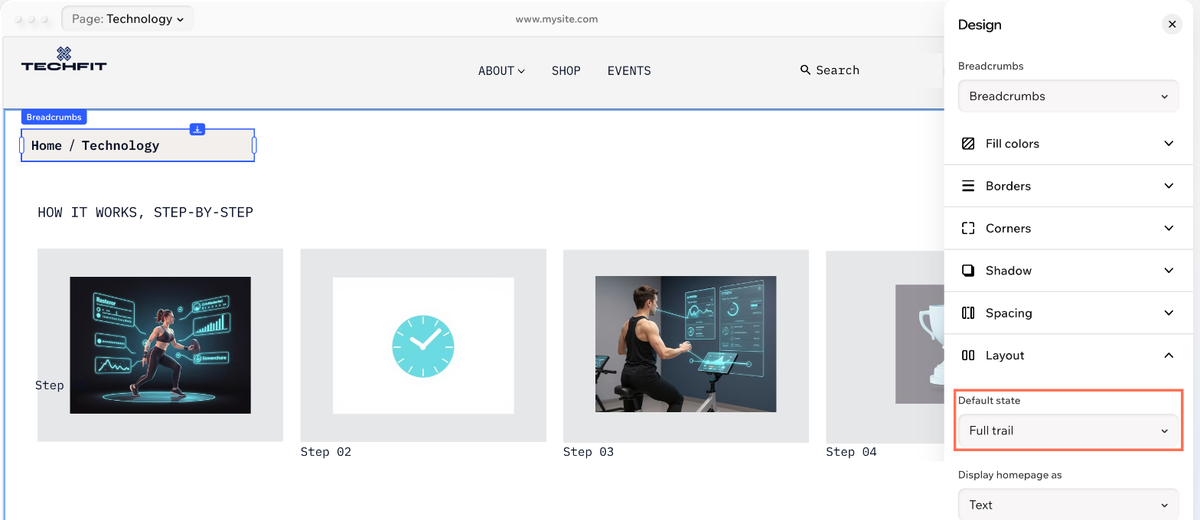
Choose the levels of hierarchy you want to show in the breadcrumbs:
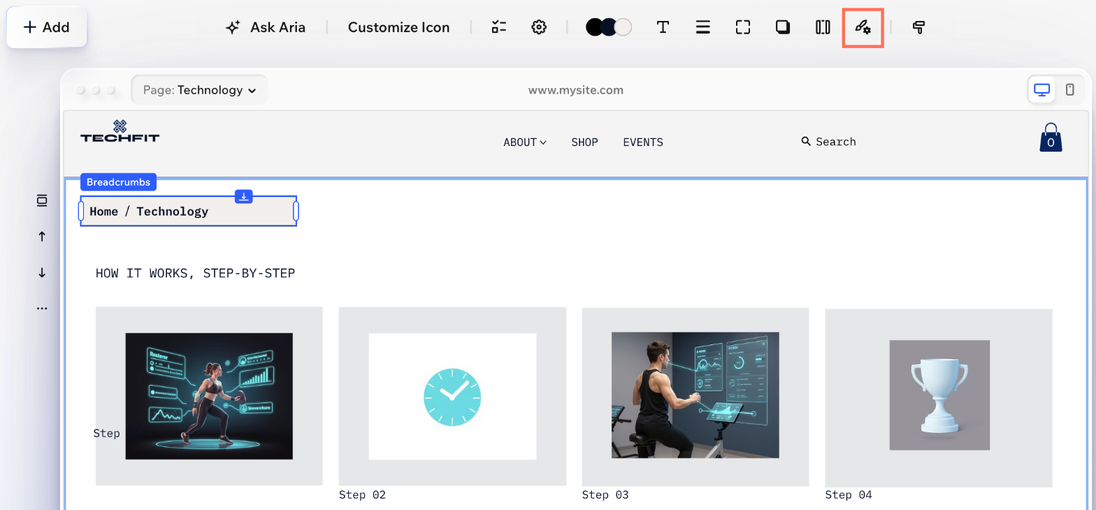
Click the All design options icon  on the action bar.
Click Layout.
Select an option from the Default state dropdown:
Full trail
Hide homepage
Hide current page
Show the homepage as text or an icon
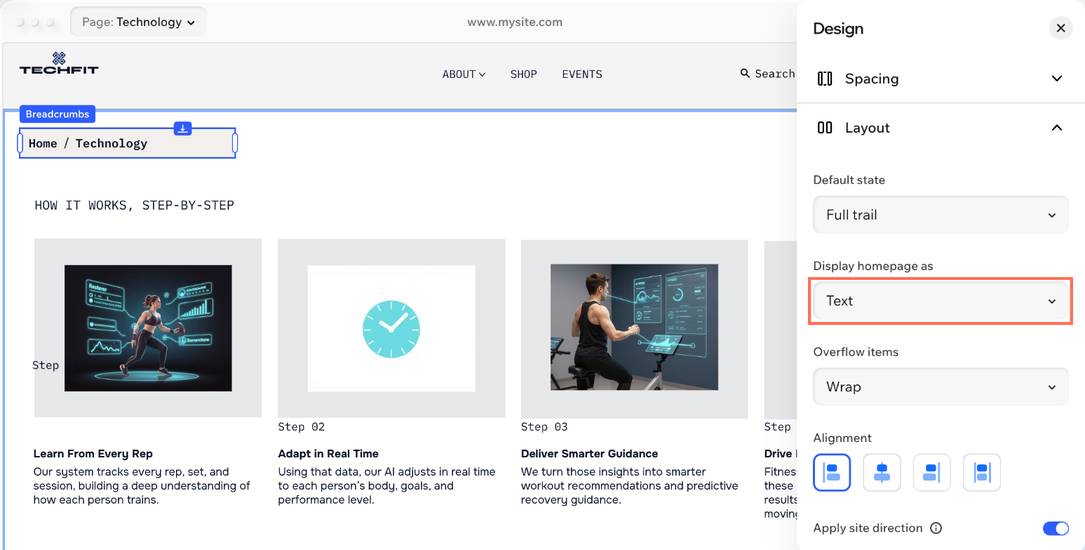
Show your homepage by name, or swap it for a small icon that fits your style.
Click the All design options icon on the action bar.
Click Layout.
Select Text or Icon from the Display homepage as dropdown.
(If you selected icon) Choose the icon you want to display:
Click Customize Icon on the action bar.
Choose the icon you want:
Give the trail a name for visitors who use assistive technology.
Click the Settings icon  on the action bar.
Enter a name in the Accessible name field.

Adjusting the layout and design
Fine-tune how the trail fits on your page and how it looks. Change the layout, tweak the spacing and style each part until the trail feels like part of your brand.
To adjust the layout and design:
- Go to your editor.
- Click the breadcrumbs element on your page.
- Click the All design options icon on the action bar.
- Choose what to adjust:
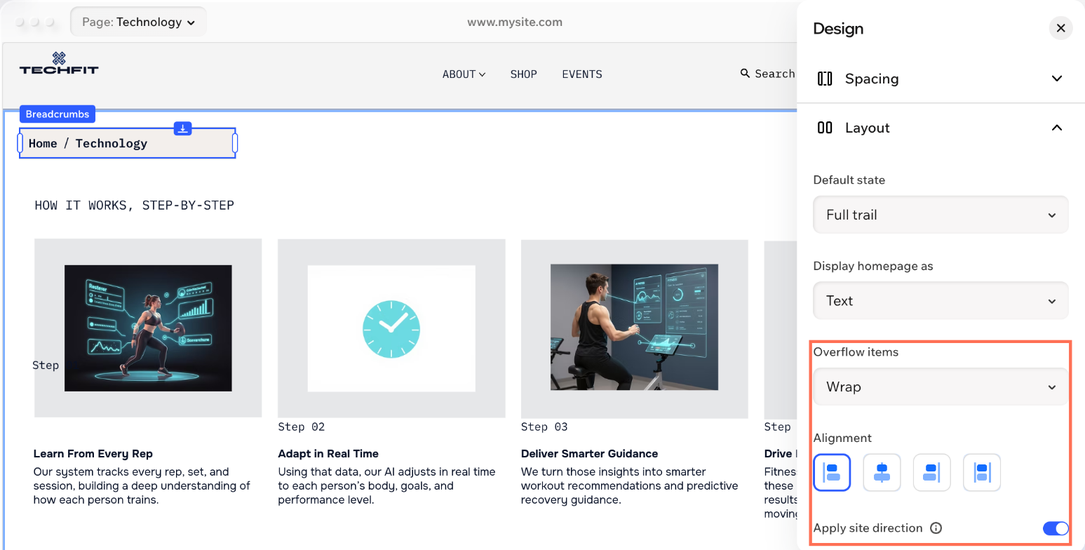
Adjust the breadcrumbs' layout
Control how items wrap, where they sit and how much space they get.
Click Layout and adjust the trail:
Overflow items: Choose what happens to items that don't fit on the trail: Wrap or Collapse (with ellipses).
Alignment: Click the Left align, Center align, Right align or Justify icon.
Apply site direction: Choose whether or not to apply your default site direction (left-to-right or right-to-left).
Click Spacing and drag the sliders (or enter a value) to adjust:
Padding: The space around the trail.
Space between items: The horizontal space between the items.
Space between rows: The vertical space between rows, when the trail wraps.
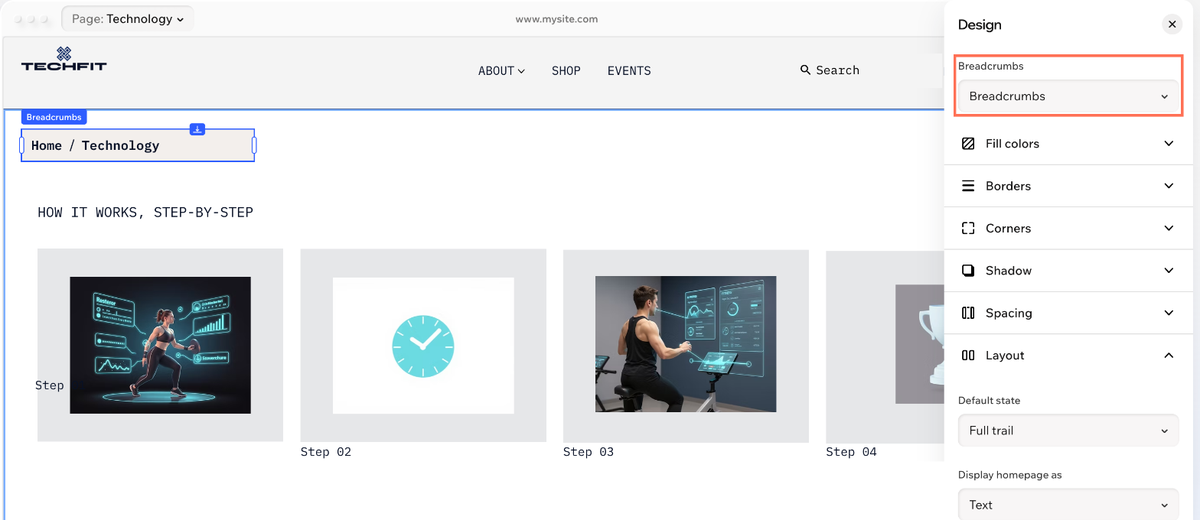
Give each part of the trail its own look, from the background to the items visitors click.
Select the part you want to design from the dropdown at the top: Breadcrumbs, Items or Separators.
(Items only) Select a state: Regular, Hover or Selected.
Design the part using the options, such as Fill colors, Text, Borders, Corners and Shadow.



 to choose a new icon from the Media Manager.