


Wix Forms: Managing Access to Form Submissions
- Managing access to form submissions
- FAQs
Choose who can view the submissions for each form. By default, only the site owner and collaborators with permission to view form submissions can see them. Collaborators get this permission through their assigned role.
To show submissions on your live site, open access to site members or to everyone. For example, you could let members fill in a profile form and browse each other’s details in a member directory. You can also show customer feedback to everyone on a testimonials page.
Once you turn on the relevant access level, you can connect a page element to your form's data to show it on your site.
Displaying submissions: Giving people access to form submissions doesn't show the submissions on your live site. To display them, connect a repeater, gallery, or table to the form's collection.
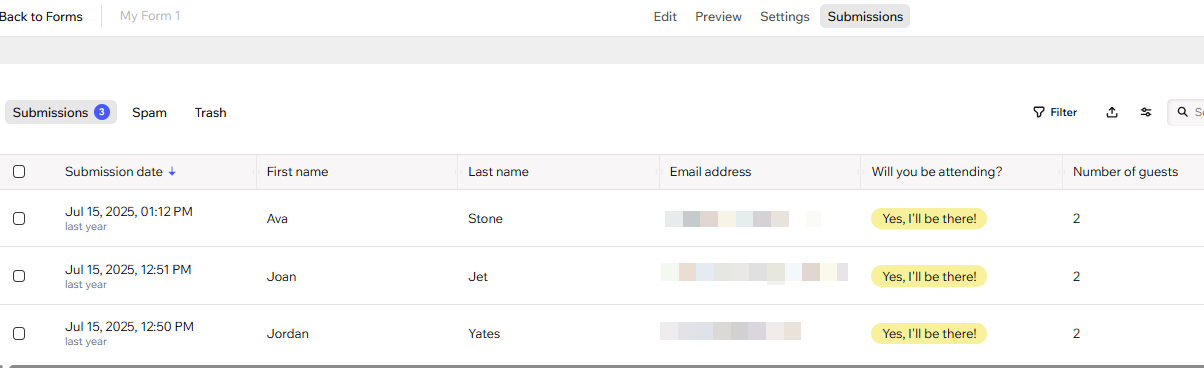
Managing access to form submissions
Choose who can view each form's submissions. For example, let site members see a list of workshop sign-ups, or let all site visitors read testimonials.
To manage access to form submissions:
Go to Forms & Submissions in your site's dashboard.
Click the More Actions icon next to a form.
Click Form settings.
Click Submission access on the left.
Choose who can view the form's submissions:
Site owner and collaborators: This toggle is always enabled. You and collaborators with permission to view forms data can always view submissions.
Site members: Enable the toggle to let logged-in site members view the form's submissions on your live site.
Everyone: Enable the toggle to let any site visitor view the form's submissions on your live site. This also enables the Site members toggle. Third-party apps can also access these submissions through the API, even if they aren't installed on your site.
Click Save.
 next to a form.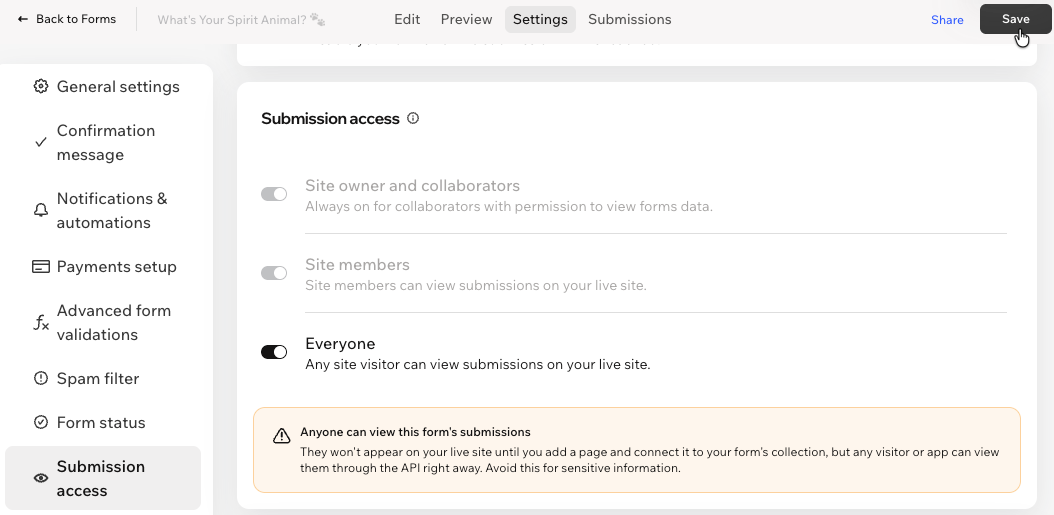
FAQs
Click a question below to learn more.