


Setting up Shipping for Google Shopping
1 min
When a shopper finds one of your products on Google Shopping and clicks it, they go straight to your store to complete checkout. The same shipping rules you set up in your Wix dashboard apply to these orders, just like any other sale.
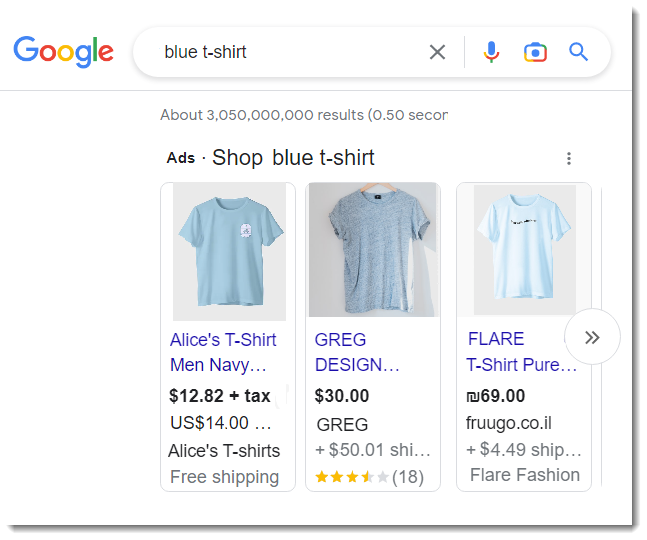
Google also requires you to enter your shipping rules in your Google Shopping settings. This tells Google what shipping details to show in your ads and which shoppers should see them. For example, if you indicate that you do not ship to France, Google will not show your ads to shoppers in France.
Applying Wix shipping settings in Google
In most cases, you'll want to enter the same shipping settings in Google Shopping that you use in your online store. To copy those existing rules over to Google with a click, select Google Merchant Center shipping settings.
Tip:
After applying the settings, you can still access the settings in Google to make changes.
Manually entering shipping settings
If you prefer to set up shipping from scratch in Google, select Wix store shipping settings.
