
Multi-Currency: Overview
4 min
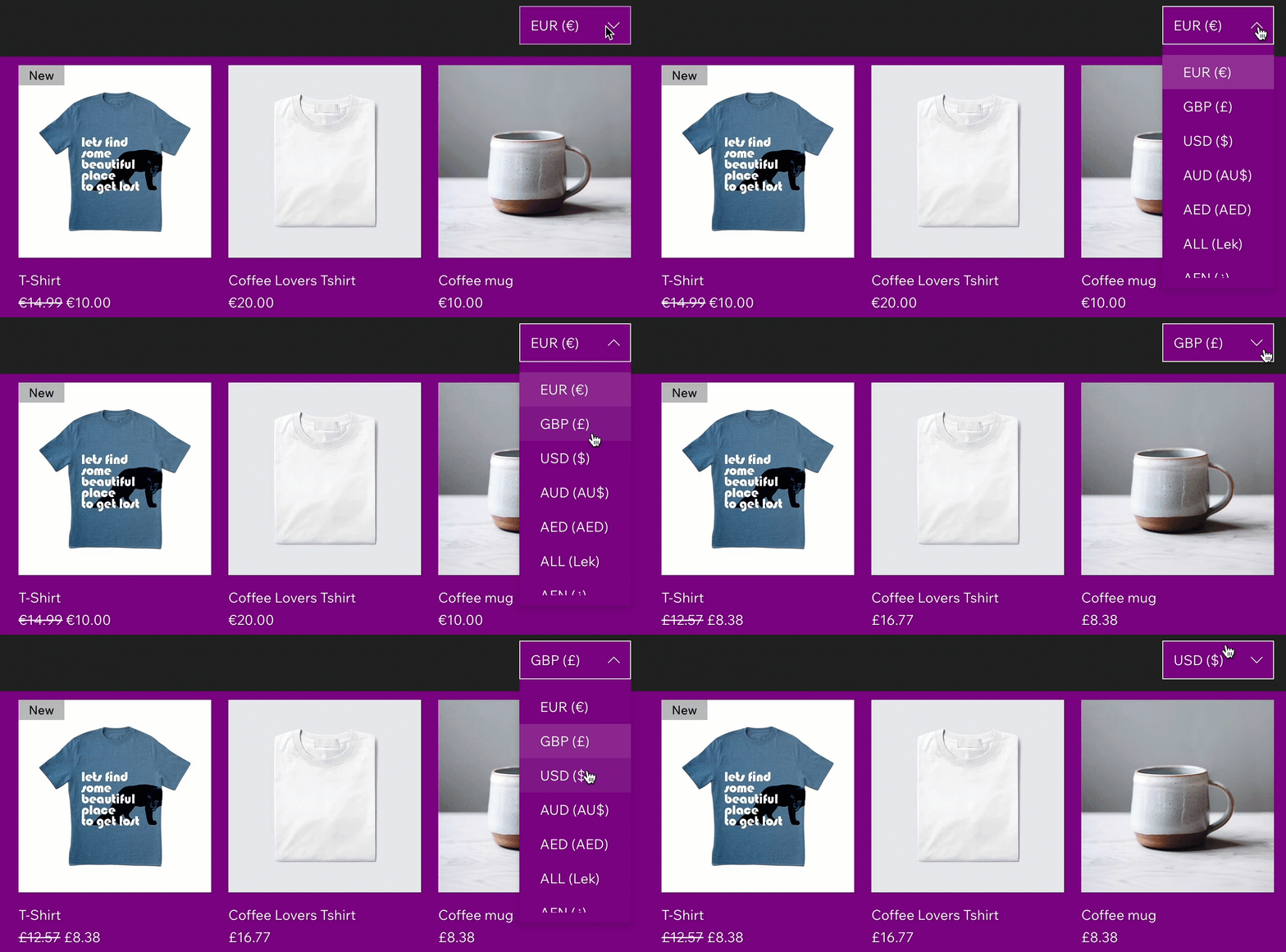
Multi-currency allows you to offer customers the convenience of viewing prices and paying in their local currency. This means that customers can check out in a currency that is different from your main site currency.
For example, your site's main currency is US dollars. You've enabled Multi-currency to offer product prices in Euros as well. With this feature, a customer can complete their purchase and pay in Euros—not just view the prices in that currency.
Before you begin:
- Currently, Multi-currency is available for eligible sites with Wix Payments, and for sites using PayPal or Stripe as a third-party provider. Multi-currency is available for Wix Stores, Wix Bookings, and Wix Donations.
- Supported currencies and payment methods depend on the provider:
- Only payment methods that support your customer's currency appear at checkout.
- If a customer's local currency isn't supported or included in your currency converter, they will view prices and pay in your site's main currency at checkout.
- For Wix Payments transactions with Multi-currency, fees are based on your country and selected payment method. For example, in the US, these include a processing fee based on the payment method used (2.9% + 0.30 USD for Credit/ Debit Cards, (excl. American Express)), a currency conversion fee (1%), and a cross-border fee (1.5%, if applicable). To view fees specific to your country, see Wix Payments fees by country. If you use PayPal or Stripe as a third-party provider, check the provider's terms for their associated fees.
Enhance the customer experience
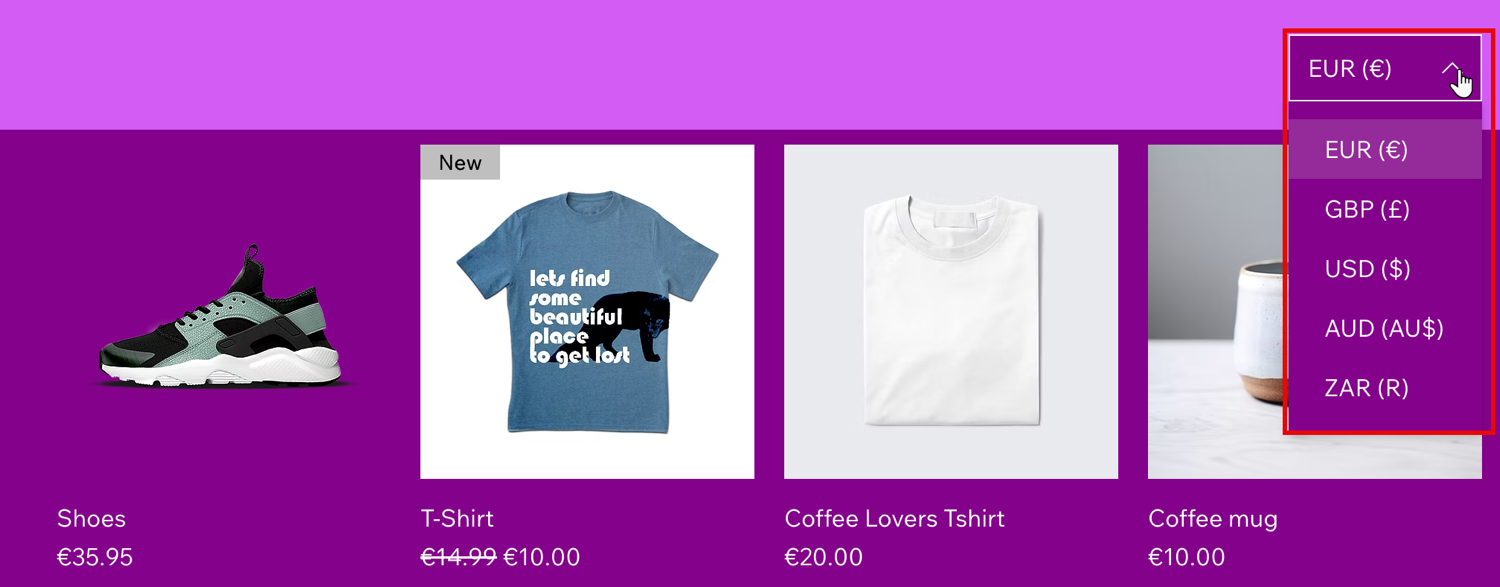
Offering multiple currencies enhances the shopping experience for your customers. Displaying prices in their local currency helps them clearly understand costs, while allowing payment in their currency makes the checkout process more convenient and trustworthy.
Did you know?
Allowing customers to view prices and pay in their local currency may boost your conversion rates by up to 20%.
Increase international sales and conversions
Attract and cater to customers in different markets by displaying and accepting payments in their local currency. Prices are converted automatically using current market exchange rates from the
XE Currency Converter and updated daily. Offering prices and checkout in local currencies reduces barriers and improves the likelihood of completed purchases.
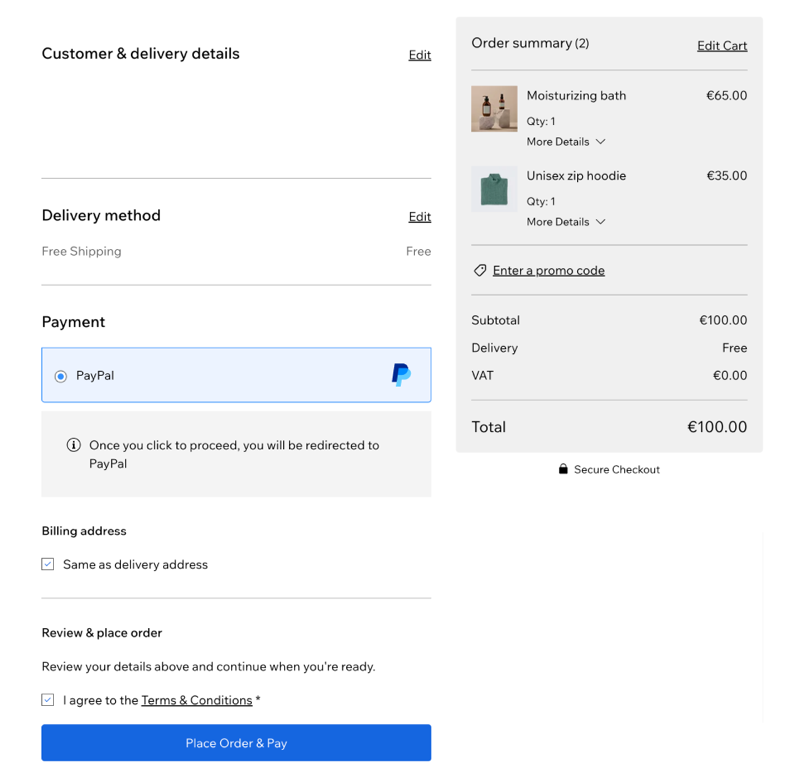
At checkout, only payment methods that support Multi-currency are shown. For example, Klarna is only available for your site's main currency. For Multi-currency transactions with Wix Payments, processing, currency conversion, and cross-border fees apply (If applicable). If you use PayPal or Stripe as a third party provider, check with your provider for any additional conversion fees.
Easy setup and management
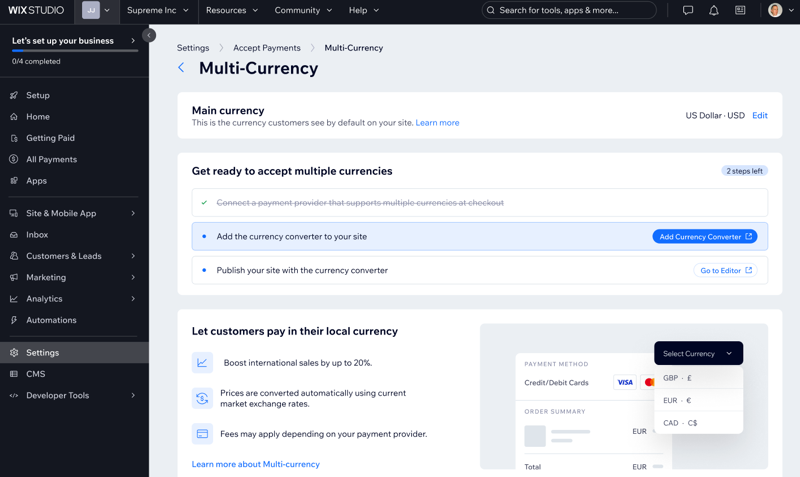
Setting up multiple currencies on your site is quick and straightforward. You can enable customers to view prices and pay in their local currency in just a few steps.
Head over to
the step-by-step guide on how to set up Multi-currency or remove it from your site.
FAQs
Click a question below to learn more about Multi-currency.
How do I enable Multi-currency on my Wix site?
How many currencies can I offer on my site?
Can gift cards be purchased in multiple currencies?
Are manual or edited orders supported when using Multi-currency?
Can I charge orders in multiple currencies?
Will offering multiple currencies affect my conversion rates?
Can I delete the currency converter?
What happens to subscription payments purchased using Multi-currency?