header-logo
Learn how to use Wix to build your site and business.
Design and manage your site using intuitive Wix features.
Manage subscriptions, plans and invoices.
Run your business and connect with members.
Learn to purchase, connect or transfer a domain to your site.
Get tools to grow your business and web presence.
Boost your visibility with SEO and marketing tools.
Get advanced features to help you work more efficiently.
Find solutions, learn about known issues or contact us.
placeholder-preview-image
Improve your skills with our courses and tutorials.
Get tips for web design, marketing and more.
Learn to increase organic site traffic from search engines.
Build a custom site using our full-stack platform.
Get matched with a specialist to help you reach your goals.
placeholder-preview-image
In this article
  • Reach your goals faster
  • Stay in control of your design
  • Build with ease
  • Express your unique style
  • Deliver a seamless mobile experience

Introducing the Wix Harmony Editor

3 min
In this article
  • Reach your goals faster
  • Stay in control of your design
  • Build with ease
  • Express your unique style
  • Deliver a seamless mobile experience
With the Wix Harmony Editor, you can build your site with complete confidence — even if it’s your first time. Everything is simple and intuitive, so you always know what to do next and never feel overwhelmed.
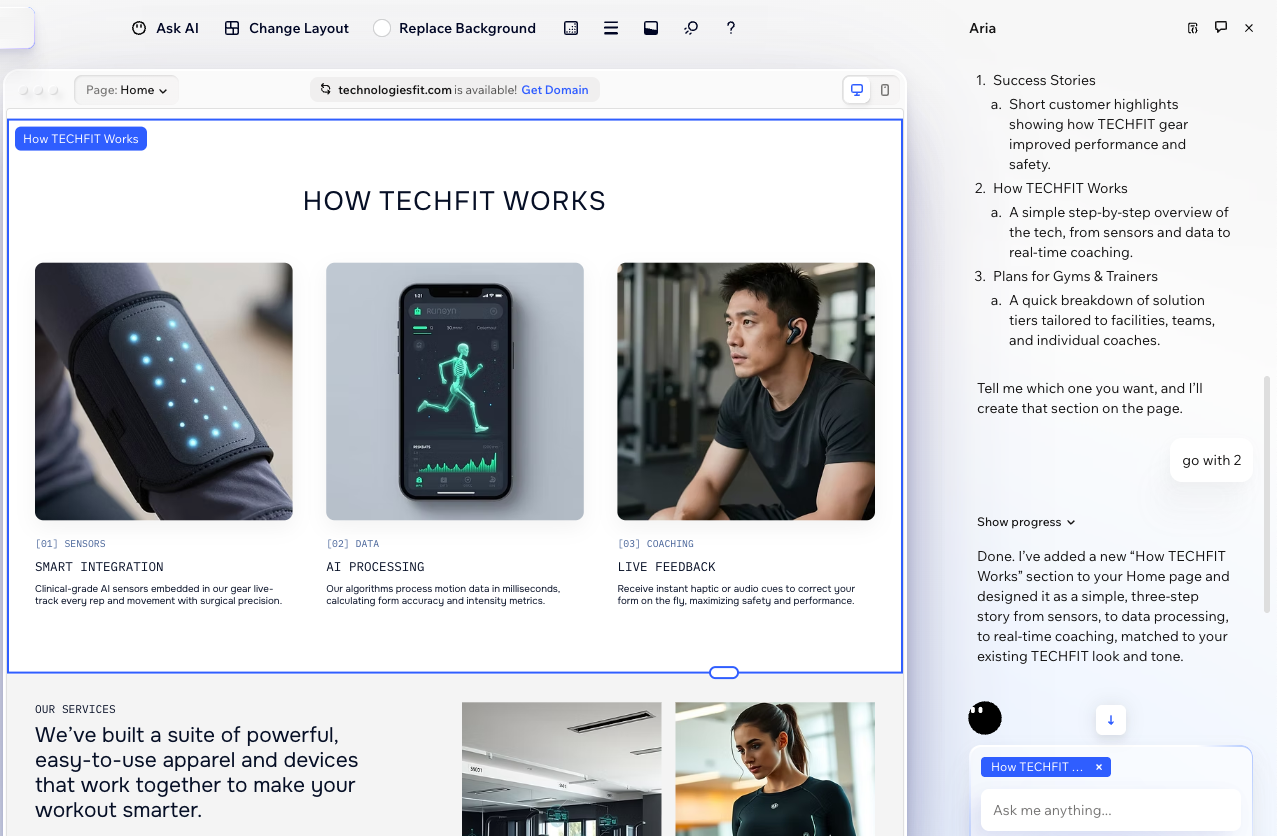
While you have full control of your design, Aria, your AI partner, is always there when you need a boost. Ask questions, get instant help and let Aria perform actions so you can focus on bringing your vision to life.
In this article, learn all about the Wix Harmony Editor and the natural creation experience that it offers.
Ready to get started?

Reach your goals faster

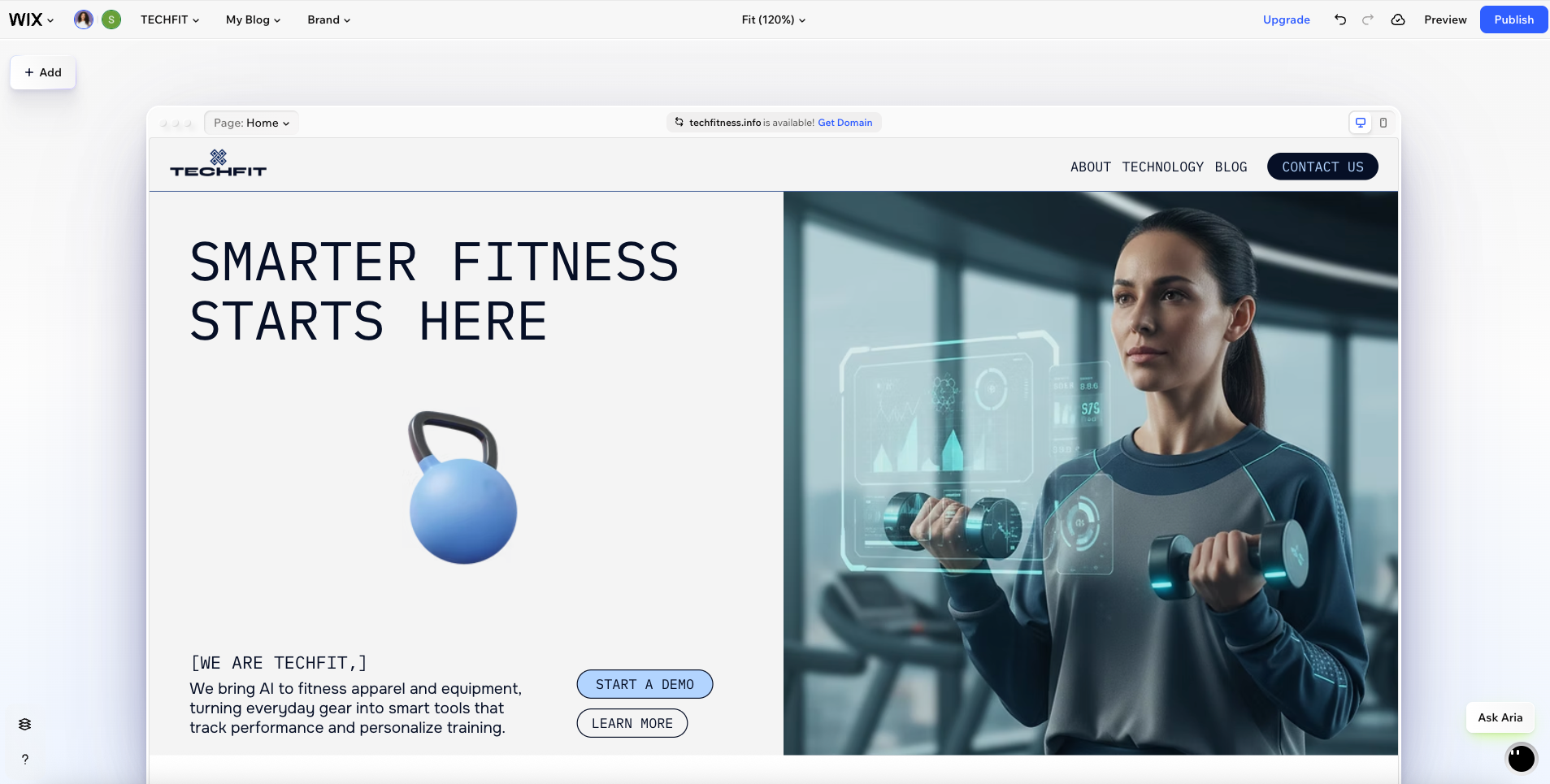
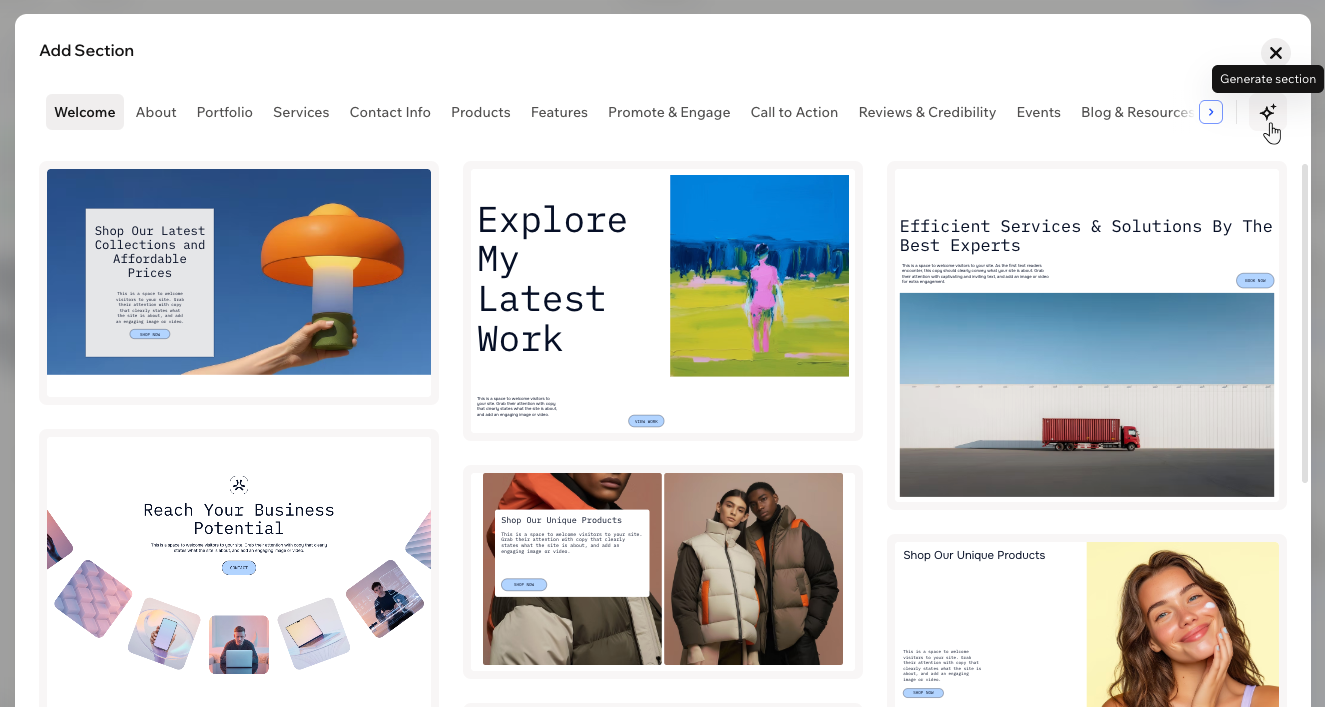
Wix Harmony gives you built-in tools for every kind of goal, whether you want to launch a store, share a portfolio, start a blog, or anything else. Start from professionally designed site templates and ready‑made sections, or use AI to quickly generate pages and sections. Customize the layouts, images, and text as much or as little as you need.
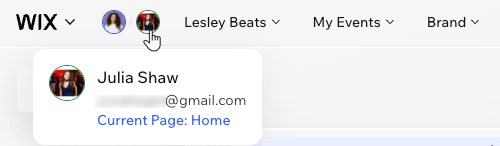
Working with others? You and anyone you invite can collaborate live on a site and work on your design together – all in real time.

Stay in control of your design

With Wix Harmony, you’re never limited to one way of working – build your site visually with precise drag and drop, or let AI generate designs that you can refine. 
You can keep things simple by using ready‑made templates, or dive deeper and customize every detail — it’s completely up to you. Add elements, move content around, and adjust the layout to get the exact look and feel you're going for. 
Build with ease

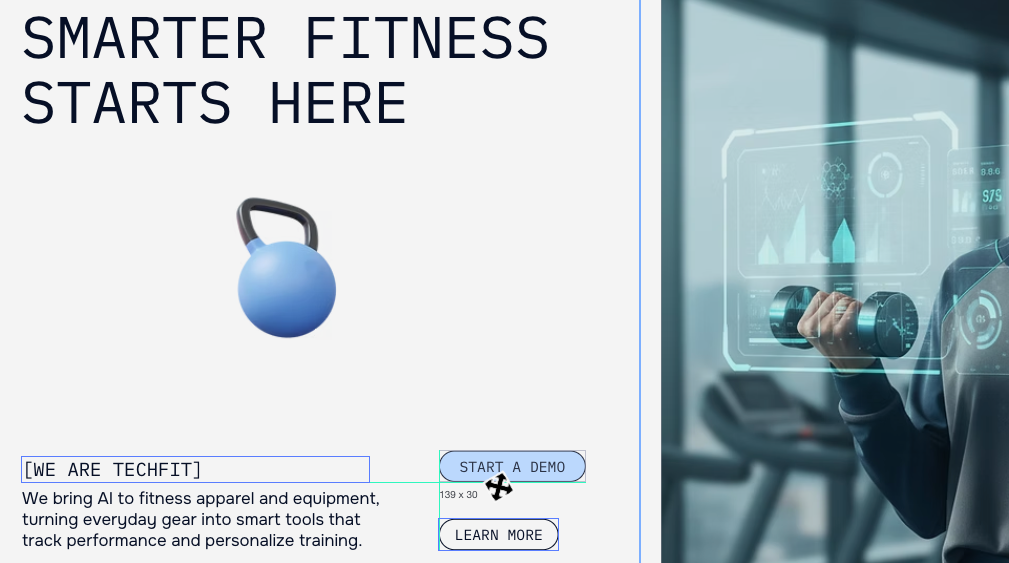
Everything in the Harmony Editor is made to be simple, even if you've never built a site before. The dynamic action bar at the top shows the most relevant tools for the element you’re working on. The interface is clean and easy to scan, so you spend less time searching and more time making your site look the way you want.
Need help while working on an element? Click Ask AI on the action bar to start chatting with Aria. Choose one of our quick suggestions (e.g. 'Generate new design', 'Fix layout'), or type your own question and let Aria handle it for you.
Good to know:
You can always click the Aria icon at the bottom right of the editor to start a new chat at any time.

Express your unique style

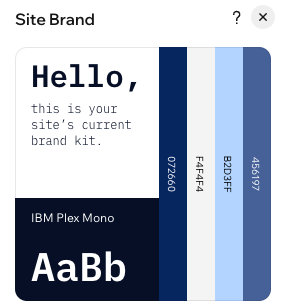
Make your site look and feel like you. Use the Brand panel to set your color palette, fonts, and styles for elements you’ll use across the site, so your whole design stays consistent and polished.
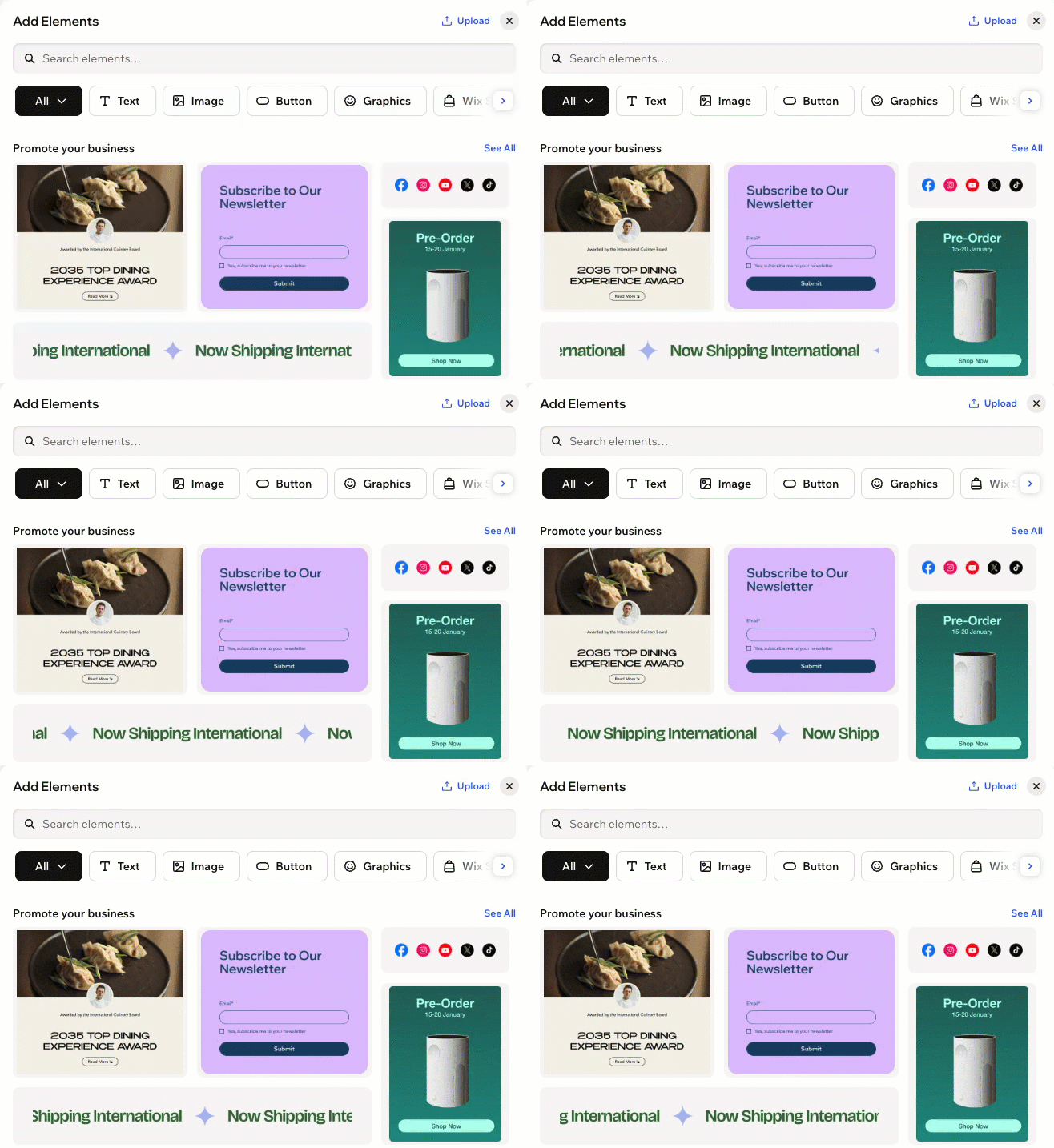
Add a touch of personality by choosing from thousands of free graphics, images, videos, icons, and more — all organized in categories and easy to find in the Add Elements panel. You can also apply expressive animations to your elements to keep visitors engaged.
Interested in something completely custom? Generate your own unique element with AI. This gives you endless more options without needing any design or coding experience.

Deliver a seamless mobile experience

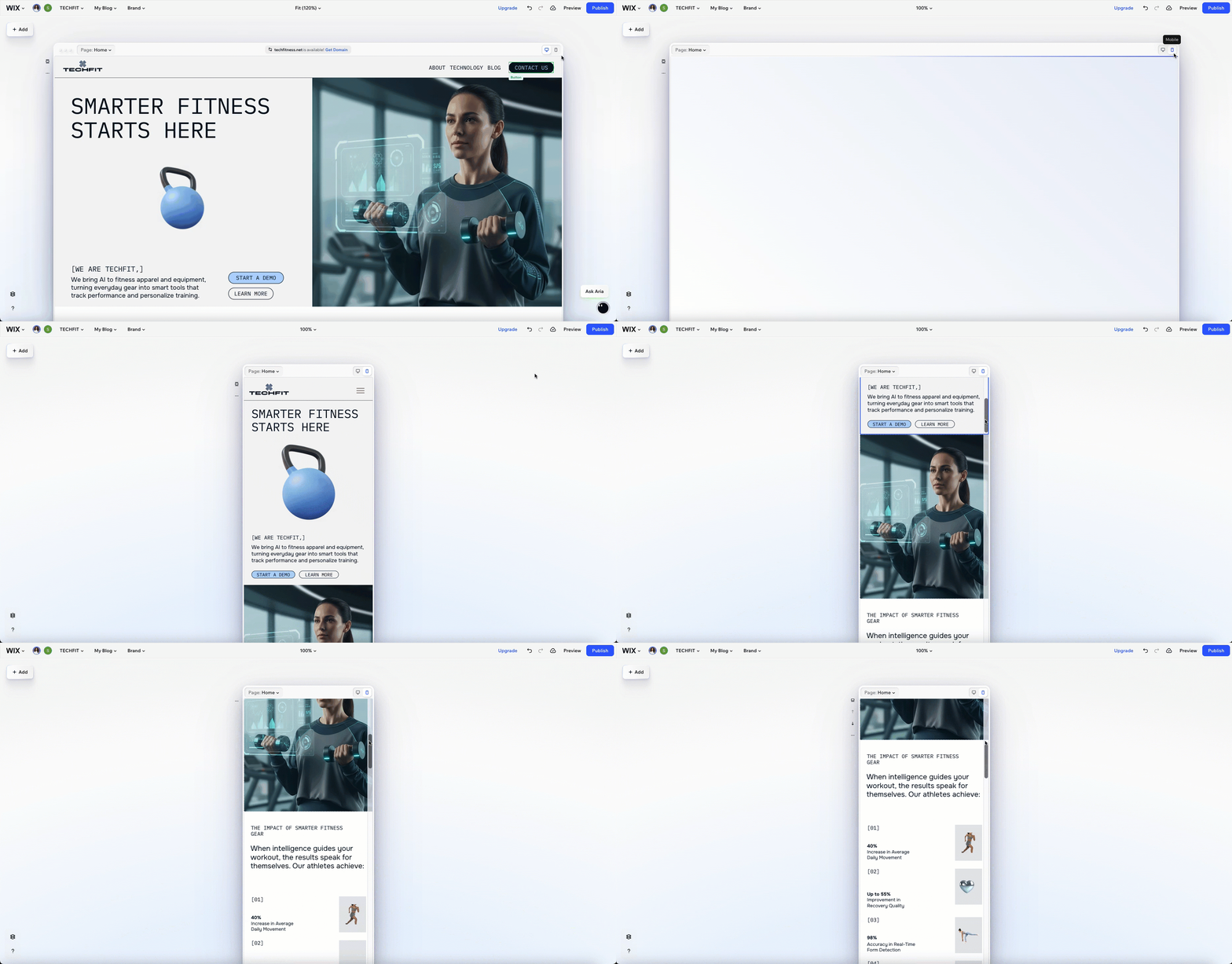
With Wix Harmony, your site is automatically responsive — it instantly adjusts to look good on any device, from desktop to smartphone. You never have to build a separate mobile version or worry about how your site looks on different devices.
Want to fine-tune your mobile experience? Switch to the mobile view in the editor at any time. You can resize and move elements, hide elements from mobile, or even add mobile-only elements to make your site work smoothly for every visitor. 

Helpmate

Hello

Need a bit more guidance?
Summary of this article
Unlock personalized helpLog in to get the most out of Helpmate.