


AI Custom Agent: Understanding Integrations
In this article
- About the integrations
- External integrations
- Built-in tools
- Managing integrations
- FAQs
Important:
Starting September 2026, the AI Custom Agent is no longer available on new accounts. If you already have the AI Custom Agent set up on your site, you can continue using it as usual.
To build a team of AI agents that handle tasks and help run your business, try using Symphony by Wix.
Integrations let the
AI Custom Agent connect to different external platforms and tools so it can proactively perform tasks on your behalf.
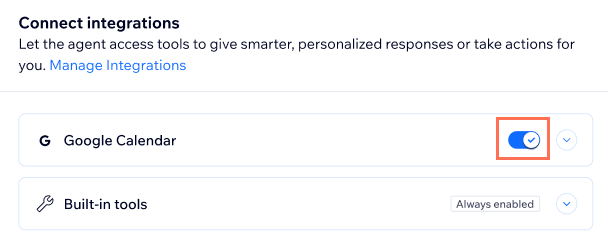
When you
create a task or an
automation that uses the AI Custom Agent, you can enable integrations and connect your accounts. If you later want to make any changes to your connected accounts, you can do this from the
Integrations page.
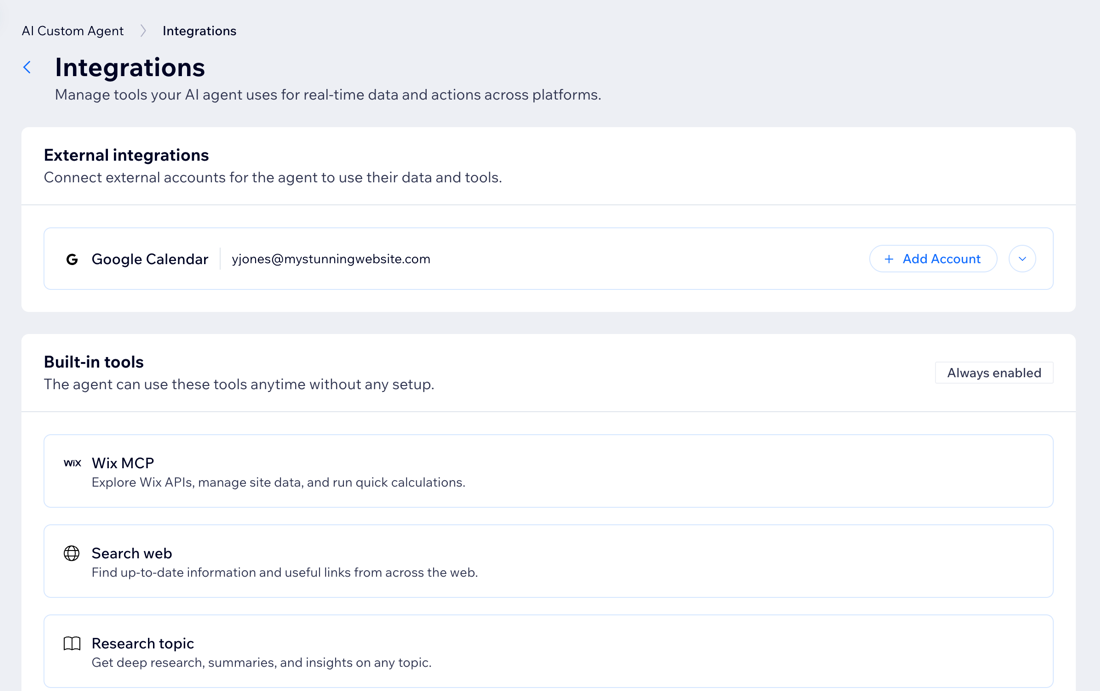
About the integrations
There are two types of tools available: built-in tools that come ready to use, and external integrations that require you to connect to third-party services. Continue learning about each below.
External integrations
These integrations connect your Custom Agent to third-party services. For example, if your agent's task involves managing your Google Calendar, connecting that integration lets the agent check your schedule and add events, effectively acting as your personal assistant.
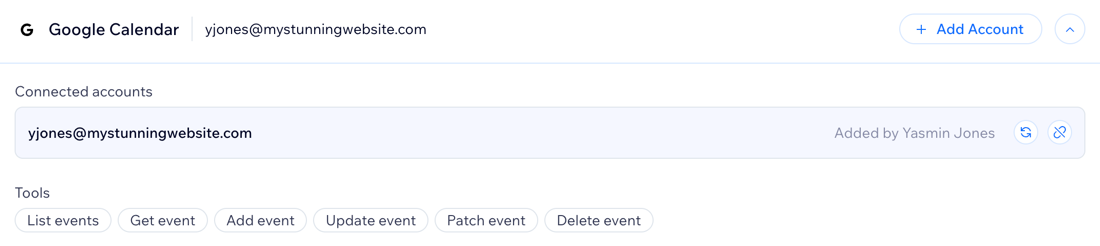
After you connect an account you can see the list of tools the agent can use for that integration and who connected or last updated the account.
Tip:
You can connect multiple accounts under the same integration (e.g. two different Google accounts).
Built-in tools
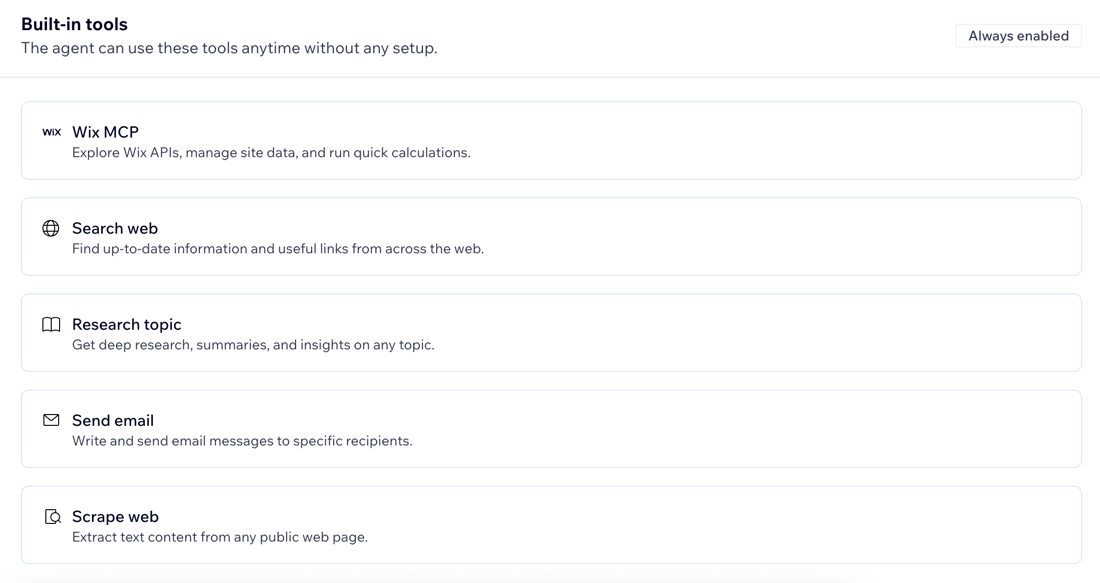
These tools are always enabled and don't require authentication. The Custom Agent can use these automatically:
- Wix MCP: Explore Wix APIs, manage site data, and run quick calculations.
- Search web: Find up-to-date information and useful links from across the web.
- Research topic: Get deep research, summaries, and insights on any topic.
- Send email: Write and send email messages to specific recipients.
Important: Emails that the Custom Agent sends run through Wix Automations and count towards your monthly Wix Email Marketing balance. If the balance is exceeded, you can no longer send emails until you either upgrade your Email Marketing plan or the balance resets. - Scrape web: Extract text content from any public web page.
Managing integrations
All of your integrations are managed from one place so you can quickly see what is connected, refresh access, or remove accounts you no longer want the agent to use. This includes integrations you connected while creating tasks or automations.
To manage integrations:
- Go to the AI Custom Agent in your site's dashboard.
- Click the More Actions icon
 at the top.
 - Select Manage integrations.
- Choose what to do:
Connect an external account
Re-authenticate an external account
 next to the relevant connected account.
Remove an external account
 next to the relevant connected account.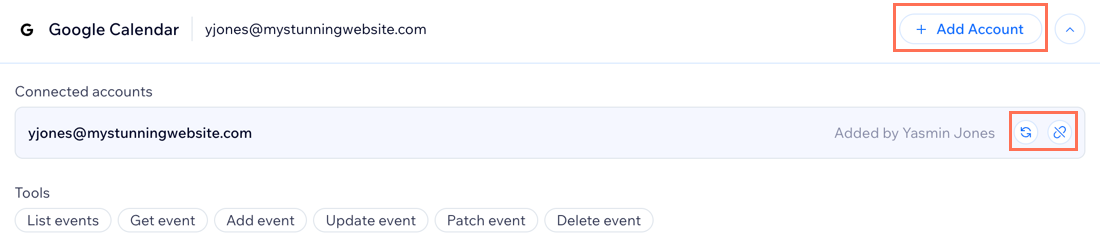
FAQs
Click a question below to learn more about this.
Why does my integration show it expired?
Can I limit which tasks can use a specific integration?
Why can I see an account that someone else added?
